

Best Free AI Personal Assistants in 2026: I Tested 10, So You Don’t Have To
When I first started using AI assistants, I downloaded like five of them in one week and had absolutely no idea which one to actually stick with.
ChatGPT for this, Gemini for that, Perplexity when I needed sources… it was chaos.
So I did what any slightly obsessive productivity nerd would do. I sat down, used each one for real tasks (not just “write me a poem” demos), and figured out where each one actually earns its place.
What I found would surprise you: About 19% of consumers today utilize an AI assistant like Meta AI as their primary research tool for online shopping! This showcases a dramatic shift in discovery behavior amongst the users.
It also signals the bright future of AI personal assistants and the unique ways we can utilize these tools in our day-to-day lives.
This guide is the result of that deep dive research. It contains no fluff, no vendor talking points, just honest takes on what works, what doesn’t, and which free AI assistant is worth your time, depending on what you actually need it for.
What is the simple definition of an AI Personal Assistant?
For a moment, imagine possessing a really smart, always-available colleague who never gets tired and never judges you for asking a silly question even at midnight.
An AI personal assistant is software that understands plain English (or whatever language you prefer), responds intelligently, and helps you get things done – writing, research, coding, brainstorming, answering questions, you name it.
The difference between today’s AI assistants and what we had five years ago? Quite a lot. In fact, these are not the robotic chatbots that used to provide you with an FAQ link when you enquired about a real question.
Contemporary tools can follow complex instructions, recollect what you said a moment ago in a conversation, search for things instantly, and even comprehend images you sent them.
And the wild part? Most of the best ones are completely free.
Why You Should Actually Be Using One
I get it, maybe you have tried one of these and thought “meh, it hallucinated something and I don’t trust it.” Fair. But hear me out on why they’re worth another shot.
- You get time back. I used to spend half an hour drafting a client email even when I was not convinced writing it. Now? I give the AI the context, tweak the output in two minutes, and I’m done. That time adds up fast.
- Your first draft doesn’t have to be painful anymore. Staring at a blank page is brutal. Having something – even something rough – to react to is so much easier. AI gives you that starting point instantly.
- It is as if you have the company of a research assistant, a call away. Rather than opening multiple browser tabs and spending one hour accumulating things, you enquire and get a synthesized answer.
- Then you move ahead without any judgment or urgency. You can ask the same question four different ways until you understand it. You can say, “explain this like I’m in high school.” You can think out loud without feeling self-conscious. That’s genuinely useful.
How I Picked These Tools
I wasn’t even searching for the most technically impressive AI. I was looking for tools that are actually useful for real people in real-life scenarios.
Here are some of the things that I devoted my time to:
- Was the free tier actually allowing me to do meaningful work, or was it just another teaser?
- How precise was it? Does it make stuff up with confidence, or does it flag uncertainty?
- How’s the experience? Is the interface annoying? Does it feel slow?
- What’s it genuinely good at? (Every tool has a sweet spot)
- What are the real limitations of the free plan?
I used each tool for writing, research, coding help, brainstorming, and general Q&A. Some surprised me. Some disappointed me. I have covered all of these on this list for a definitive purpose.
Quick Comparison Table
Tool | Free Tier Quality | Best At | Web Search | Image Support |
ChatGPT | ⭐⭐⭐⭐ | Everything | Limited | Yes |
Claude | ⭐⭐⭐⭐ | Writing & reasoning | No | Yes |
| ⭐⭐⭐⭐ | Google integration | Yes | Yes | |
Microsoft Copilot | ⭐⭐⭐⭐ | Research + Office | Yes | Yes |
Perplexity AI | ⭐⭐⭐⭐⭐ | Research & sourcing | Always on | Limited |
DeepSeek | ⭐⭐⭐⭐ | Coding & logic | No | Limited |
HuggingChat | ⭐⭐⭐ | Open-source flexibility | Via plugins | Yes |
Pi by Inflection | ⭐⭐⭐ | Conversation & reflection | No | No |
Meta AI | ⭐⭐⭐ | Casual, social use | Yes | Yes |
The 10 Best Free AI Personal Assistants – Honest Reviews
1. ChatGPT (Free Tier)
Best for: Most of the people at most times
ChatGPT is still the one I tell people to start with. Not because it’s perfect, but because it’s the most capable generalist on this list, and the free tier is legitimately useful.
You get GPT-4o on the free plan now, which is huge. That’s their flagship model with image understanding, solid reasoning, and natural conversation. A year back, you had to pay for using this feature.
What I actually use it for: Swift rewrites, brainstorming product names, explaining concepts I found difficult to comprehend, and drafting things I don’t want to deliberate upon too hard.
The honest downside: Hit it too hard, and you’ll see the rate limit message. Then it drops you to a slower model. It is not a dealbreaker for casual purposes; however, if you are lifting heavy work, you will feel the ceiling pretty quickly.
Free tier bottom line: Solid. The limits exist, but there’s enough room to do real work before you bump into them.
2. Claude (Free Tier) – Anthropic
Best for: Writers, analysts, and anyone who needs the AI to actually think
Full disclosure alert! Claude is the AI behind this very article. But I’ve used it enough to give you a straight take.
What Claude does differently is actually read what you wrote. Give it a long, layered prompt with multiple conditions, it will hit all of them. Most tools kind of skim and guess. Claude tends to engage with the specifics.
It is also more careful about accuracy. When it doesn’t know something, it says so. That sounds elementary; however, it is a rarer quality than that of most LLMs.
What I actually use it for: Long-form drafts, editing, working through complex decisions, anything where I need coherent thinking across a long conversation.
The honest downside: No web browsing on the free tier, and there’s a daily message limit. If you hit it mid-project, that is frustrating.
Free tier bottom line: Best writing and reasoning quality on this list. The limits sting if you use it heavily, but for focused work sessions, it’s excellent.
3. Google Gemini (Free Tier)
Best for: Google Workspace users
If your life runs on Gmail, Google Docs, and Google Calendar, Gemini isn’t just an AI assistant. It is a layer that connects all of it.
“Summarize my unread emails from today.” “Find th at document about the Q3 budget.” “What does my Tuesday look like?” These aren’t demo scenarios; I actually use Gemini for this stuff, and it saves real time.
Outside of Google integrations, Gemini is a capable all-rounder. The free tier includes real-time web search, image understanding, and access to a solid underlying model without a meaningful usage cap.
The honest downside: The conversational personality feels a bit corporate. It gives you correct, safe answers. It doesn’t surprise you much. Also, it’s clearly optimized to keep you in the Google ecosystem, which is either a feature or a bug depending on your setup.
Free tier bottom line: If you use Google apps all day, this is a no-brainer. If you don’t, it’s still good; just less of a standout.
4. Microsoft Copilot (Free Tier)
Best for: Windows users, Office users, people who need sourced answers
Microsoft basically put a capable AI assistant into Windows and Edge and made it free. In case you are already on a Windows machine, there is a decent chance Copilot is waiting for its time to be utilized properly.
The thing that genuinely impressed me: Copilot cites its sources consistently. When I asked it research questions, it didn’t just give me answers; it told me where the information came from. That is a big deal for anyone who can’t just take an AI’s word for things.
Web search is always on (no rate limiting), image generation is included through DALL-E, and the integration with Microsoft Edge makes it a handy sidebar tool for any web research.
The honest downside: The interface isn’t the most inviting, and the AI personality is pretty bland. It does the job without much character.
Free tier bottom line: Surprisingly generous and genuinely useful, especially for research. Underrated compared to how much press it gets.
5. Perplexity AI (Free Tier)
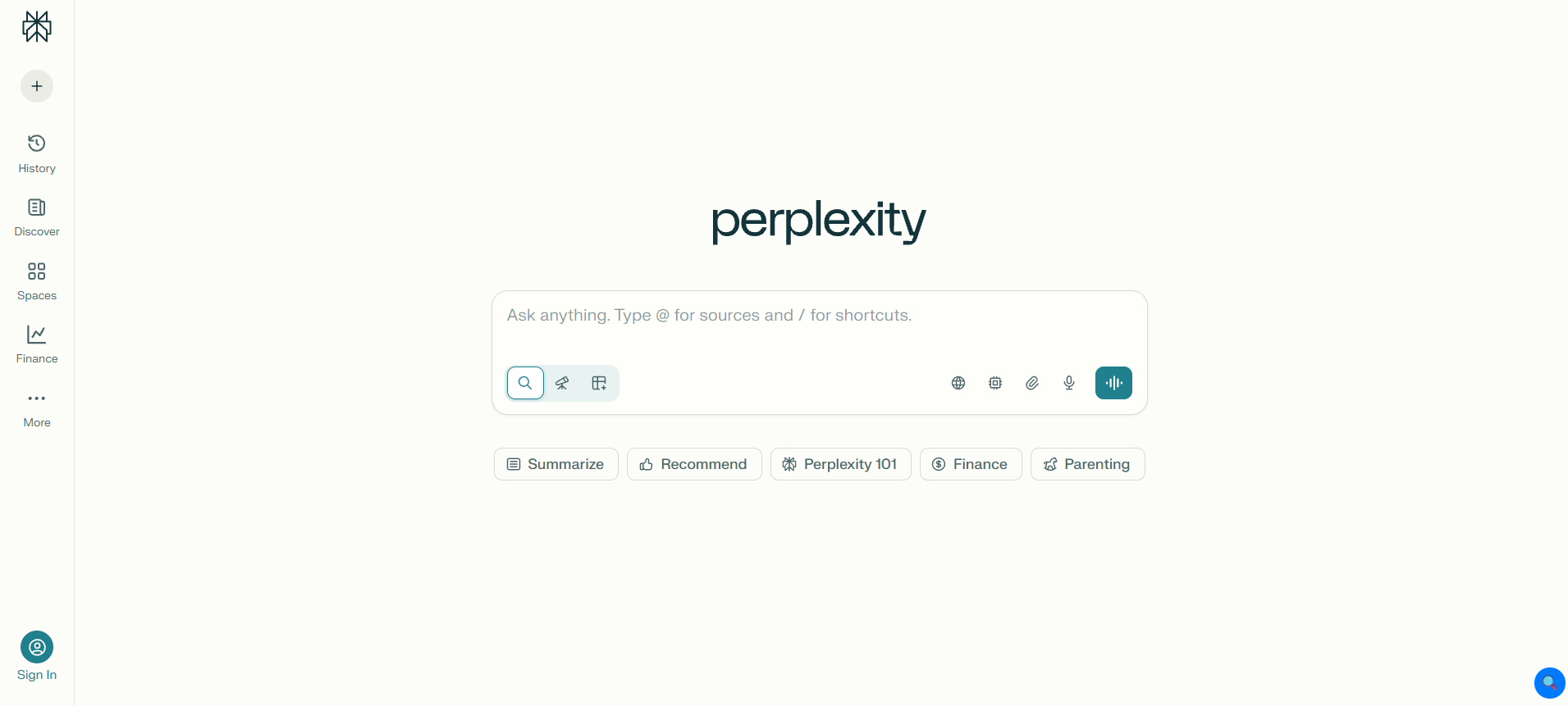
Best for: Research. Hands down.
If I had to pick one free AI tool for someone who constantly needs to look things up, verify claims, or stay current on a fast-moving topic, it is Perplexity. Every single time.
Here’s what makes it different: every answer comes with inline citations. You can see exactly where each piece of information came from and click through to verify. For a world where AI hallucinations are a real problem, this is a genuinely important feature.
It also searches the live web on every query, not as an optional feature, but as the default. So the information is current.
What I actually use it for: Evaluating facts prior to writing something, staying abreast of tech and industry news, researching topics I am unaware of, and when I need to speed up the tasks at hand.
The honest downside: It’s not great for creative work or nuanced conversation. Ask it to write something expressive, and you will get something functional yet flat. It is a research tool and not your creative partner.
Free tier bottom line: The best free tool for anyone who cares about accuracy and sourcing. Highly recommend pairing it with Claude or ChatGPT; use Perplexity to gather and verify, use the others to write and synthesize.
6. DeepSeek (Free Tier)
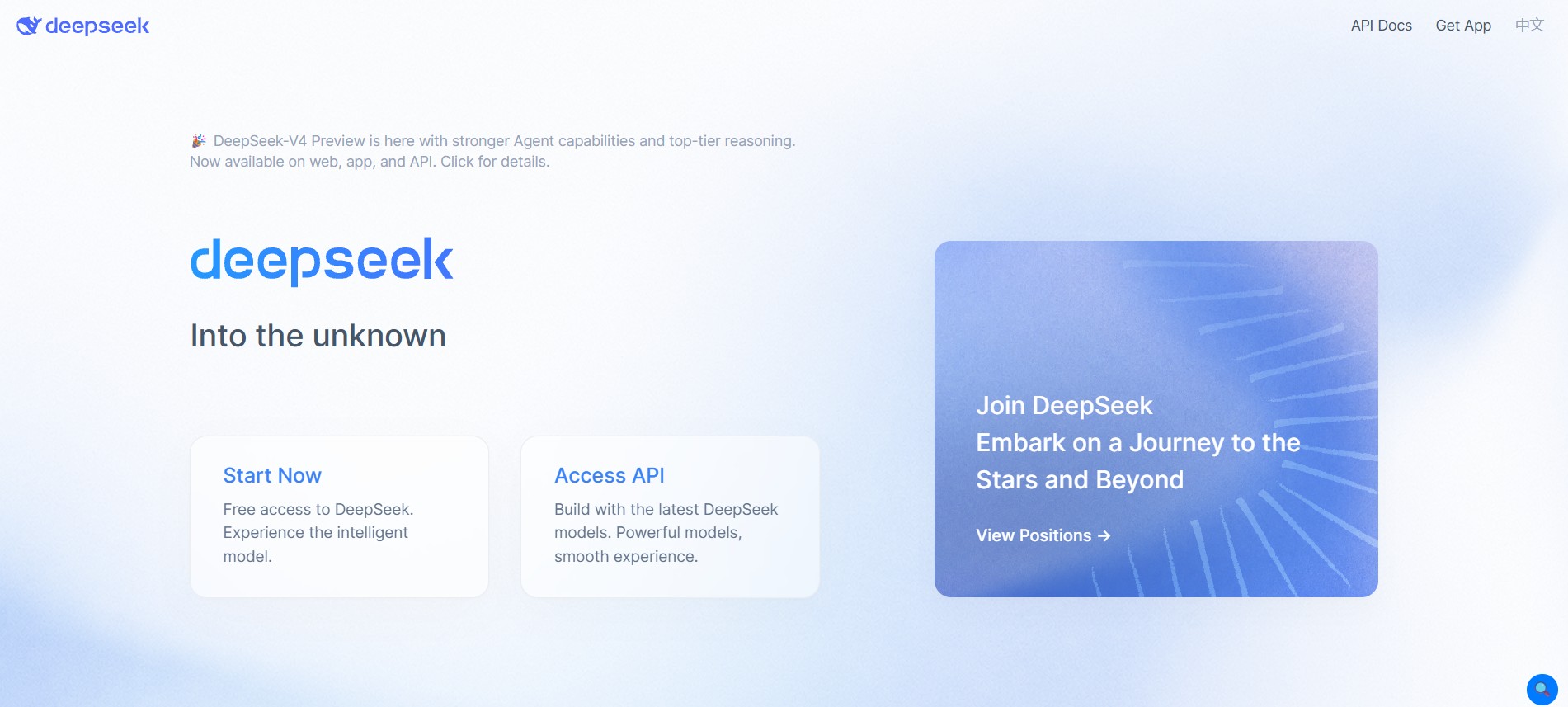
Best for: Developers and technical users
DeepSeek surprised the AI world when it launched, and for good reason — it delivers frontier-level reasoning at a fraction of the infrastructure cost, and the free tier is genuinely generous.
For coding help specifically, it’s one of the best free options available. It works through complex bugs, explains what code does, helps you figure out unfamiliar frameworks, and shows its reasoning in a way that’s actually educational rather than just giving you an answer to copy-paste.
The chain-of-thought feature, where you can watch the model reason through a problem step by step, is something I find genuinely useful for technical problems where I want to understand the why, not just get the solution.
The honest downside: It’s based in China, which raises real data privacy questions if you’re working with anything sensitive. This isn’t a small caveat — it’s worth thinking through before you use it for professional work. General conversation and creative writing also aren’t its strengths.
Free tier bottom line: Best free option for coding and technical reasoning. For personal or sensitive use, factor the privacy considerations into your decision.
7. HuggingChat (Free Tier) – Hugging Face
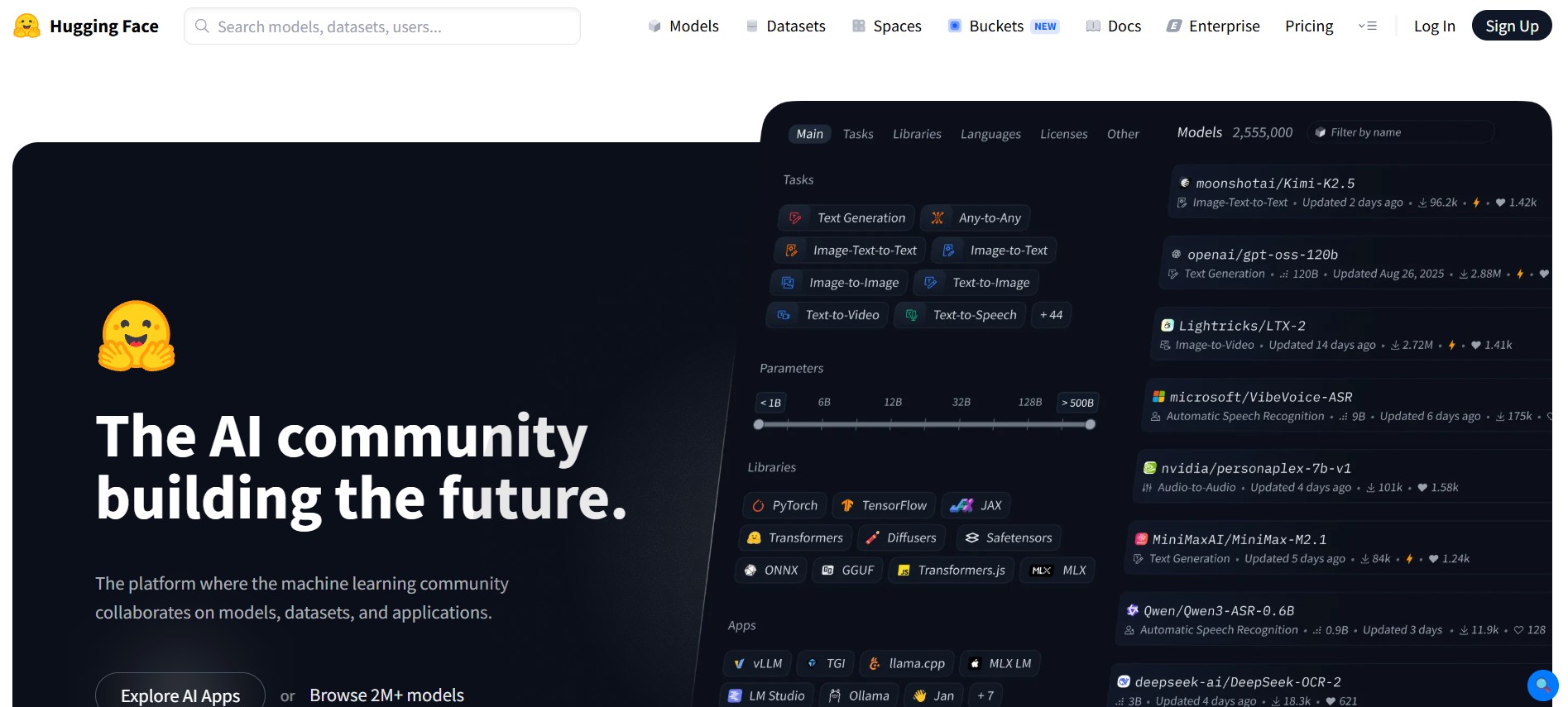
Best for: Open-source advocates and users who are too keen to give importance to privacy
HuggingChat is what you use when you care about who’s running the model and where your data goes.
Built by Hugging Face, essentially the open-source hub of the AI world, HuggingChat lets you choose between multiple open-source models, including Meta’s Llama variants and Mistral. You can swap models based on what you’re doing, which is genuinely useful once you’ve built up a sense of what each one is good at.
The response quality on the best available models is solid, not at the top of this list, but competitive with mid-tier commercial tools.
The honest downside: The experience isn’t as polished as the commercial options. Onboarding is a bit rough, the interface is functional rather than inviting, and model selection requires more awareness than most casual users have.
Free tier bottom line: It is a wise decision in case you give utmost preference to open-source and data transparency. You can expect a steeper learning curve in exchange for gaining more control.
8. Pi by Inflection AI
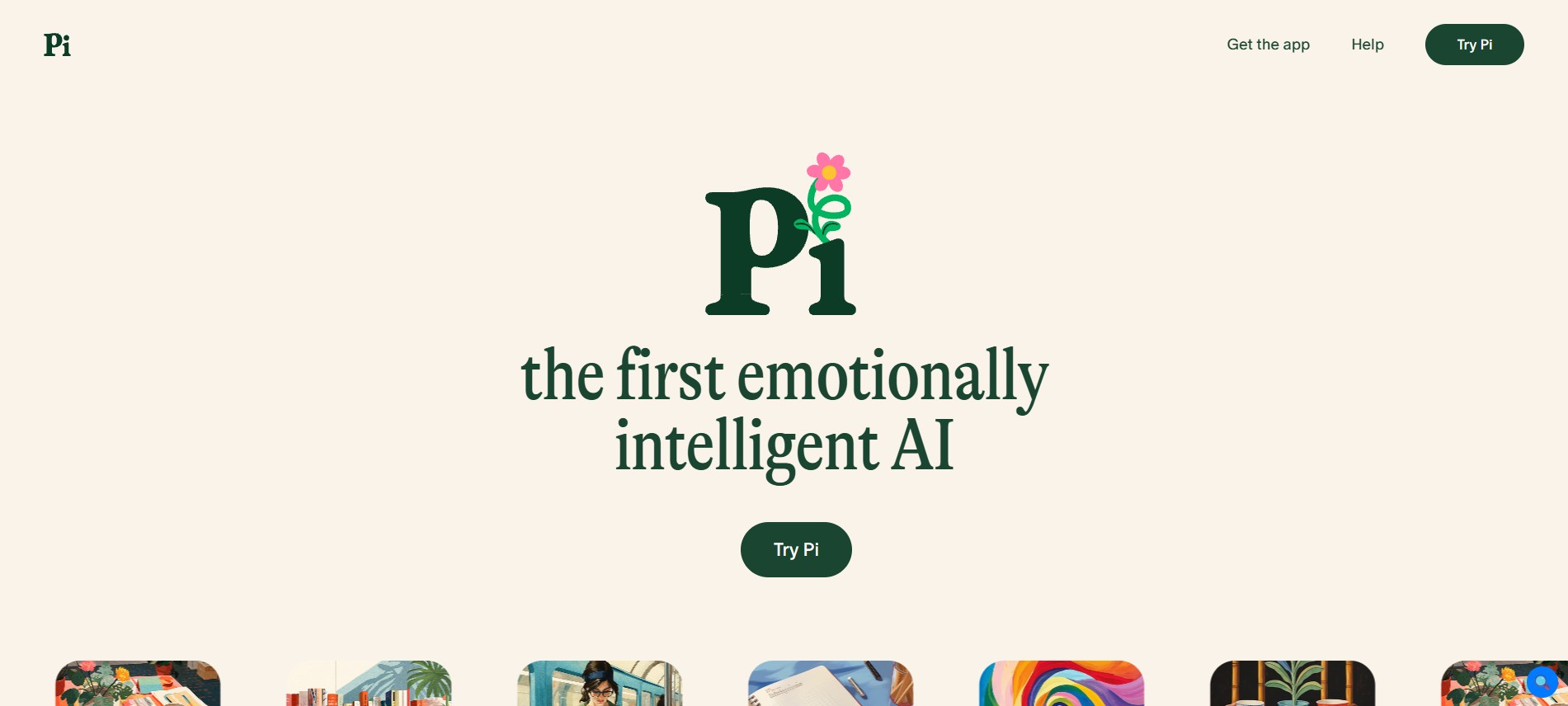
Best for: Thinking things through out loud
Pi is the one on this list that is not really trying to be a productivity tool, and that is exactly what makes it useful.
It’s designed for conversation. Not task completion, not research retrieval but conversation. It asks thoughtful follow-up questions. It reflects things back to you. It stays warm and engaged during long conversations in such a way that most of the productivity-focused AI tools do not even try to be.
I use Pi when I’m working through a decision I can’t quite articulate yet, or when I want to brainstorm without feeling like I need to give clean, structured input. It’s patient in a way that feels natural rather than performative.
The free tier is completely unlimited – no caps, no rate limits. Just talk as long as you want.
The honest downside: Don’t go to Pi for research, coding, or document drafts. It will politely redirect you, and fairly so. It is a thinking partner, not a task executor.
Free tier bottom line: Niche, albeit genuinely excellent within that niche. In case you have ever wished for a sounding board that never gets tired, this is it.
9. Meta AI (Free Tier) – Meta
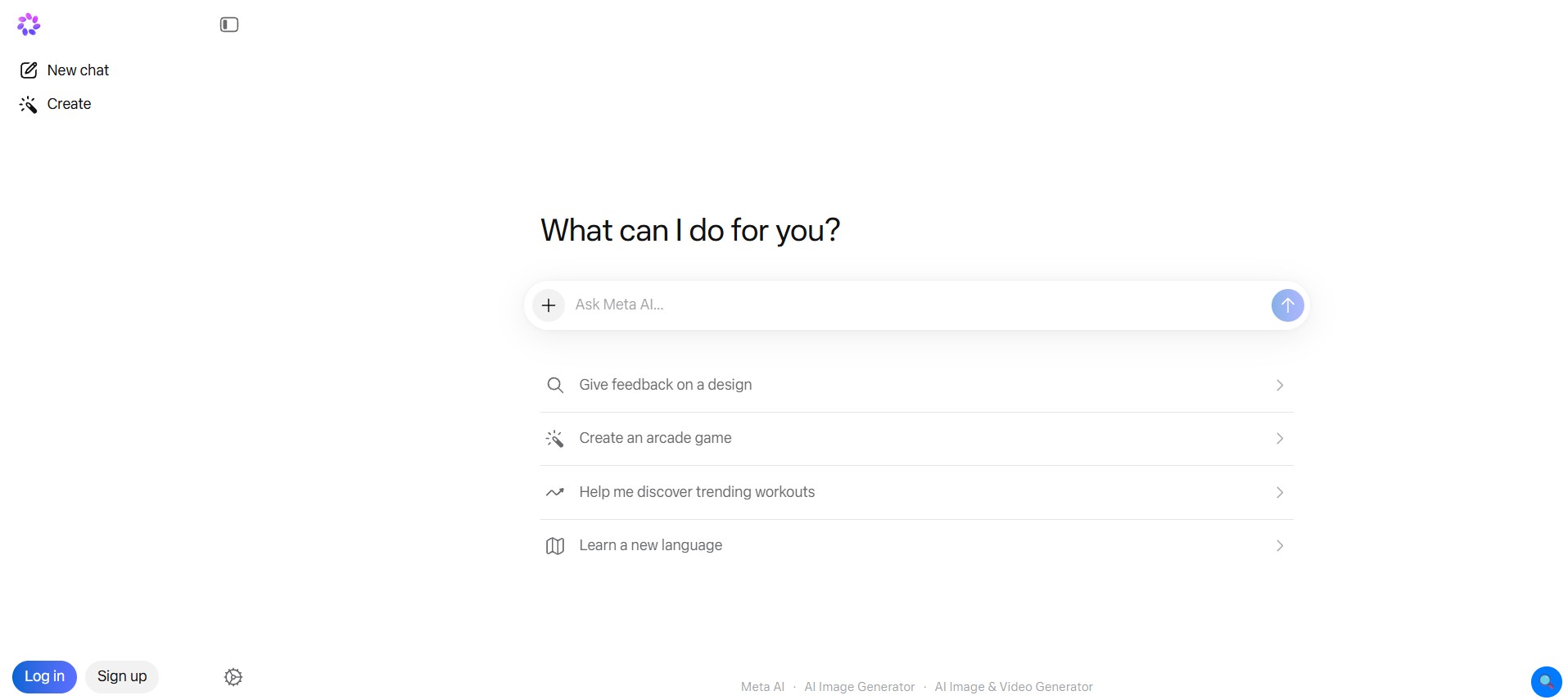
Best for: Quick questions inside apps you already use
Meta AI lives inside WhatsApp, Instagram, Facebook, and Messenger. That is its biggest advantage; you don’t have to go anywhere to use it. It’s already there.
For quick, lightweight questions, it is perfectly capable. Ask it something while you’re in the middle of a WhatsApp conversation, get an answer, keep going. Image generation is built in. Web search is included. The response speed is fast.
The honest downside: If you care about data privacy, and given Meta’s track record, many people reasonably do, using an AI embedded in Meta’s social platforms gives you something to think about. Beyond that, it is not built for deep work. It is built for the quick-assist moments that happen in the flow of social media use.
Free tier bottom line: Zero friction for casual queries. Not the right tool if you want depth or privacy. Works great for what it’s designed for.
FAQs
1. What is the best free AI personal assistant?
For most people: ChatGPT. It is the most capable generalist with the most polished free experience.
But honestly? It totally depends upon your use case.
- Heavy writer → Claude
- Researcher → Perplexity
- Google power user → Gemini
- Developer → DeepSeek
- Thinking partner → Pi
There is no single right answer, but you can choose the AI personal assistants for their specific strong traits.
2. Which AI assistant is completely free with no limits?
Pi by Inflection has no message caps at all. Meta AI is also unlimited across its platforms. Microsoft Copilot is very generous without hard daily limits for most users.
ChatGPT and Claude both have daily limits on the free tier, though they are reasonable for moderate use.
3. Do you believe AI personal assistants are secure?
It is dependent on the tool and how you use it.
Most reputable providers encrypt your conversations in transit and storage. But many use your conversations to improve their models by default, and you should check the privacy settings on any tool you use to see if you can opt out.
Bottom line – never put sensitive business data, legal information, or anything you would be uncomfortable having reviewed into a free AI tool. For general tasks? The security is fine.
4. Which AI assistant is best for research?
Perplexity AI, and it’s not close. Always-on web search plus inline citations is exactly what research requires. Pair it with Claude for synthesizing and writing up what you find.
5. Can I use multiple AI assistants at the same time?
Yes, and you probably should.
The most effective method is not selecting one and sticking to it. Rather, it is comprehending what each one is effective for and then use it accordingly. A realistic workflow may seem like:
- Perplexity for research and gathering sources
- Claude or ChatGPT to draft and refine the content
- DeepSeek if there’s any coding involved
- Pi, if you are working through a big decision along the way
They are all free. There is no reason to limit yourself to just one.
Last updated: June 2026. AI tools update fast; features and limits mentioned here reflect what was available at the time of writing.

Vivek Asrani is a tech writer and AI tools reviewer who has been consistently transforming complex technology into user-friendly stories that readers look forward to. His over a decade of experience in the IT content space allows him to impart useful information on AI tools and digital products he has practically used with a sharp eye for real-world value. His reviews are written to ensure that readers see what a tool can actually do before they think of buying and spending time on the tool. He concentrates on clarity and practical details that make technology effortless to trust and use.