
Best AI Apps for Android in 2026 -Tested on My Own Phone
Now it is basically a writing coach, a meeting note-taker, a therapist when I need to speak through a decision at 11 PM, and a pocket-friendly research assistant. This particular shift did not occur overnight; however, looking at my home screen today versus two years back, it is almost unrecognizable.
In fact, you will be surprised to know this – It has been estimated that 73% of all mobile applications integrate some sort of artificial intelligence! The reason being, android gives you more freedom than iOS to actually dig into these apps, deeper system integration, home screen widgets, keyboard-level AI, the works.
That is exactly why I wanted to put together a real list, not a copy-paste of app store descriptions. I installed these on my own device, used them for actual tasks over several weeks, and kept what was genuinely worth your storage space.
Here is the honest rundown of the best AI apps for Android right now.
What is the Prima Facie Reason That Makes An AI App Good on Android and Not Merely Hyped
Before we take a detailed look at the list, you must be clear in your mind about what separates an authentically helpful AI application from Android from the one that is there just for the sake of the trend.
The good ones:
- Actually use AI as a core function, not a marketing buzzword slapped onto an old feature
- Take advantage of Android’s open ecosystem – widgets, keyboard integration, notification actions, system-level access
- Have a free tier that lets you do real things, not just a five-message teaser
- Get updated regularly, not abandoned after launch hype fades
Android holds roughly 72% of the global smartphone market, which is exactly why this is the platform where most people will actually use these apps day to day – and why the competition between them has gotten genuinely sharp.
Why Bother Installing Dedicated AI Apps At All?
Fair question. Your phone already has some baked-in AI through the keyboard, the camera, and the assistant. So why add more apps?
Because the dedicated apps do specific things dramatically better. Built-in AI handles basics. A purpose-built app handles depth — actual reasoning through a tricky problem, polished long-form writing, accurate transcription, real research with sources.
The reason being, your time is very important. A few minutes saved per task does not seem as if it is much till you add it up across a week of notes, emails, and rapid enquiries.
Because the right combination covers gaps no single app fills alone. I don’t use one AI app. I use four, each for something specific – and that combination handles more of my day than any single all-in-one tool could.
How I Tested These
I ran each app on a Pixel and a Samsung device over several weeks, using them the way a normal person actually would: writing real emails, researching real questions, taking real meeting notes, editing real photos.
What I paid attention to:
- Free tier usability — could I get real value without paying?
- Android-specific integration — widgets, keyboard features, system-level access
- Response quality — was the output actually good, or just fast?
- App reliability — crashes, lag, battery drain
- Privacy clarity — is it clear how my data is handled?
Quick Comparison: Best AI Apps for Android
App | Best For | Free Tier | Android Integration | Starting Paid Price |
| Google ecosystem users | ✅ Generous | Deepest (ships with Android 15) | $9.99–19.99/mo | |
| ChatGPT | All-around versatility | ✅ Yes | Good | $20/mo |
Claude | Long-form writing & research | ✅ Yes | Good | $20/mo |
| Perplexity AI | Research with citations | ✅ Yes | Good | $20/mo |
Microsoft Copilot | Microsoft 365 users | ✅ Yes | Strong with Office apps | $20/mo |
| Grammarly | Writing across every app | ✅ Yes | Keyboard-level, system-wide | $12/mo |
Otter.ai | Meeting transcription | ✅ Limited | Good | $8.33/mo |
| DeepSeek | Free unlimited alternative | ✅ Unlimited | Decent | Free |
Adobe Firefly | Photo & image editing | ✅ Limited | Good | $9.99/mo |
| Lensa AI | Quick mobile photo editing | ✅ Limited | Good | $7.99/mo |
The Best AI Apps for Android — Honest Reviews
1. Google Gemini
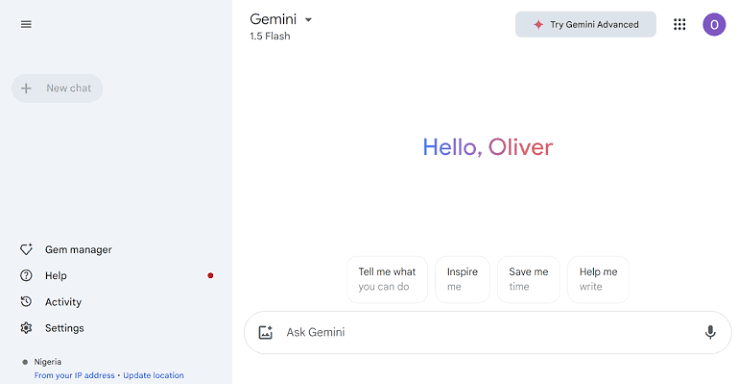
Best for: Anyone already living inside the Google ecosystem
If you’re on Android, Gemini has a built-in advantage no competitor can match: it’s increasingly shipping as the default assistant on the OS itself. Google’s AI assistant is replacing Google Assistant on most phones, which means it’s not just another app – it is becoming part of the operating system.
The real strength here is integration depth. Gemini reads your Gmail, pulls from your Calendar, summarizes web pages, fills out forms, and even controls smart home devices.
The Rambler feature converts rough voice notes into polished text, and you can describe a custom home screen widget in plain English and have Gemini build it for you. No other AI app comes close to that level of system-level access on Android.
For everyday tasks – checking what is on your calendar, drafting a quick email reply, summarizing an article you’re reading – Gemini requires the least friction of anything on this list because it’s already where you are.
What I actually use it for: Quick questions when I am already using Gmail or Google Docs. I also use voice-to-text notes that eventually come out readable. I also control smart home devices using it without affecting the continuation of the apps.
The honest downside: In case you are not deep in the Google ecosystem, much of the magic vanishes away and it becomes a competent yet unremarkable general assistant. Gemini Advanced, which unlocks the more potent model and larger context window costs additional on top of the free tier.
Bottom line: The best AI for Android, particularly as you get to know the depth with it gets woven into the OS itself.
2. ChatGPT
Best for: General-purpose AI assistance with the widest plugin ecosystem
ChatGPT remains the most downloaded AI assistant on Google Play, and that popularity isn’t just inertia – the app itself is genuinely solid on Android.
It handles a massive range of tasks competently: drafting emails, brainstorming, summarizing long articles, solving math problems, writing and debugging code, and now handling real-time voice conversations and image analysis.
The natural language understanding makes it feel conversational rather than like you’re operating software – you don’t need special commands, you just ask.
The Android app supports voice conversations, file uploads, and access to custom GPTs built by the community, which gives it a flexibility edge that more closed ecosystems don’t offer.
What I actually use it for: Quick brainstorming when I’m away from my laptop, getting fast explanations of things I don’t understand, using custom GPTs other people have built for specific niche tasks.
The honest downside: Heavy use bumps you into rate limits on the free tier fairly quickly, and you’ll be nudged toward the $20/month Plus plan. The sheer breadth of what ChatGPT tries to do means it is rarely the single best option for any one specific task – it is a strong generalist, not a specialist.
Bottom line: One of the best AI apps for Android if you want one app that handles almost everything reasonably well. Broad coverage, broad appeal.
3. Claude
Best for: Long documents, nuanced writing, and research that needs real depth
Claude is one application I use when a task actually needs contemplation, and not merely swift output. Paste in a 50-page document and enquire for a summary of the crucial perils involved.
Have it rewrite a proposal in three different tones and actually nail the distinction between them. Walk through a complicated decision and have it reason out loud, step by step, rather than just spitting out a verdict.
The Android app is clean, responsive, and supports file uploads and extended context windows – meaning it can handle book-length material in a single session without losing track of earlier details. That matters much for research and analysis work, where most of the AI applications start to lose coherence after a point of time.
Responds tend to be more comprehensive and measured in direct comparison to quicker and punchier competitors which is precisely the trade-off you wish for research work or serious writing.
What I actually use it for: Reviewing long contracts or reports for key points, getting genuinely thoughtful feedback on writing drafts, working through decisions where I want the reasoning laid out, not just an answer.
The honest downside: The free tier has message limits that you’ll hit if you use it heavily throughout the day. The larger context window that makes document analysis genuinely useful is mostly unlocked on Pro. If you want fast, casual back-and-forth chat, Claude can feel a touch more deliberate than competitors built for speed.
Bottom line: The best ai apps for android pick specifically for writing, research, and analysis work where depth actually matters more than speed.
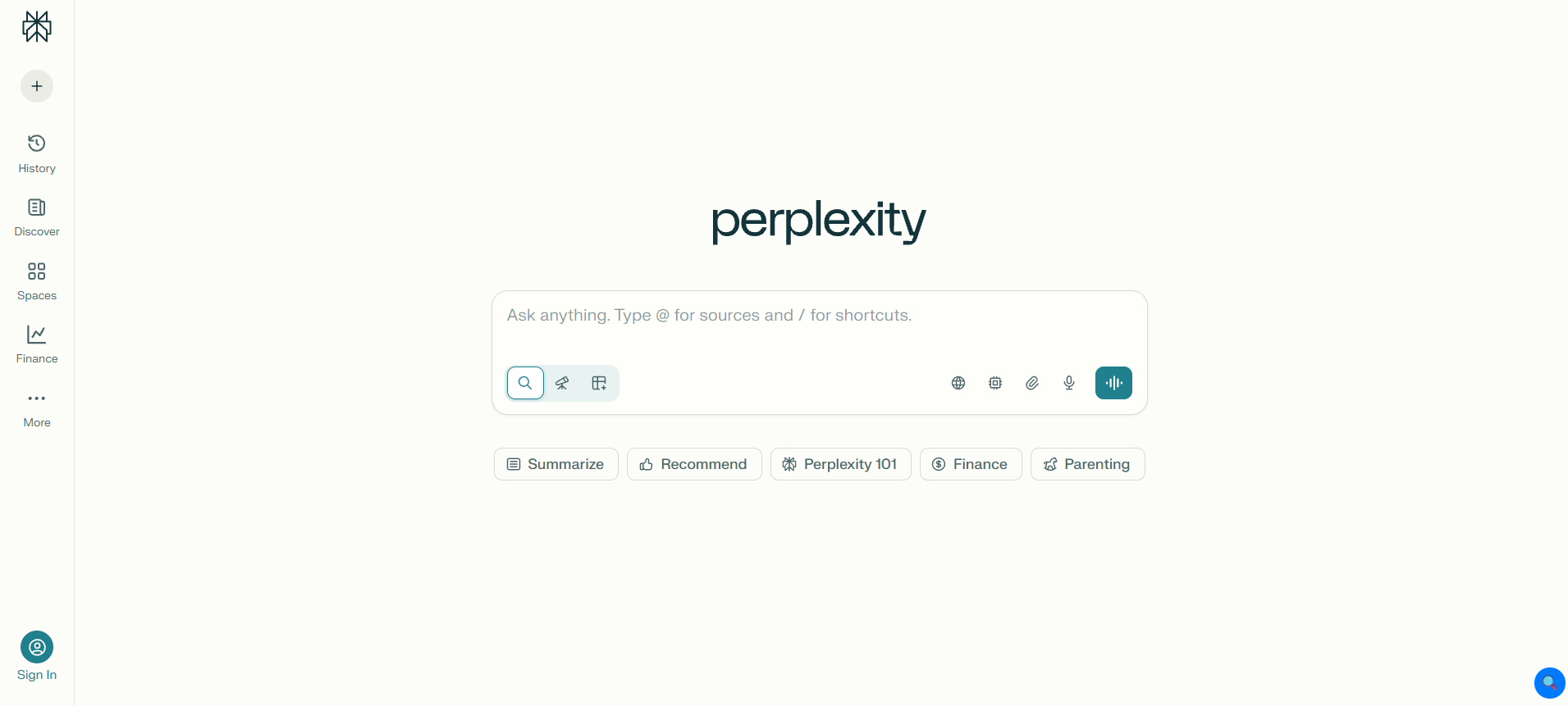
4. Perplexity AI
Best for: Getting answers with actual sources, not guesses
Perplexity tends to resolve a problem that has been quietly annoying pertaining to AI chatbots. You enquire about it, get a confident reply, and have no way to verify if it is actually right. Every answer Perplexity gives comes with cited sources you can tap through and check yourself.
On Android specifically, this has become a real alternative to traditional search for a lot of people – many users now genuinely prefer it over typing a query into Google and digging through ten blue links.
You ask for something during a conversation taking place and obtain a synthesized answer that you can verify whether it has come from an authentic source or not.
What I actually use it for: Researching unfamiliar topics quickly with verifiable sources and cross-verification of facts before sharing it.
The honest downside: It has not been developed for casual conversations, tasks that require a personality, and creative writing. Enquire from it to write something expressive and the answer you get will always feel flat. This is a research tool first, everything else second.
Bottom line: One of the best AI apps for android specifically for research and fact-checking. Pair it with ChatGPT or Claude for the writing and creative side.
5. Microsoft Copilot
Best for: Anyone already living in Word, Excel, Outlook, or Teams
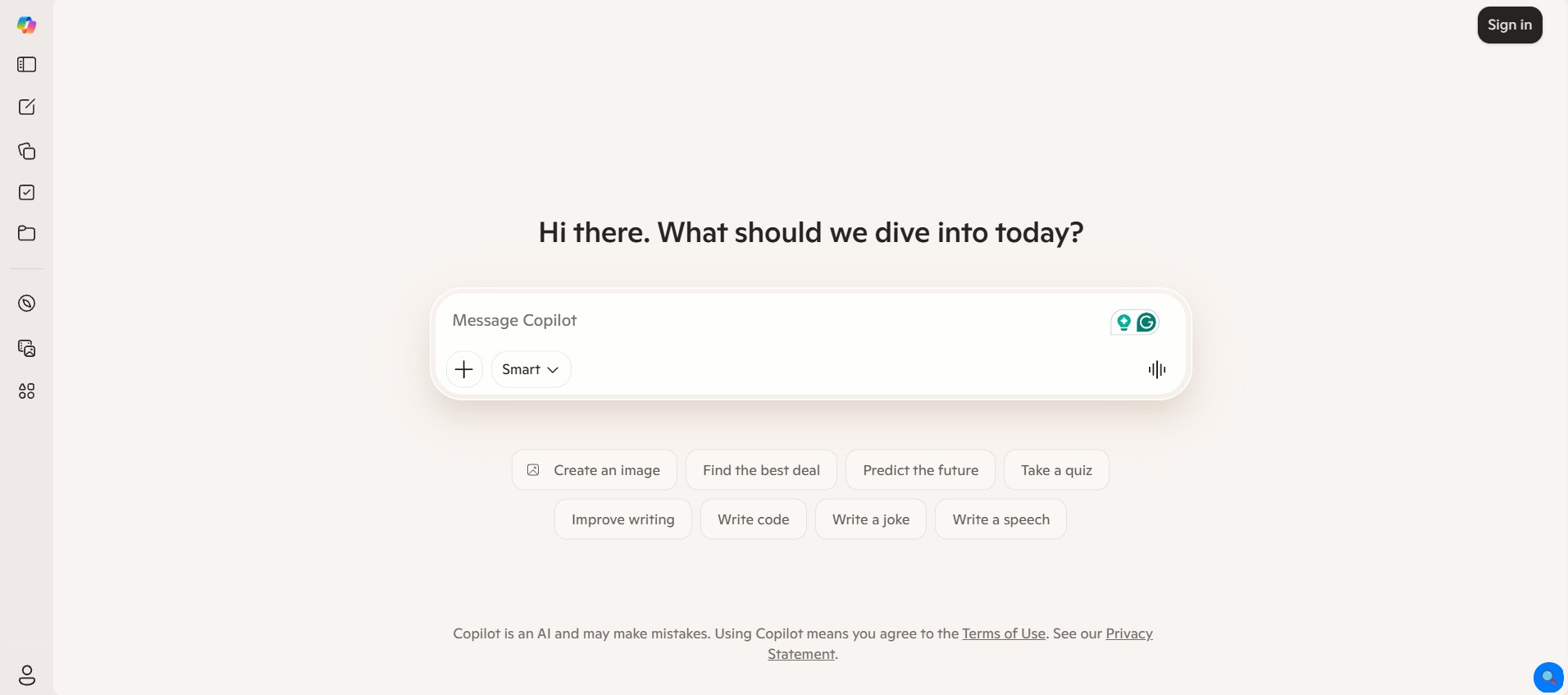
If your work runs through Microsoft 365, Copilot is the AI app that requires the least context-switching. It is not just a chatbot – it is an agent platform that handles email drafting, meeting summaries, document creation, and data analysis directly inside the apps you already use.
When it comes to Android, Copilot provides AI writing, image generation, and summarization with the help of models of OpenAI into a mobile-friendly package.
The multimodal search feature allows you to point your camera at something and inquire about almost anything, and the voice mode of this tool is very compact and it comes with hands-free usage.
If you are a professional whose daily chores already happen inside Excel, Outlook, and Word, the value of possessing AI baked into that precise workflow is challenging to overstate.
What I actually use it for: Drafting and summarizing emails directly in Outlook, getting quick data analysis help in Excel without building formulas myself, generating images for presentations on the fly.
The honest downside: Outside the Microsoft ecosystem, Copilot is a competent but unremarkable assistant – there is not a strong reason to choose it over Gemini or ChatGPT if you’re not already invested in Office apps.
Bottom line: Best ai for android users specifically embedded in the Microsoft 365 world. Outside that context, it’s good but not essential.
6. Grammarly
Best for: Writing better across literally every app on your phone
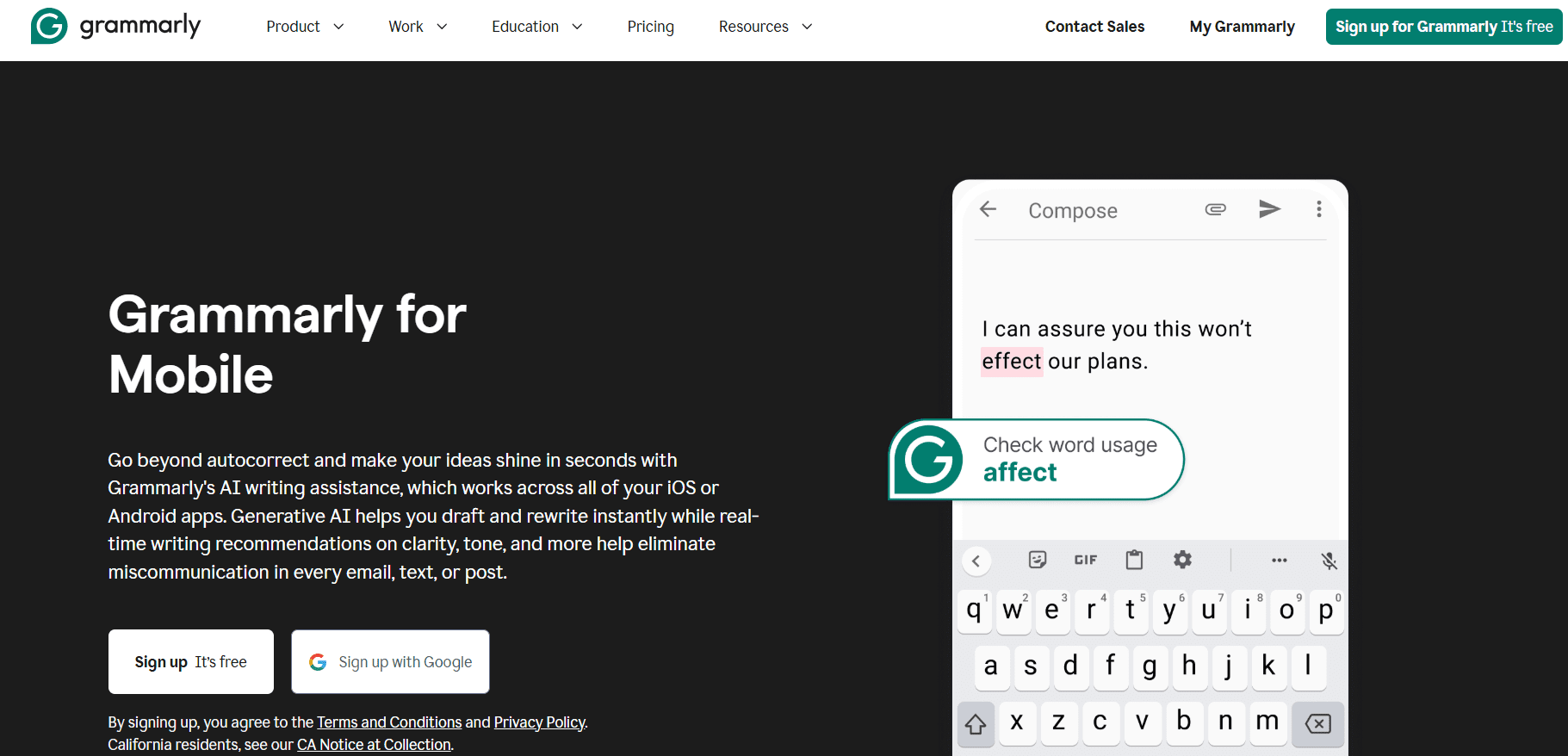
The mobile keyboard integration of Grammarly is authentically underrated. Most of the AI apps need you to open them, type your request, and copy the output elsewhere. This is where Grammarly is different.
It resides inside your keyword and scrutinizes your writing in real time, in any app, without requiring you to leave the things you are performing. With the passage of time, it learns your writing style and customizes its suggestions.
If you are someone who writes constantly on your phone, having this baked into your keyboard itself instead of a distinct application that you need to remember to open is a real deal breaker quality.
What I actually use it for: Catching typos and grammar slips before sending anything important, getting tone checks on messages where I want to come across a specific way, smoothing out writing on the fly without breaking my typing flow.
The honest downside: It can be a bit suggestion-happy, occasionally flagging stylistic choices as errors that aren’t really wrong. Some advanced features – deeper style rewrites, generative AI assistance – sit behind the paid plan.
Bottom line: One of the most genuinely useful ai apps for android because it works passively in the background rather than requiring a dedicated session.
7. Otter.ai
Best for: Never scrambling to take notes during a call again
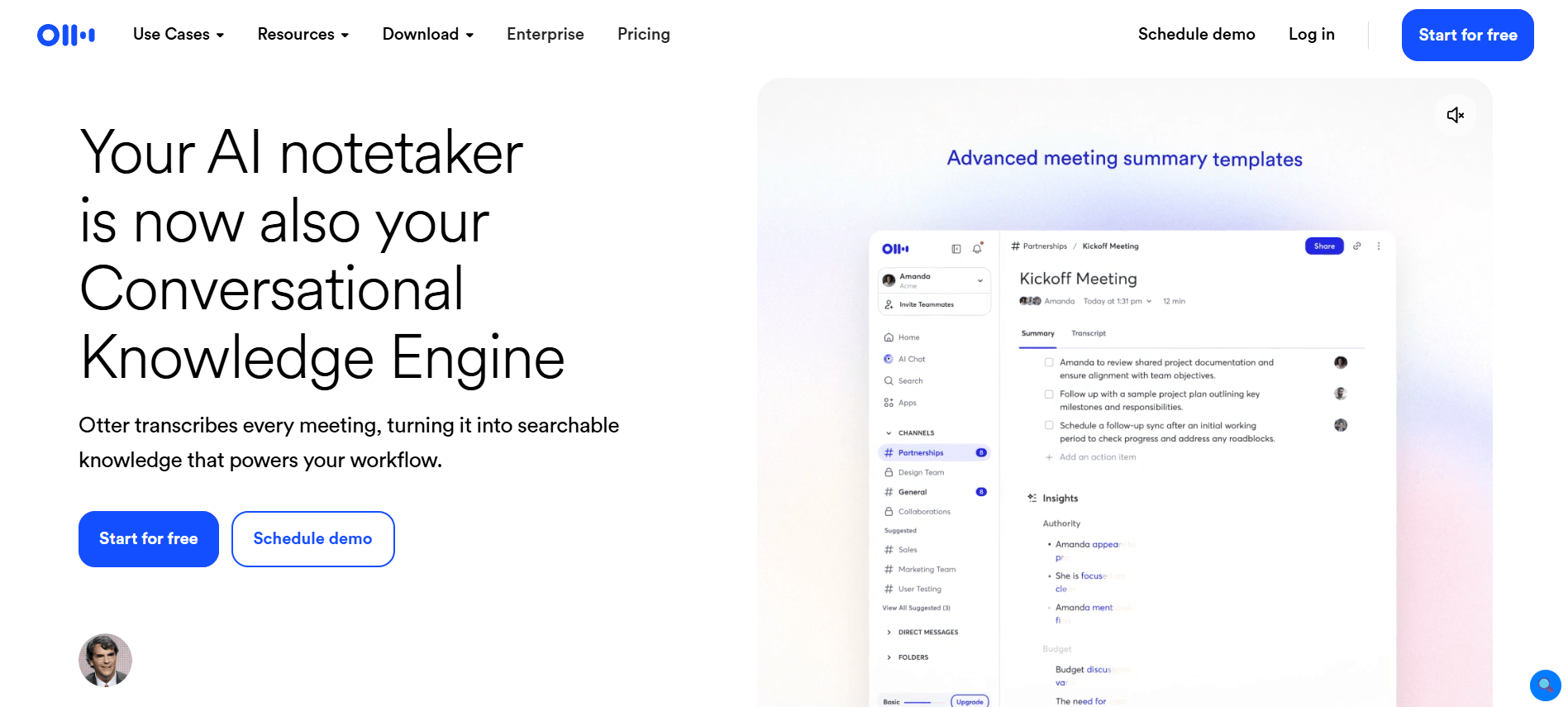
Otter handles a problem that is universal: trying to listen carefully and write notes at the same time during a meeting, and inevitably doing both poorly. It transcribes calls and meetings instantly.
Whether you are on Google Meet, Zoom, or simply recording an in-person conversation – and then comes up with a summary with key points and action items.
What I actually use it for: Transcribing client calls so I can concentrate on the conversation rather than taking notes, coming up with swift summaries of long meetings to send it to people who did not attend it, searching the old transcripts to find something specific that was spoken during the meeting.
The honest downside: Accuracy resides with heavy accents, quick talkers, or background noise. Certain users report friction with the way Otter integrates with specific video platforms. And the free transcription minutes go fast if you’re in several long meetings a week.
Bottom line: A specialized but genuinely excellent tool if meetings and calls are a regular part of your day.
8. DeepSeek
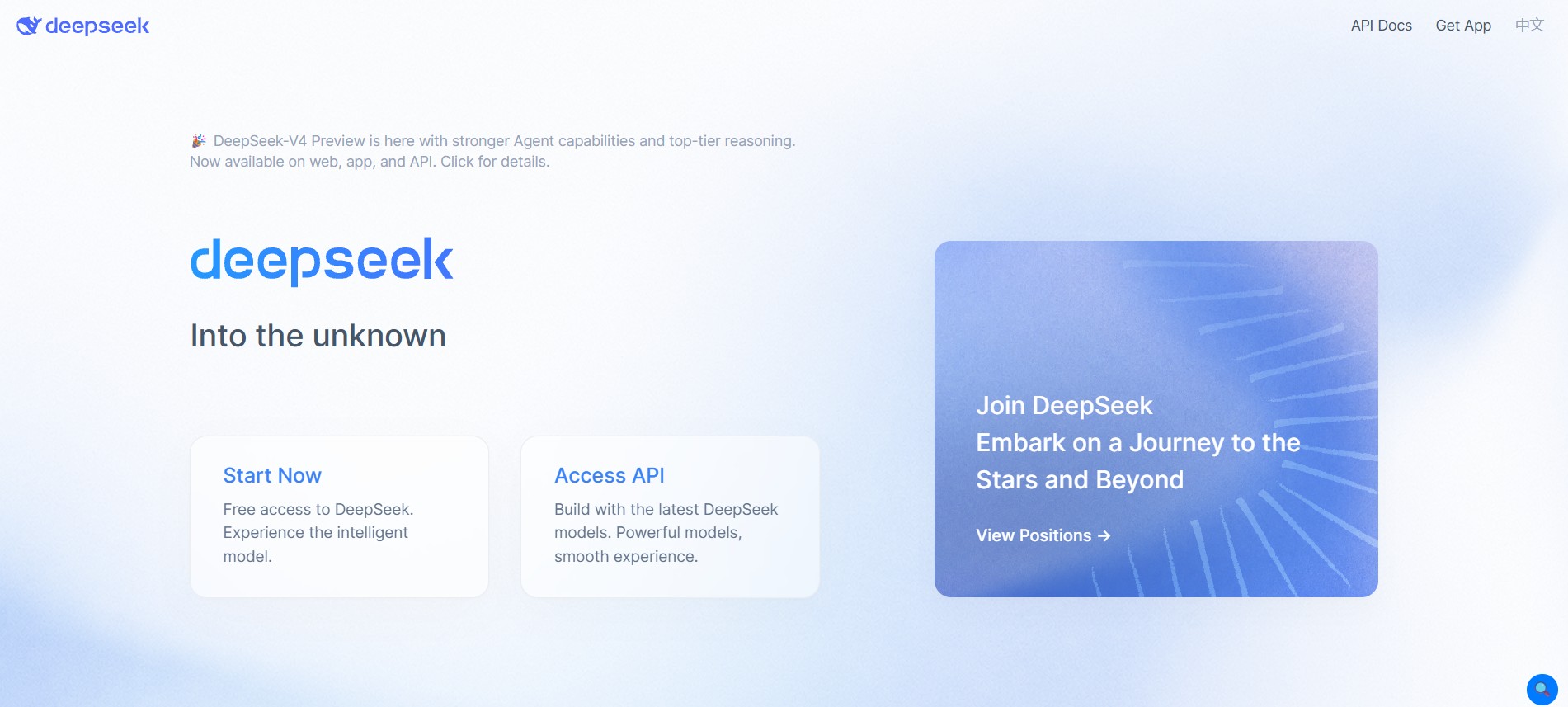
Best for: A fully free alternative with no usage caps
DeepSeek is worth knowing about specifically because of what it doesn’t do: charge you, or cap your usage in any meaningful way. It is a completely free AI assistant with a massive context window that can handle very long conversations and documents without the rate limits most competitors impose.
The reasoning capability, particularly on technical and analytical tasks, holds up surprisingly well against far more expensive alternatives. For Android users who want a genuinely capable AI app without worrying about hitting a paywall mid-task, that’s a real differentiator.
What I actually use it for: Heavier, longer sessions where I don’t want to worry about running into a message limit, technical or analytical questions where the reasoning quality matters, a free fallback when I have used up my limits elsewhere.
The honest downside: It is developed by a Chinese AI company, which raises legitimate data privacy questions for anyone handling sensitive personal or professional information. The conversational polish and general-purpose chat experience also isn’t quite as refined as the more established Western alternatives.
Bottom line: The best fully free option on this list if usage limits are your main frustration with other apps. Worth pairing with privacy awareness about what you share.
9. Adobe Firefly
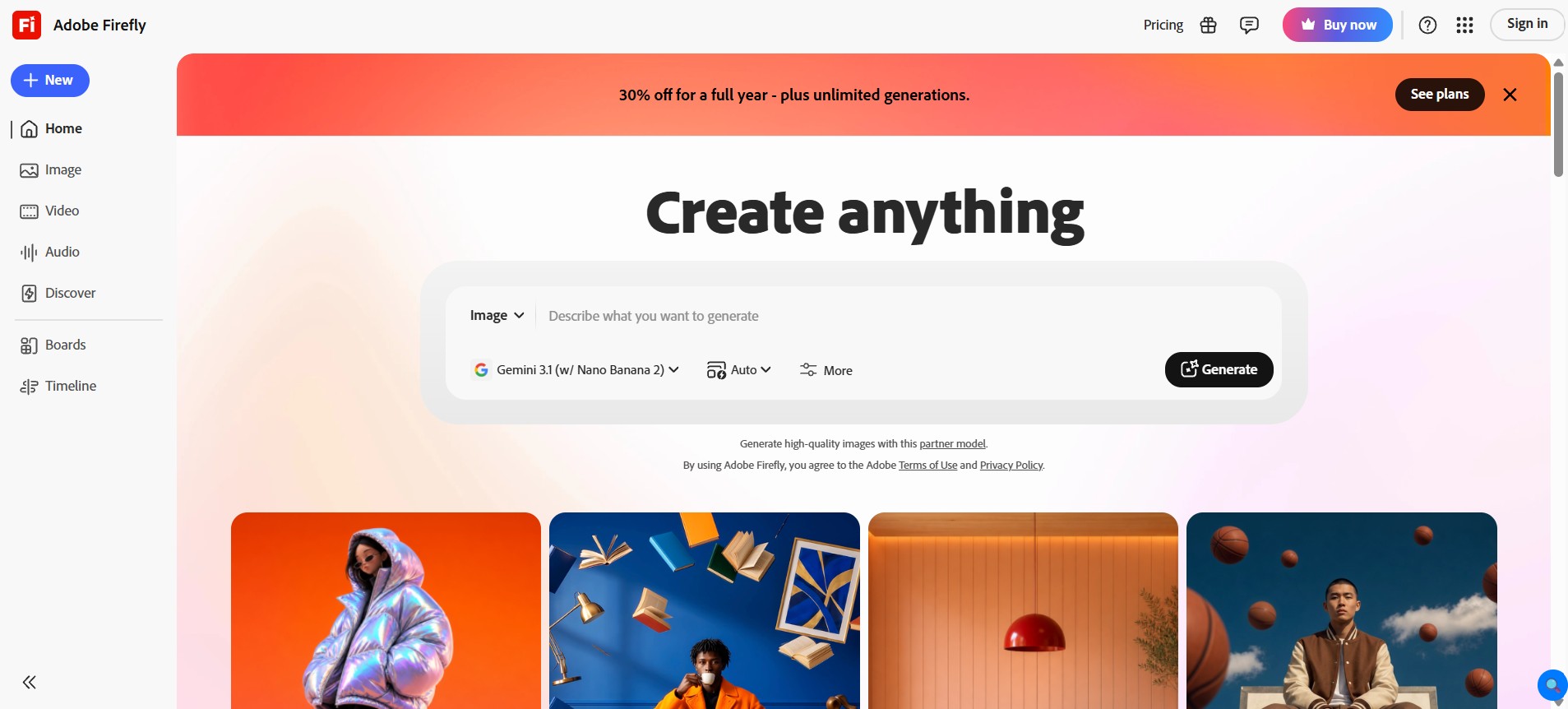
Best for: AI-powered photo editing without requiring a desktop
Adobe brought real generative editing power to mobile with the help of Firefly – generative fill, background removal, and text-to-image generation – all accessible from your phone and synced with the broader Adobe Creative Cloud ecosystem.
The generative fill feature is the standout: select part of a photo, describe what should replace it, and Firefly blends the result convincingly. Object removal that used to require real Photoshop skill now takes a few taps.
For anyone who already works inside Adobe’s tools on desktop, having that same generative power available on Android closes the gap between mobile and professional editing meaningfully.
What I actually use it for: Removing distracting objects from photos before sharing them, generating quick background variations for product shots, and extending images that were framed too tightly.
The honest downside: The free tier is limited in how many generations you get. Full value really requires a Creative Cloud subscription, which is a real cost if photo editing isn’t a regular part of your work.
Bottom line: Strong choice specifically for photo and image editing on Android, especially if you’re already in the Adobe ecosystem on desktop.
10. Lensa AI
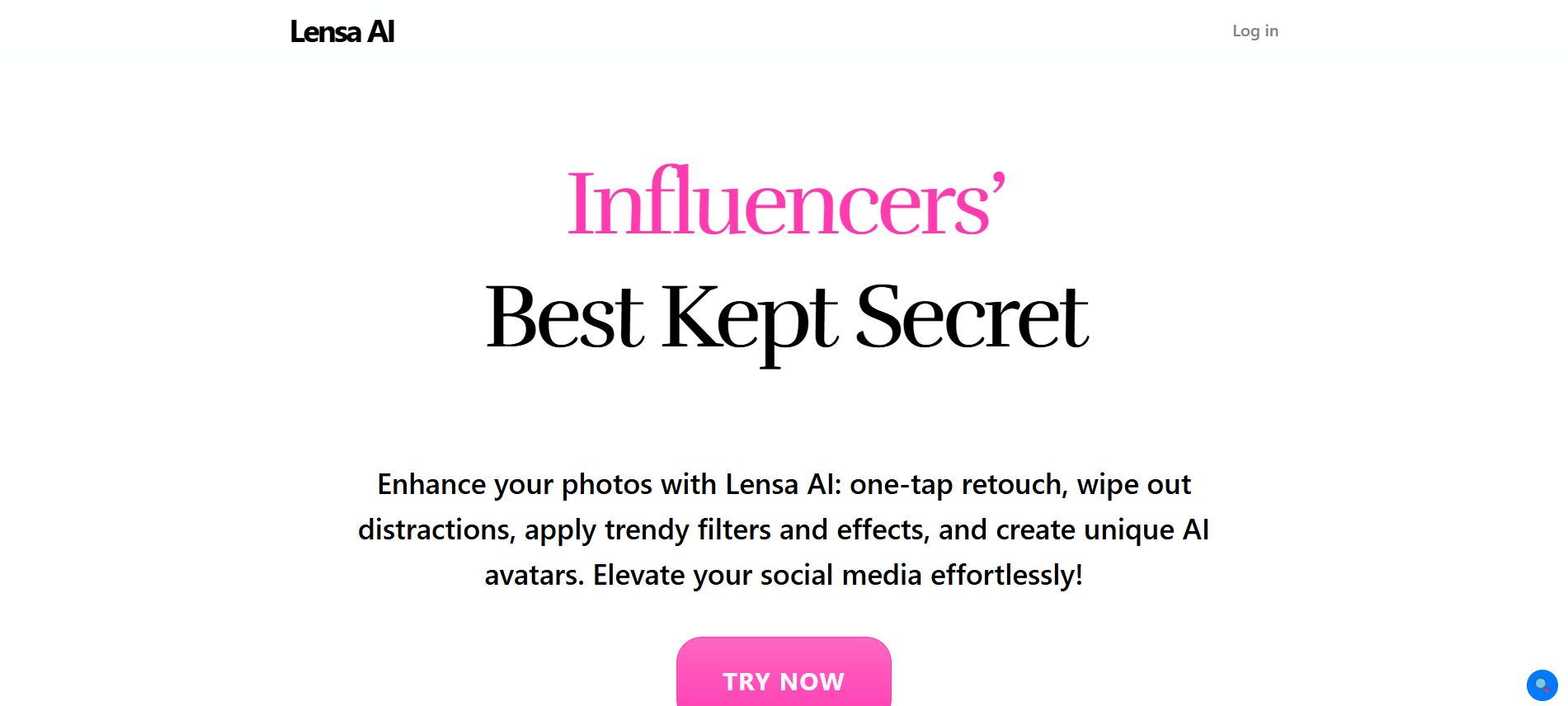
Best for: Fast, casual photo editing with plain-English instructions
Lensa takes a different approach from Firefly – instead of needing real editing knowledge, you describe the change you want in plain English, and the app makes it happen.
Commands like get rid of the person in the background or make the lighting affect warmer work as direct instructions rather than by enquiring which tool has what specialty.
If you are a casual user who wishes for swift, good-looking edits without gaining expertise in an interface, this conversational approach to photo editing gets rid of a lot of friction. It is a swift, mobile-first, and authentic user-friendly methodology for people with no editing knowledge.
What I actually use it for: Simple-looking background alterations within opening a more complicated tool, swift touch-ups on photos prior to posting to social media, quick edits when I do not have time to contemplate over a comprehensive editing workflow.
The honest downside: It has been developed specifically for casual edits and not professional-like work. In case you require precise control over the outcome, you will jump into the restrictions of describing things in words instead of directly making changes in the image. Advanced features can be availed by subscribing for a paid tier plan.
Bottom line: It is one of the best user-friendly AI apps for people who find editing a challenging feat.
Frequently Asked Questions
1. What is the best AI app for Android overall?
It depends on what you actually need, but if I had to pick one starting point: Google Gemini, because of how deeply it's integrated into the Android operating system itself. If you want the strongest pure reasoning and writing assistant regardless of ecosystem, Claude or ChatGPT are both excellent choices.
2. What's the best AI for Android if I want something completely free with no limits?
DeepSeek stands out here — fully free, no usage caps, and a large context window for long conversations. Google Gemini's free tier is also genuinely generous for everyday use, especially if you're in the Google ecosystem already.
3. Which AI apps for Android actually integrate with the rest of my phone?
Google Gemini has the deepest integration by far, since it's increasingly built into Android itself with widgets, smart home control, and system-level access. Grammarly integrates at the keyboard level across every app you use. Microsoft Copilot integrates tightly with Microsoft 365 apps specifically.
4. Are AI apps on Android safe to use with personal information?
It depends on the app and what you're sharing. Always check whether an app processes data on-device or sends it to external servers, and read the privacy policy before sharing anything sensitive — financial details, medical information, confidential work content. Apps with clear, transparent data policies (most of the major ones covered here) are generally fine for everyday use; apps that are vague about data handling deserve more caution.
5. Can I use multiple AI apps for Android together, or should I just pick one?
Use multiple — there's no downside, and most people benefit from it. A realistic setup looks like: Gemini for everyday quick tasks and Google integration, Claude for serious writing and research, Perplexity for fact-checking and current information, and Otter if meetings are part of your routine. They're complementary, not competing.
Last updated: June 2026. Pricing and features for Android apps change frequently — verify current details on the Google Play Store before downloading or subscribing.

Vivek Asrani is a tech writer and AI tools reviewer who has been consistently transforming complex technology into user-friendly stories that readers look forward to. His over a decade of experience in the IT content space allows him to impart useful information on AI tools and digital products he has practically used with a sharp eye for real-world value. His reviews are written to ensure that readers see what a tool can actually do before they think of buying and spending time on the tool. He concentrates on clarity and practical details that make technology effortless to trust and use.