
Top AI Tools for Social Media in 2026 – I Tested Them So You Don’t Waste Hours Figuring It Out
A few months ago, I was spending nearly 10 hours every week just on social media content.
Writing captions. Resizing creatives. Thinking of post ideas. Scheduling everything. Then going back and rewriting the same post because something felt off.
And after all that effort? Three posts a week. Maybe 40 likes.
This was the point where I wondered whether it was worth it to put so much effort into this particular activity. Then I started actually using AI social media tools. Not just playing with them for five minutes and moving on, but building them into my actual workflow.
The difference was immediate. And kind of embarrassing, honestly, because I waited way too long.
This is my honest breakdown of the best social media AI tools available right now, what they actually do, where they fall short, and which ones are worth your time depending on how you work.
What Is the Definition of AI Social Tools?
It is a software that effectively makes use of AI to aid you in creating, scheduling, or optimizing social media content at a fair clip compared to what you could have put yourself.
But that covers a lot of ground. Some tools write captions. Some generate images. Some analyze your past posts and tell you what’s working. Some do all three.
The category has exploded over the last couple of years and the quality range is massive, from genuinely game-changing to “I could’ve typed this myself in two minutes.”
The best AI social media tools perform one or more of these things perfectly –
- Create on-brand written content, including captions, scripts, hashtags, and threads
- Create or repurpose visuals for different platforms
- Schedule and auto-publish across multiple channels
- Analyze performance and suggest improvements
- Repurpose long-form content and convert them into social media posts automatically
What is the Primary Reason for Creators and Marketers to Go Gaga over social media AI tools?
I’ll give you the honest version, not the “AI will transform your brand” version.
- The volume problem is real. Instagram wants daily posts. LinkedIn rewards consistency. Twitter/X moves so fast that yesterday’s post is ancient history. Keeping up with that without burning out is genuinely hard. AI content creation tools don’t eliminate the work — they compress it.
- Ideas dry up even when you are great at writing. The reason being, coming up with fresh angles on a weekly basis is an exhausting ask. You will be surprised to know this: AI is amazingly great at breaking you out of creative ruts. If you think it does that by writing your content for you, you are wrong. It gives you ten unique directions to react to instead of staring at a blank screen.
- This is where repurposing actually helps. You write one long blog, maybe around 2,000 words, and then use the same ideas in different ways. A few LinkedIn slides. Some tweets. One Instagram caption. Maybe even a short YouTube script.
How I Picked These Tools
I didn’t just read the feature pages. I actually used each of these for real tasks:
- Generating content calendars from a single topic
- Repurposing a blog post into multiple post formats
- Curating platform-specific content
- Checking how much editing the output needed before it was usable
I also paid attention to:
- Learning curve – Can a solo creator use this, or does it require a marketing team?
- Output quality – Does it sound like a real person or a press release?
- Pricing honesty – Is the free tier actually useful, or is it just a demo?
- Platform coverage – Does it support the channels you actually use?
Quick Comparison: Top AI Tools for Social Media
Tool | Best For | Content Types | Free Plan | Standout Feature |
Buffer AI | All-in-one scheduling + writing | Captions, ideas | ✅ Yes | Clean UX, solid free tier |
Jasper | Teams needing brand-consistent copy | Captions, threads, ads | ❌ Paid only | Brand voice training |
Canva Magic Studio | Visual content + captions | Graphics, video, text | ✅ Yes | Design + AI in one place |
Lately AI | Repurposing long-form content | Posts from blogs/podcasts | ❌ Paid only | Content atomization |
Predis.ai | Instagram & LinkedIn posts | Carousels, captions, video | ✅ Limited | Carousel generation |
FeedHive | Content recycling + scheduling | Captions, threads | ✅ Yes | Smart recycling |
Ocoya | E-commerce brands | Product posts, captions | ✅ Limited | Shopify integration |
| Hootsuite OwlyWriter AI | Enterprise social teams | Captions, hashtags | ❌ Paid only | Scale + governance |
ContentStudio | Agencies managing multiple brands | Multi-channel content | ✅ Trial | Discovery + publishing |
Writesonic Social | Cost-conscious creators | Captions, bios, hashtags | ✅ Yes | Affordable entry point |
The Best AI Social Media Tools – Honest Reviews
1. Buffer AI Assistant
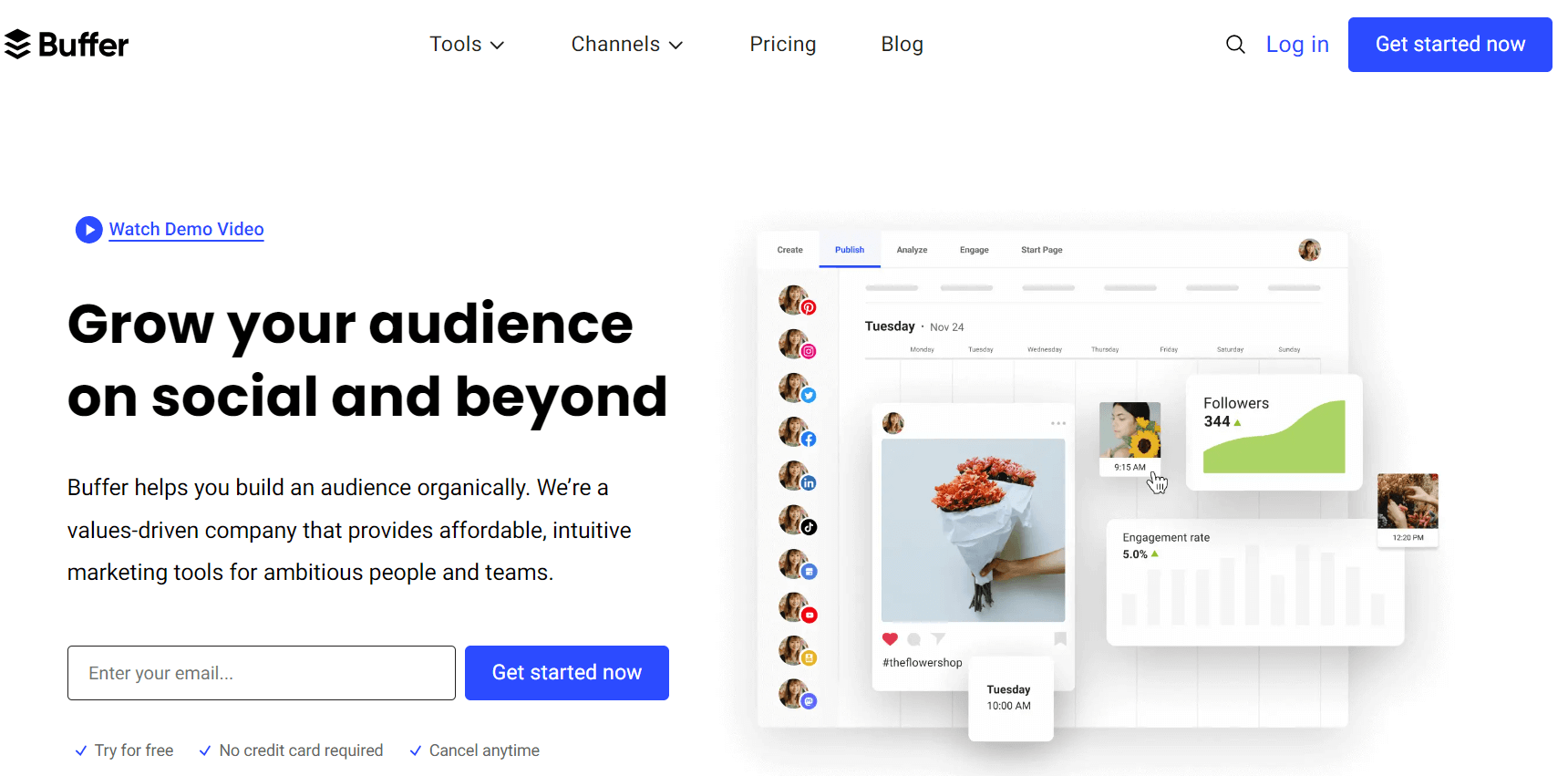
Best for: Creators and small teams who want writing help without switching tools
Buffer has been a scheduling staple for years. The AI layer they’ve added isn’t a separate product – it lives inside the same interface you’d use to schedule posts anyway. That integration makes it actually handy compared to simply a feature you try once and never use it again ever.
You draft a post, hit the AI button, and it gives you rewrites, tone adjustments, and length variations. It can also generate post ideas from scratch if you give it a topic. The output is cleaner than a lot of competitors, it doesn’t over-write or add unnecessary hashtags everywhere.
The free plan is genuinely functional. You are allowed to schedule for a maximum of three channels, and the AI assistant is also included. For solo creators or someone just commencing to build an online presence, this is a great starting point without requiring you to spend any amount.
What I actually use it for: Drafting captions when I have the idea but not the words, rewriting something that’s too long, quickly getting three version variations to pick from.
The honest downside: The AI suggestions are solid but not spectacular on technical or niche topics. If your content is highly specialized, you’ll still need to do meaningful editing. And the scheduling features, while good, don’t have the depth of dedicated scheduling platforms.
Bottom line: The most frictionless entry point for ai content creation tools in social. Try the free plan first, most people won’t need to upgrade.
2. Jasper (Social Media Mode)
Best for: Marketing teams with a defined brand voice
Jasper is what you use when your content can’t just be “good enough”, it has to sound like your brand, consistently, across every post, whether it was written by you, your intern, or an AI.
The brand voice feature is what separates Jasper from most competitors. Next, you train it on your existing content, define your tone, and the outputs showcase that precisely.
The social media templates include LinkedIn posts, Twitter threads, Facebook ads, Instagram captions, etc. The quality is high – most outputs need light editing rather than a full rewrite.
What I actually use it for: Creating a week of LinkedIn content in one session, writing product launch posts that stay on-brand, generating ad copy variations for testing.
The honest downside: There is no free plan. You’re paying from day one. For solo creators or people with modest output needs, the pricing is hard to justify. This tool makes sense when content is a real business function, not a side task.
Bottom line: Best AI social media tool for teams where brand consistency is a genuine business requirement. Overkill for personal use.
3. Canva Magic Studio
Best for: Anyone who creates visual content and wants AI built into the design process
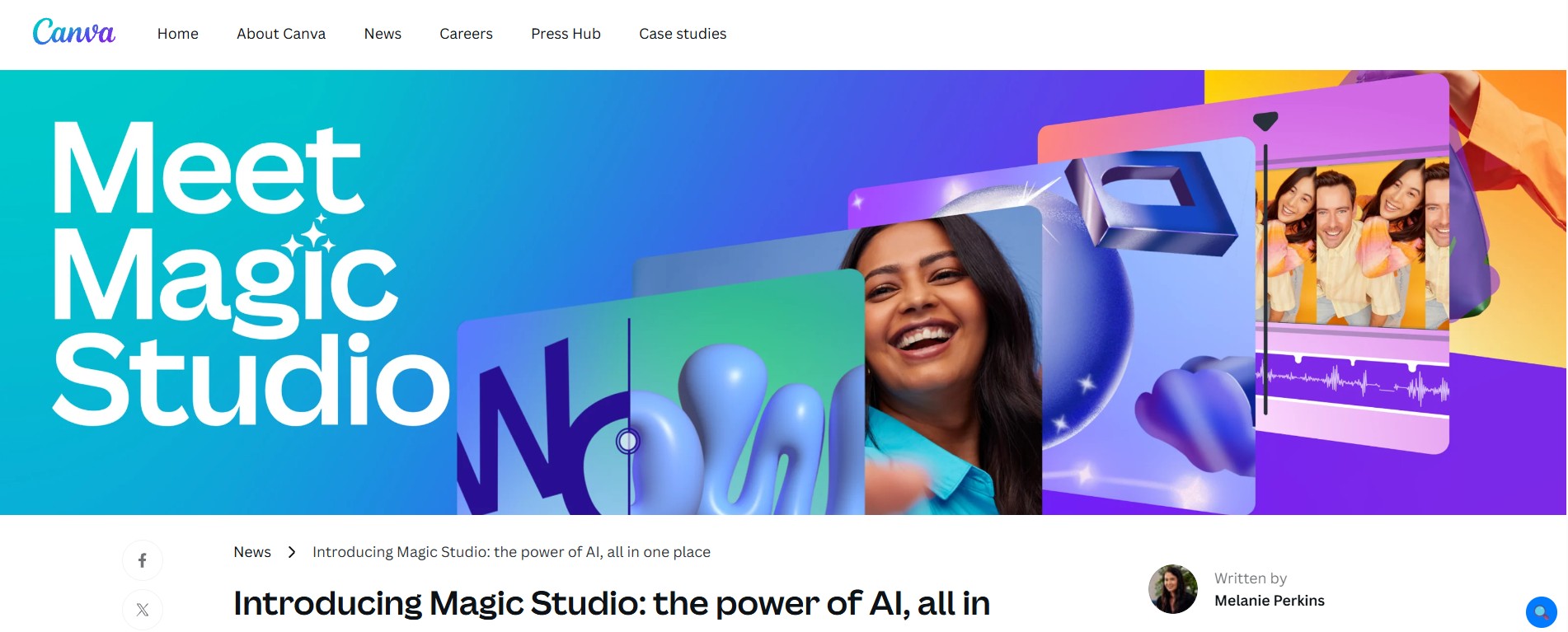
Here’s what most people miss about Canva’s AI features: it’s not just about writing captions. Magic Studio pulls together image generation, text-to-image, background removal, video editing, and caption writing in one place, and it’s all inside the design tool you’re probably already using.
The Magic Write feature generates captions and post copy directly in Canva. The image generation is genuinely good for social graphics. And because it’s all in the same tool, you don’t have to export from an AI writing tool, import to a design tool, then resize for each platform. It just… lives together.
What I actually use it for: Creating Instagram carousels where the design and the copy work uniformly, resizing posts for multiple platforms in a single go, swift product graphics with AI-generated background imagery.
The honest downside: The AI writing quality in Canva is functional; however, it is not outstanding in direct comparison with dedicated writing tools like Buffer AI or Jasper. It is good enough for most captions; however, in case writing quality is your focus, you will have to use a dedicated tool. Also, the better AI features require a Pro subscription.
Bottom line: The best option if you’re already a Canva user and want AI woven into your design workflow. Not the best pure writing tool, but the integration advantage is real.
4. Lately AI
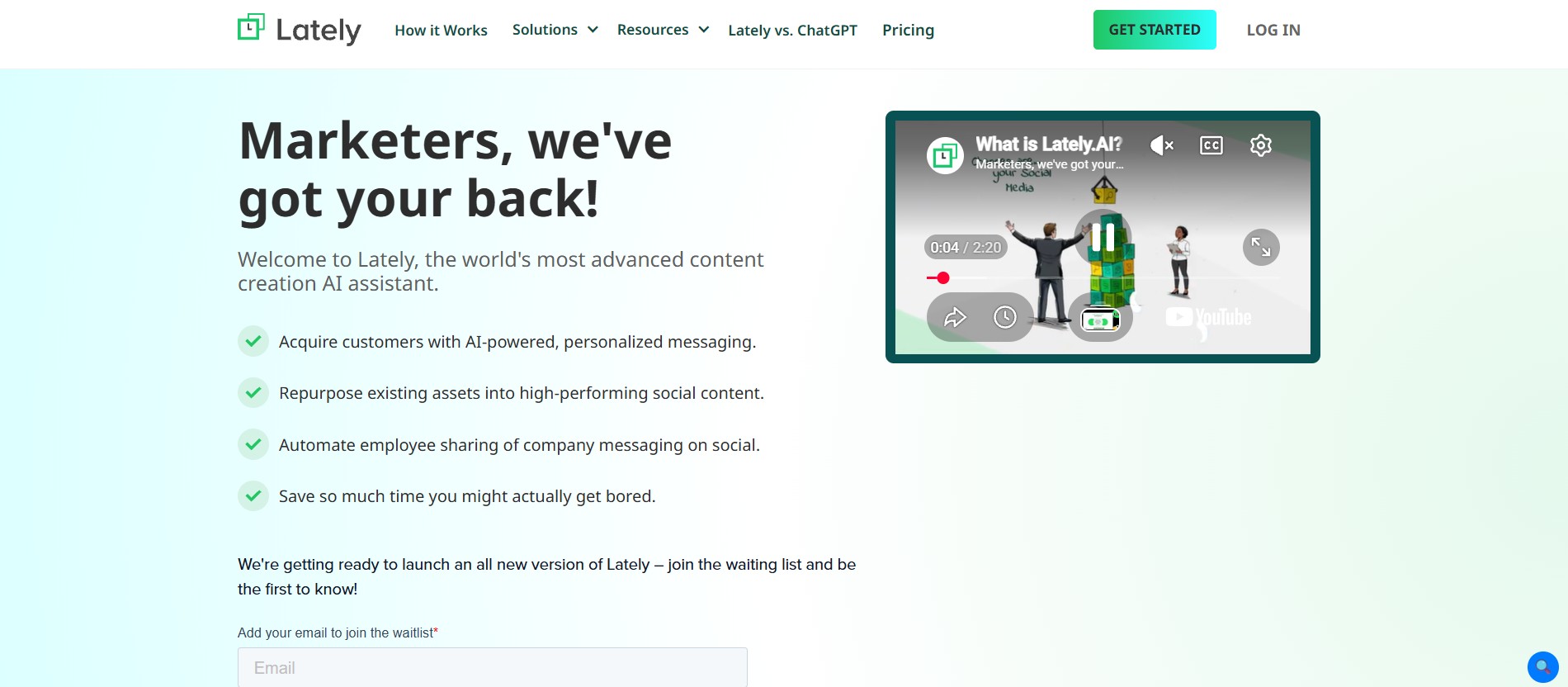
Best for: Content repurposing – specifically turning long-form into social posts
Lately AI does a single thing but does it better than almost anyone else. For example, it takes a blog post, webinar, or long video and automatically extracts the social-ready moments from it.
You paste in (or connect) your long-form content, and Lately generates 10-20 social post options pulled directly from the source material. The posts are grounded in your actual content, not AI-generated filler, which means they’re accurate and on-topic.
For content marketers who are recording podcasts, doing video content, and publishing blogs, this tool works best. Lately helps you get ten posts out of it instead of one.
What I actually use it for: Converting a podcast episode into a week of LinkedIn posts, pulling the best quotes from a webinar for Twitter, repurposing a blog into Instagram captions without manually reading through the entire thing.
The honest downside: If you are not already creating long-form content, Lately’s core strength doesn’t apply to you. It’s a repurposing tool, not a from-scratch content generator. Pricing is also on the higher end for what is essentially a one-trick (excellent) tool.
Bottom line: Essential for content marketers with a repurposing problem. Less relevant if your content strategy is primarily short-form from the start.
5. Predis.ai
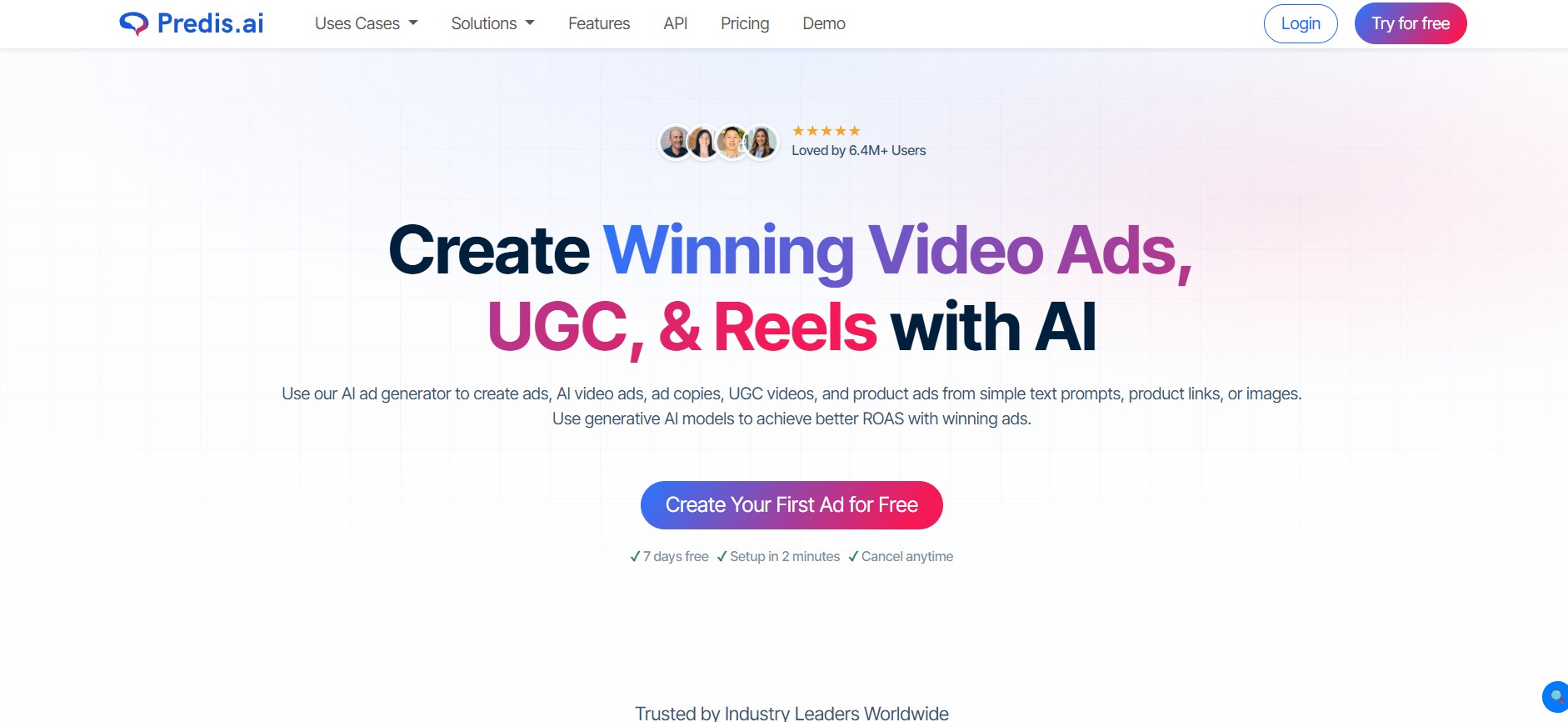
Best for: Instagram and LinkedIn – especially carousel posts
Predis caught me off guard. I expected a basic caption generator. I found it to be a better tool for visual social content, particularly carousels, which have steadily become the most happening formats on LinkedIn and Instagram.
Give it a topic or a URL, and it generates a complete carousel including the layout, the copy for each slide, the caption, and the layout. The visual quality is not Canva-level; however, it is genuinely most ready for most of the use cases.
For someone who used to spend 45 minutes building a carousel manually, getting a draft in two minutes is a significant shift.
The competitor analysis feature is interesting too, you can analyze what’s working in your niche and generate content based on those patterns.
What I actually use it for: Curating LinkedIn carousels on industry topics, getting a visual content calendar, and creating educational Instagram posts on the go without requiring you to start from scratch every single time.
The honest downside: The free plan is limited enough that you’ll hit the ceiling fast if you’re posting consistently. The design customization is decent but not as flexible as Canva. And the AI writing can skew a bit generic on niche topics, you will want to edit.
Bottom line: Best dedicated tool for carousel content. If LinkedIn or Instagram carousels are part of your strategy, Predis saves serious time.
6. FeedHive
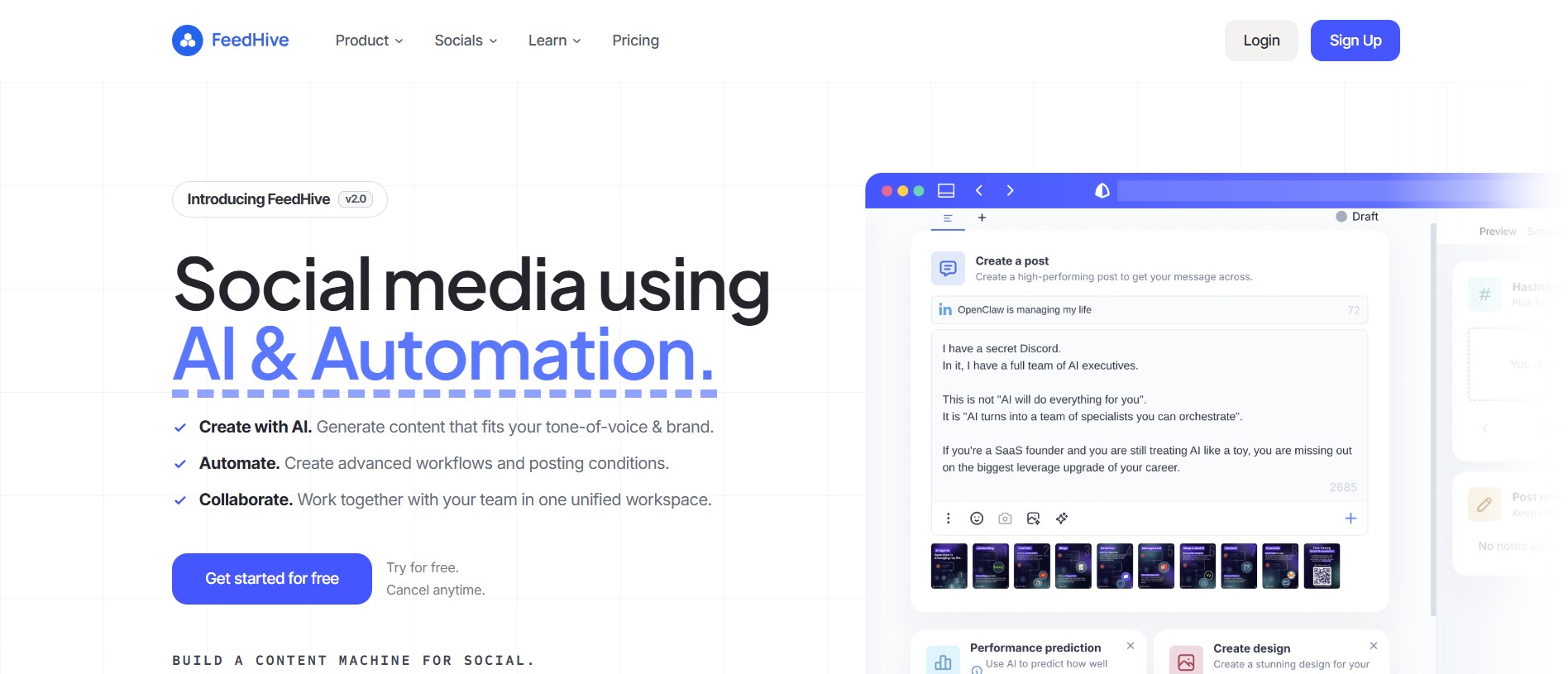
Best for: Creators who want to recycle evergreen content smartly
Most social media tools focus on creating new content. FeedHive’s angle is different: what about all the good content you already made that nobody saw after it slipped off the feed?
The content recycling feature automatically resurfaces and reschedules your best-performing old posts, with enough time between them that it doesn’t feel repetitive to your audience. For accounts with a library of existing content, this is a quiet but meaningful source of extra reach.
The AI writing assistant handles caption generation and thread writing well, and the scheduling interface is clean and fast. There is a real free plan with enough room for individual creators to use it meaningfully.
What I actually use it for: Keeping a library of evergreen posts cycling back into my schedule, writing Twitter/X threads quickly, scheduling across platforms without paying for an enterprise tool.
The honest downside: It is less flashy than some competitors. The AI features are good but not exceptional, you are not going to get the brand-voice customization of Jasper or the carousel generation of Predis. FeedHive is the best when it comes to scheduling-cum-recycling platform with AI aid and not as pure AI content generator.
Bottom line: Underrated tool for creators who have content but struggle with consistency. The recycling feature alone is worth exploring.
7. Ocoya
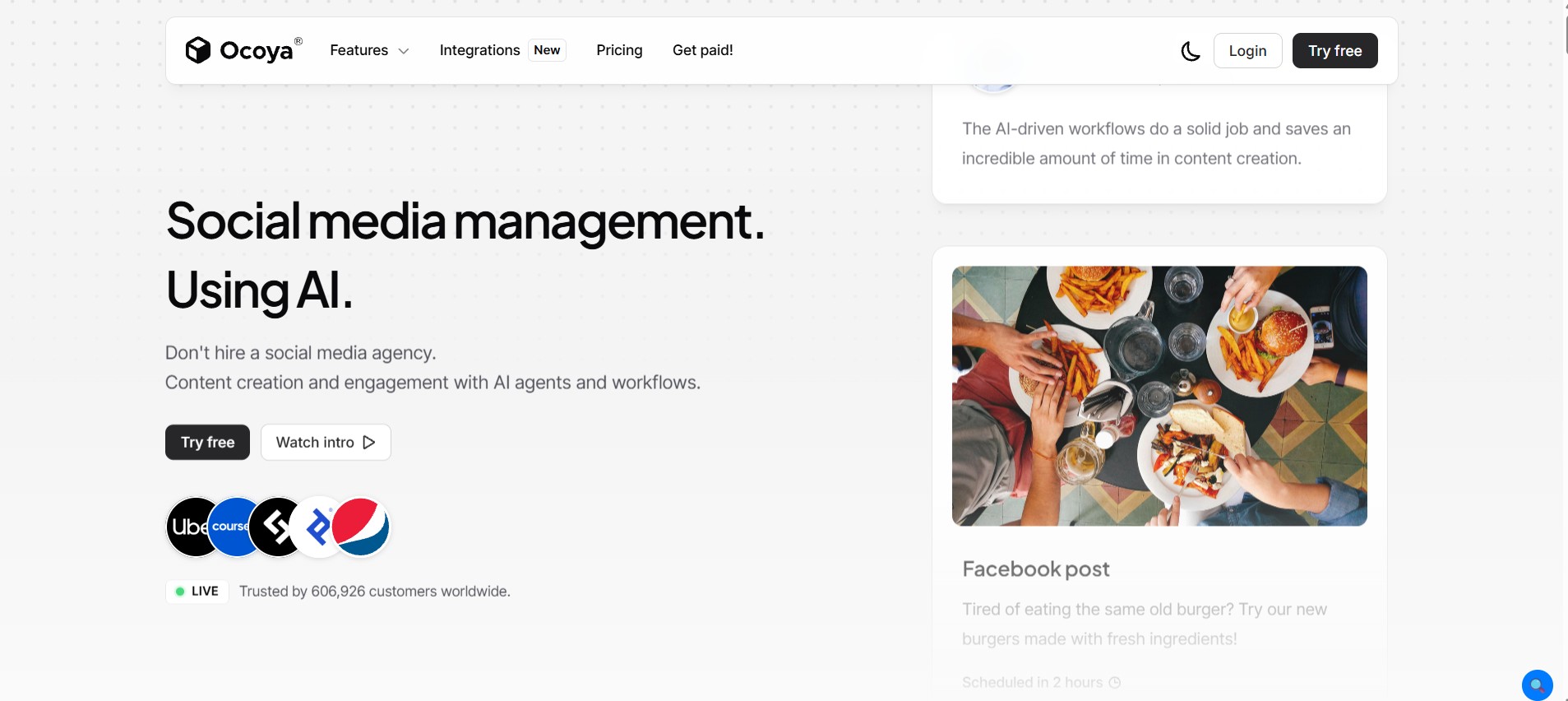
Best for: E-commerce brands and product-focused accounts
If you’re selling products and your social media content is mostly product posts, promotions, and seasonal campaigns, Ocoya is built with you specifically in mind.
The Shopify and WooCommerce integrations let it pull your actual product info and generate post captions directly from your catalog. That means your AI-generated content is grounded in your real products, real prices, and real descriptions – not generic filler.
The scheduling is great, the design templates are eCommerce-friendly, and the AI caption generator is perfect for promotional language that does not seem spammy.
What I actually use it for: Generating product launch posts, creating seasonal promotion content at volume, keeping product-focused Instagram and Facebook pages fed without manual writing for every SKU.
The honest downside: In case you are not an eCommerce brand, the core advantages of Ocoya don’t apply much. It is a specialized tool and not a general-purpose one. The UI also requires a steeper learning curve when compared to FeedHive or Buffer.
Bottom line: The best ai content creation tool for e-commerce social. If you are on Shopify and struggling to keep social content consistent, start here.
8. Hootsuite OwlyWriter AI
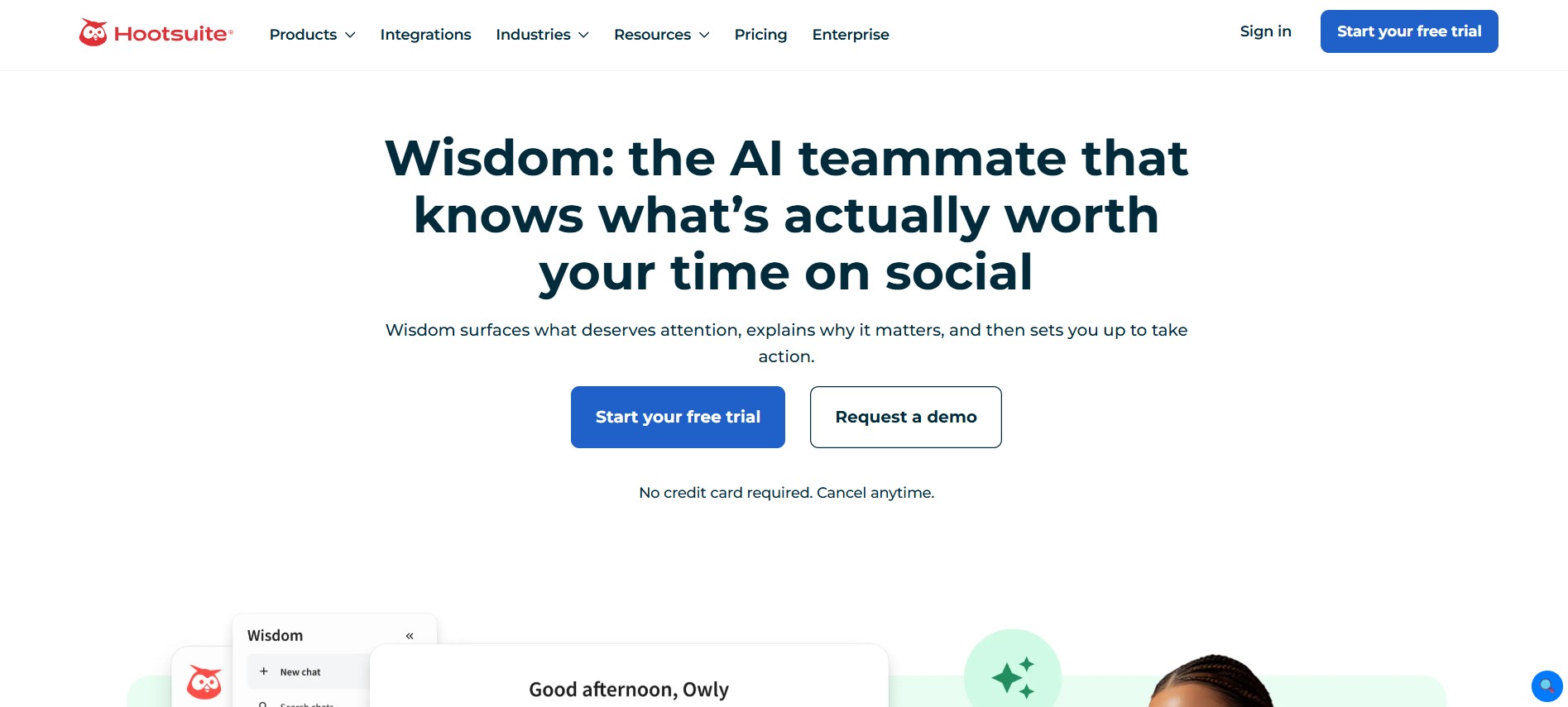
Best for: Enterprise social media teams requiring scale and governance
Hootsuite has been the enterprise social media platform for years. OwlyWriter AI is their answer to the AI content wave, and it fits neatly inside the broader Hootsuite infrastructure that large teams already rely on.
The AI generates captions, suggests hashtags, and can repurpose existing content, all from within the Hootsuite dashboard. For teams that already live in Hootsuite, adding AI-assisted writing without switching tools is genuinely valuable.
The approval workflows, team permissions, and brand safety features that Hootsuite is known for are all still intact around the AI features. That governance layer matters for enterprise brands where a rogue AI post would be a real PR problem.
What I actually use it for: Honestly, this one is for teams larger than a solo operator. If you’re managing social for a brand with multiple stakeholders, regional accounts, or compliance requirements, the combination of Hootsuite’s governance and AI writing saves real coordination time.
The honest downside: The pricing is enterprise. There’s no path in here for small businesses or individual creators — the plans start at a level that only makes sense for teams with real social media budgets. OwlyWriter AI itself is also not the most capable AI writer on this list; the value is in the integration, not the AI quality.
Bottom line: Makes sense if you are already an enterprise Hootsuite customer. Not a reason to sign up from scratch for most people.
9. ContentStudio
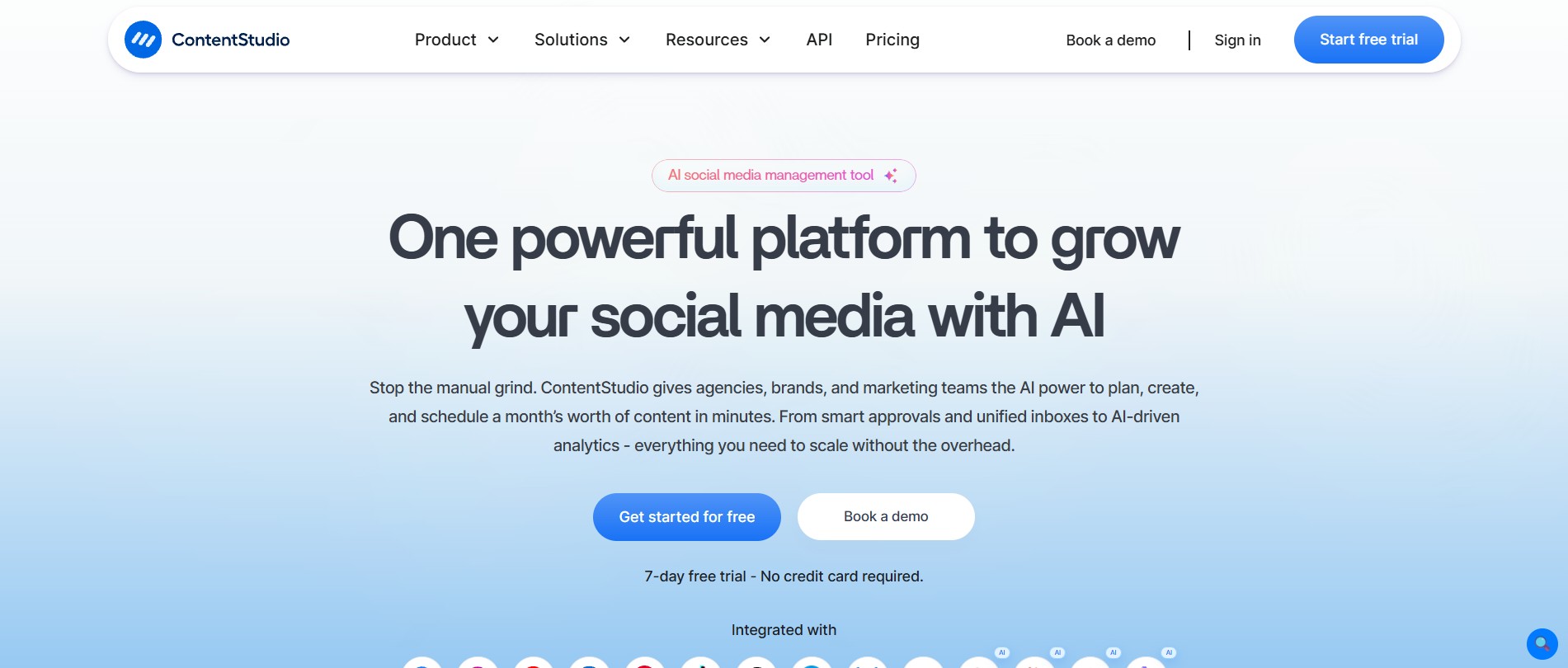
Best for: Agencies managing social for multiple clients
ContentStudio is the tool I’d hand to someone running a social media agency with five or more clients. The multi-account management, content discovery, and publishing workflows are built specifically for that use case.
The AI writing tools cover captions, hashtags, and content ideas across platforms. But the real differentiator is the content discovery engine – it surfaces trending content in your clients’ niches, which you can then use as inspiration or repurpose directly.
Maintaining the relevance factor across multiple industries is challenging. But, ContentStudio manages it perfectly.
What I actually use it for: Proper management of content calendar, finding out trending topics in niche industries, and streamlining the workflow of client approval.
The honest downside:It is more complex than it needs to be if you are managing just one account. The interface has a lot going on, and there’s a real onboarding period before it clicks. Solo creators would be better served by something simpler.
Bottom line: Best social media AI tool for agencies. If you are managing 5+ accounts, the multi-client features justify the complexity.
10. Writesonic: Social Media Post Generator
Best for: Budget-conscious creators who just need solid captions fast
Not everyone needs a full platform. Sometimes you just need to write better captions without spending money on a subscription you’ll feel guilty about not using.
Writesonic’s social media tools do exactly that, and they do it well. The caption generator includes YouTube, LinkedIn, Twitter, Facebook, and Instagram descriptions. You provide it with a topic, select the preferred tone, and it shares multiple options to work with.
The output quality is consistently good, better than most free tools.
The free plan includes enough credits to be genuinely useful for light to moderate use. If you are a creator just getting started with AI content tools and don’t want to commit to a paid plan right away, this is one of the best entry points on this list.
What I actually use it for: Swift caption drafts when I know what I want to say but cannot find the right words, writing bio copy for brand-new platforms, creating hashtag sets for distinct content categories.
The honest downside:It is a writing tool, not a full social media platform. No scheduling, no analytics, no design. If you need those things, you’ll need to pair them with another tool. The credit system can also feel restrictive once you’re using it daily.
Bottom line: Best budget-friendly starting point for AI social media tools. Works best for individuals who do not need any commitment from specific platforms or individuals needing AI writing aid.
Frequently Asked Questions
1. Are AI content creation tools actually worth it?
Yes – with a caveat. They are worth it when you make use of them as a starting point and not a complete product. The teams and creators deriving real value from these tools are the ones who take the AI output and make it their own instead of posting it.
If you are expecting to press a button and get perfect, publish-ready content with zero editing — you’ll be disappointed. If you are expecting to cut your content creation time in half and stop staring at blank screens, that part is real.
2. Which are the top AI tools specifically for social media?
Most people consider Buffer AI for its all-round effortlessness of use. You can opt for Canva Magic in case visual content is your motive, and Jasper for a marketing team that requires consistency of brand.
3. Which social media AI tools are free to use?
Buffer AI, Canva Magic Studio, FeedHive, Writesonic, and Predis.ai all have free plans with genuine (if limited) functionality. They’re the best places to start if you want to try AI social media tools before spending anything.
For the ones without free plans – Jasper, Lately AI, Hootsuite – look for trial periods rather than committing upfront.
4. Can AI tools post directly to my social media accounts?
Several of them can. Buffer, FeedHive, ContentStudio, Hootsuite, and Ocoya all include scheduling and auto-publishing as part of what they do. While Jasper and Writesonic are writing-only tools, you will still require a scheduling platform to publish them.
If you give utmost importance to auto-publishing, ensure that the tool you opt for supports the specific platforms you are on. Remember, not every tool publishes to every platform. Hence, evaluate things before you register.
5. Does an AI-generated social media content affect engagement levels?
It depends. AI-generated content that is posted without any editing — generic, obvious, clearly templated, often does underperforms authentic content. People can feel the difference.
However, most audiences find it challenging to tell that you have used AI-assisted content that has been shaped by your perspective, voice, and actual experience. Hence, your engagement numbers will not suffer.
The distinction is whether you are using AI as a ghostwriter you direct or as a replacement for actually having something to say.
Last updated: June 2026. Pricing, features, and free plan details change frequently — verify directly with each tool before signing up.

Vivek Asrani is a tech writer and AI tools reviewer who has been consistently transforming complex technology into user-friendly stories that readers look forward to. His over a decade of experience in the IT content space allows him to impart useful information on AI tools and digital products he has practically used with a sharp eye for real-world value. His reviews are written to ensure that readers see what a tool can actually do before they think of buying and spending time on the tool. He concentrates on clarity and practical details that make technology effortless to trust and use.