

10 Best Free AI Avatar Generators in 2026 (Tested and Ranked)
Here is the real talk. I spent a lot of hours the previous month bouncing between AI avatar tools, trying to find one that did not make me seem like a melted action figure. Some nailed it in ten seconds. Others took five minutes, finished my free credits, and handed me something I would not even utilize as a placeholder.
If you have typed – ai avatar generator online free – into Google, you will be surprised and overwhelmed by the huge number of alternatives. There is a huge difference between a tool that gives you a swift cartoon profile picture and one developed for comprehensive talking-head videos. So I tested both kinds and broke down exactly what each one is actually good for.
Define an AI Avatar Generator
In simple words, it is software that transforms a text prompt, a short video of you, or a photo into a digital character. Some avatars just sit still, think profile pictures, gaming icons, LinkedIn headshots. Others talk, blink, gesture, and lip-sync a script you type in, which is the category most “AI avatar” searches are actually after these days.
Two completely different jobs, two completely different sets of tools. I’ve split this list so you don’t waste time testing a video avatar app when all you wanted was a Discord PFP.
Why You Should Actually Be Using One
I used to either pay a designer $50 for a stylized profile picture or just use my actual face everywhere, which felt weird for gaming accounts and brand pages alike. A decent avatar generator solves both problems in under a minute, and the talking-avatar tools go even further — they let you make training videos, social content, or product explainers without ever turning on a camera.
How I Picked These Tools
I looked at four different things highlighted below:
- How good the free tier actually is, and not merely free trial marketing speak
- How realistic or polished the outcome seems
- How quickly the tool can be utilized without requiring a steep learning curve
- Whether it is developed for video avatars, static avatars, or both.
I did not use anything that buries the avatar feature behind a paywall with absolutely no meaningful free access.
Quick Comparison Table
Tool | Best For | Avatar Type | Free Tier |
Canva | All-purpose avatar design | Static, illustrated | Yes, generous |
Adobe Firefly | Polished talking avatars | Video/talking | Limited credits |
Synthesia | Business video avatars | Video/talking | Yes, no card needed |
HeyGen | Realistic digital twins | Video/talking | Yes, capped |
InVideo AI | Cloning yourself from a video | Video/talking | Yes, limited |
DeeVid AI | Budget talking avatars | Video/talking | Yes, watermarked |
Monica | Photo-to-professional headshot | Static | Yes |
PicLumen | Stylized and 3D avatars | Static, image-based | Yes |
Gan.AI | Bulk/personalized video avatars | Video/talking | Yes, limited |
Fotor | Cartoon avatars from selfies | Static, illustrated | Yes |
The 10 Best Free AI Avatar Generators – Honest Reviews
1. Canva – Best for Static, Illustrated Avatars
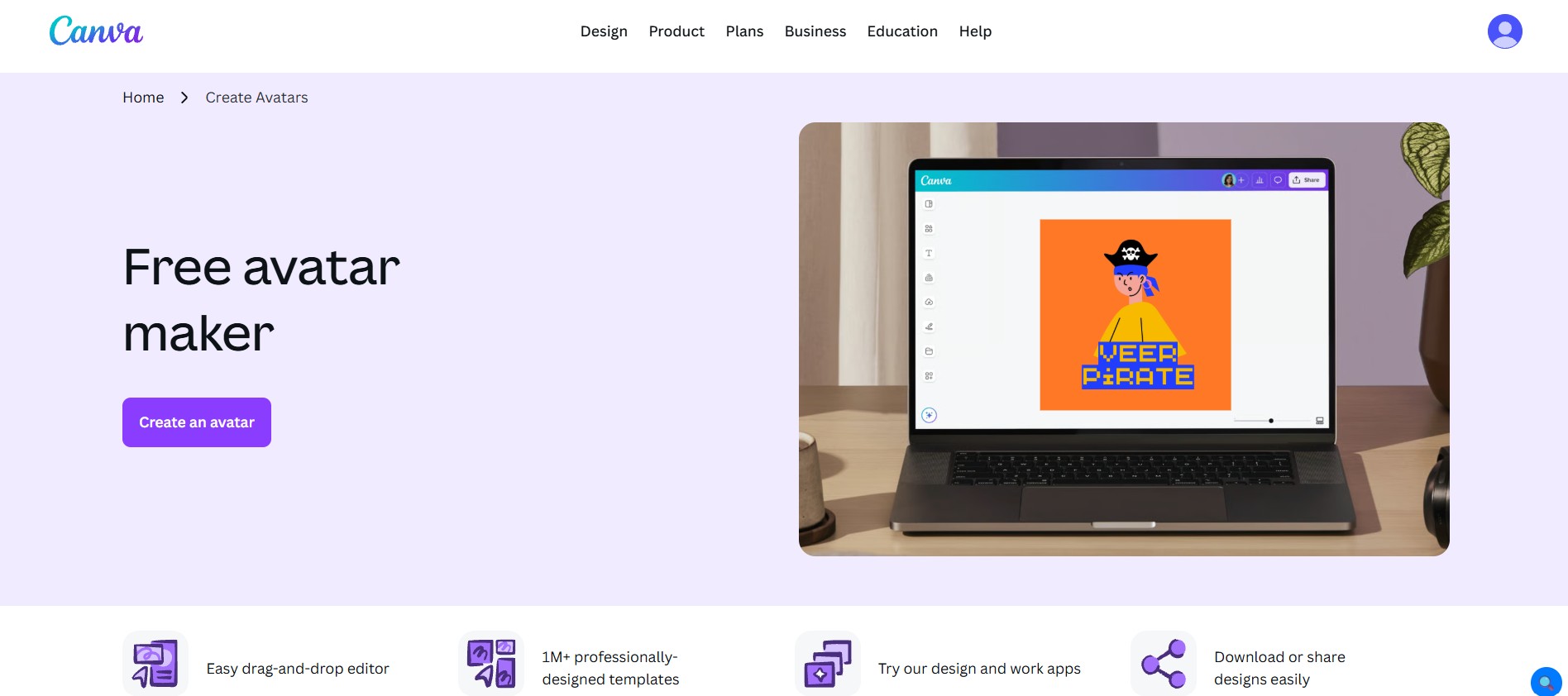
Best for: Profile pictures, brand mascots, gaming and community avatars
Canva isn’t a single dedicated avatar tool — it’s a hub that connects you to multiple AI avatar apps (ProfilePhoto, Pixton, Bitmoji, Character Builder) right inside its drag-and-drop editor. I like this approach because you’re not locked into one art style; you can hop between a realistic headshot app and a cartoon character builder in the same canvas.
What I actually use it for: Quick gaming avatars for Twitch and Discord, and building out a whole set of “team” avatars for a community page using Pixton’s diverse character templates.
The honest downside: Because it’s an aggregator, quality varies a lot depending on which connected app you pick. You also need a Canva account to access most of the avatar apps, and some (like Headshot Pro) eat into paid credits faster than others.
Free tier bottom line: Excellent if you want variety and don’t mind hopping between a few different mini-tools. Not the move if you want one button and one realistic result.
2. Adobe Firefly – Best for Polished Talking Avatars
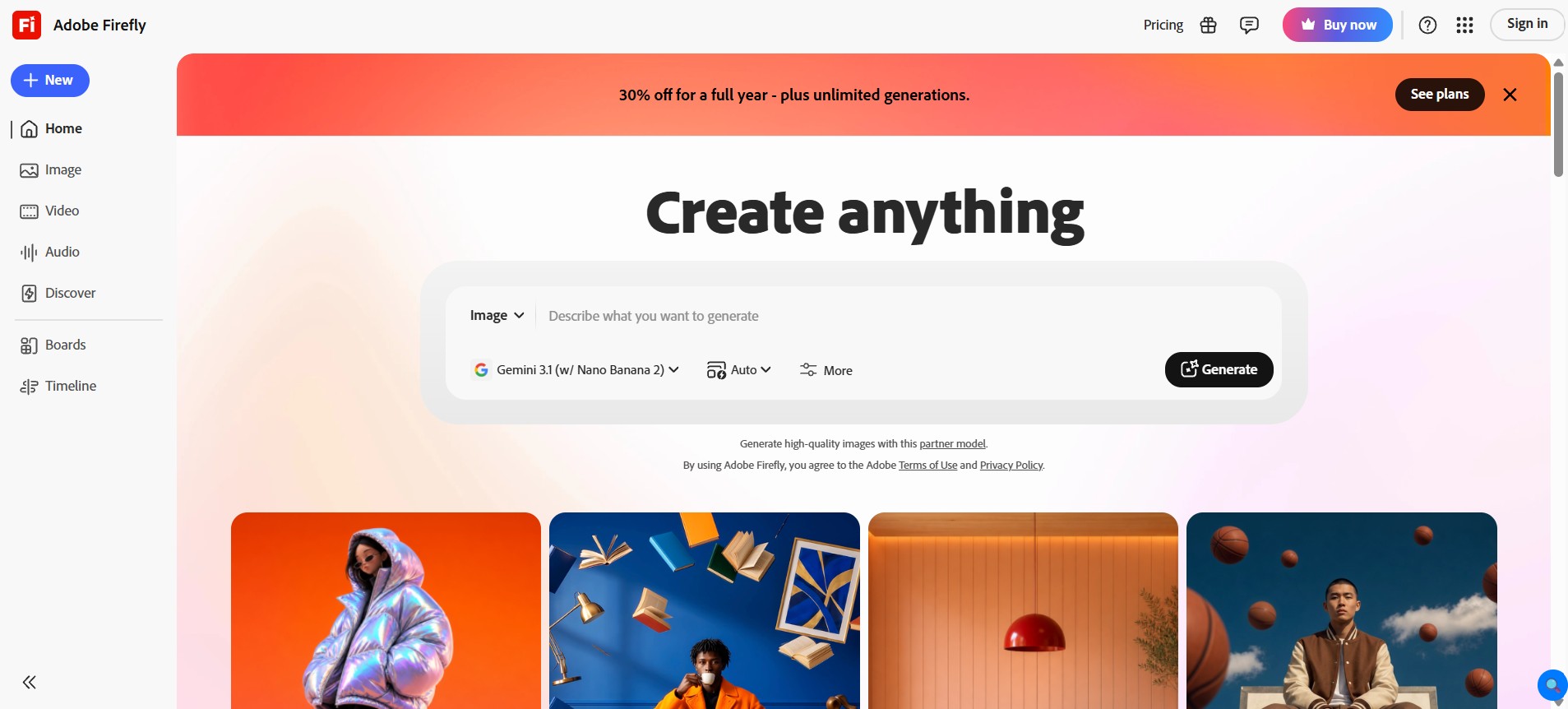
Best for: Branded marketing or training videos that need to look studio-shot
Firefly’s Text to Avatar feature takes a script and turns it into a full talking-head video with a chosen avatar, accent, and background. I’ve found the lip-sync and skin/hair rendering noticeably cleaner than a lot of competitors — it’s clearly built on top of Adobe’s broader image model stack (GPT Image, Gemini, FLUX), and it shows.
What I actually use it for: Short explainer clips where I want the avatar to look genuinely professional, not like an obvious AI render.
The honest downside: This is the catch. Firefly’s avatar generator is classified as a premium feature. You get some free credits to explore Firefly generally, but the avatar tool burns through them fast, so “free” here really means “free trial,” not “free forever.”
Free tier bottom line: Best output quality on this list if realism matters most to you. Just don’t expect to make more than a couple of test videos before you hit a paywall.
3. Synthesia – Best for Business Video Avatars
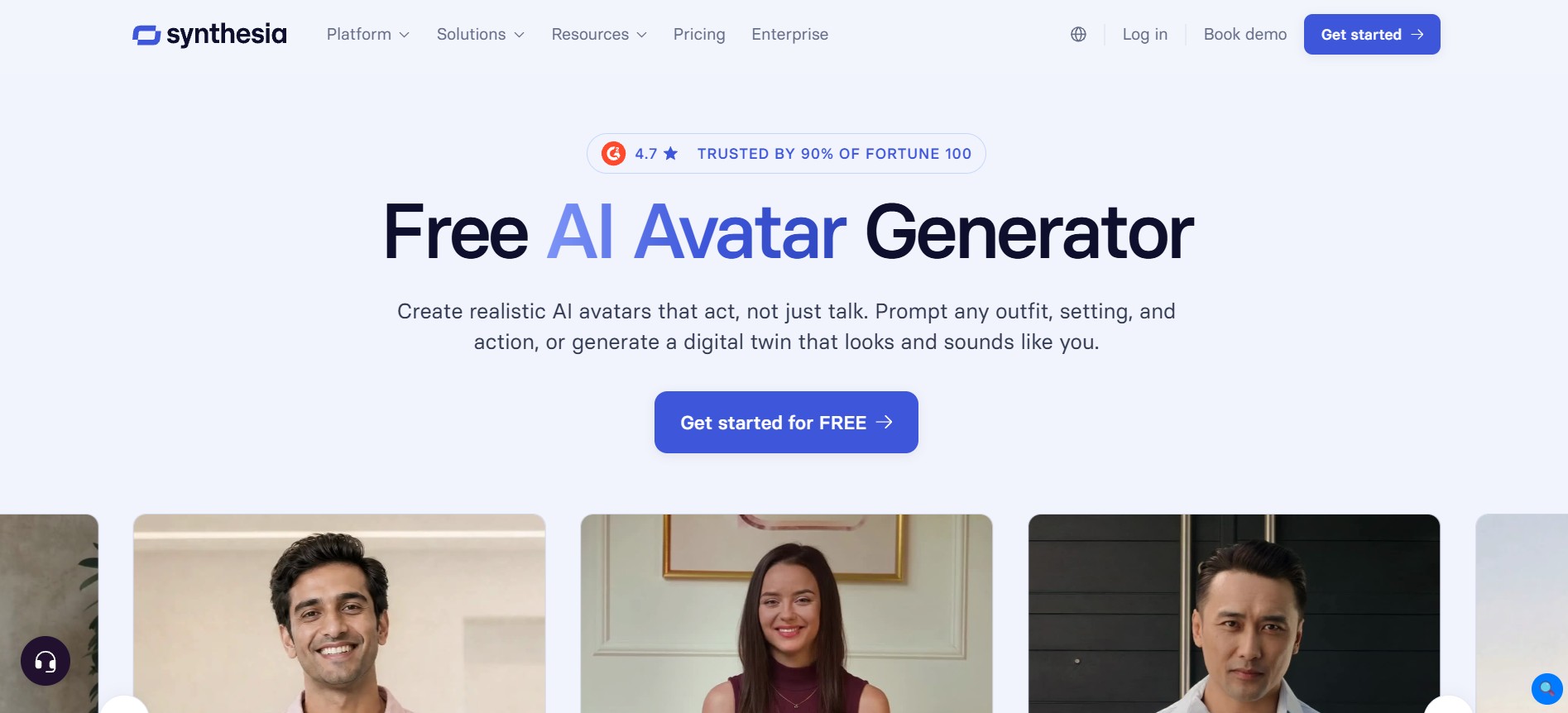
Best for: Onboarding, L&D content, and corporate training
Synthesia is the one I’d point a workplace team toward. It provides more than 240 realistic AI avatars and the ability to create a personal avatar from a solitary photo, with videos generated in more than 160 languages. The free-of-cost plan does not require a credit card, which is rare to find for a tool of these capabilities.
What I actually use it for: Quick how-to videos where I require the same presenter to show up across multiple languages without having to re-film anything.
The honest downside: The free tier is solid for testing; however, anything that seems to be regular use such as custom branding, multiple avatars, and longer videos, throttles you towards a paid plan pretty swiftly. It is also overkill in case all you wish for is a static profile pic.
Free tier bottom line: The most trustworthy pick for business-style talking avatars. Heavier than you need if you just want a fun personal avatar.
4. HeyGen – Best for Realistic Digital Twins
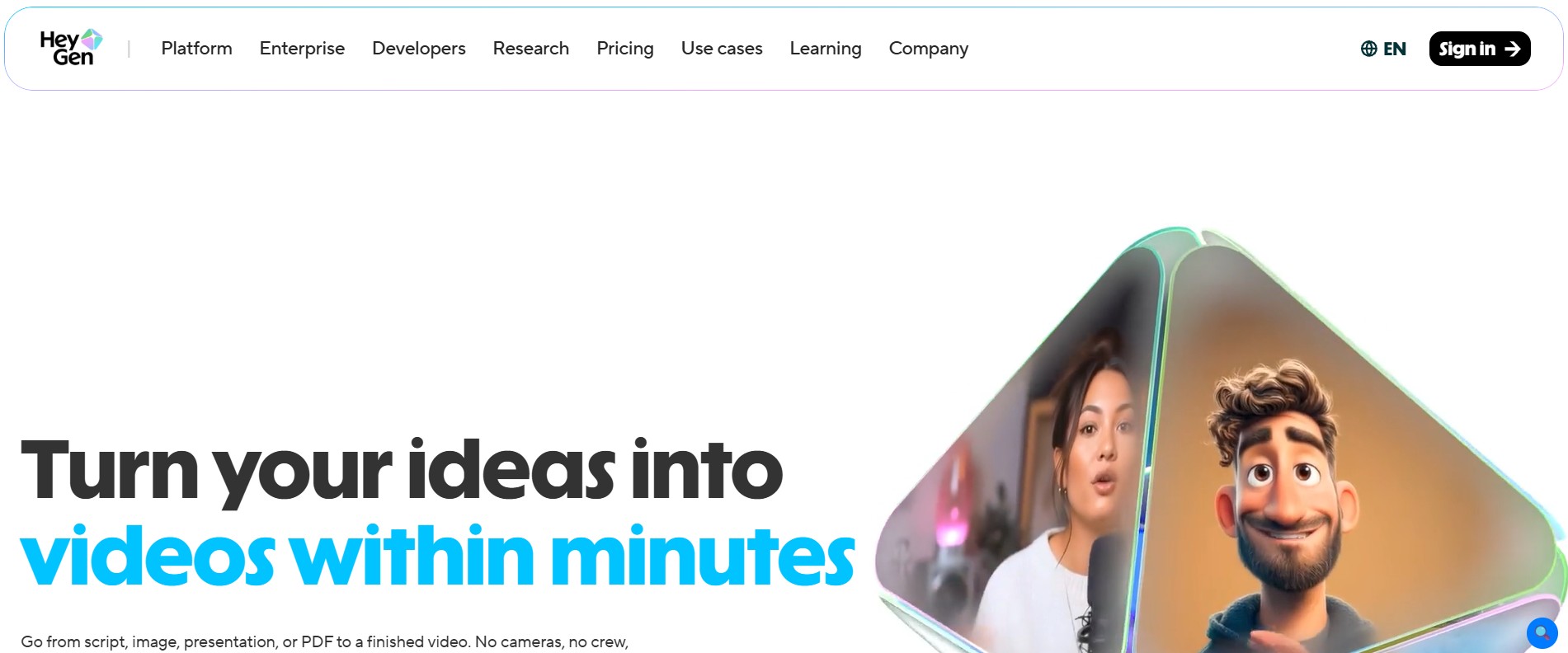
Best for: Creating an avatar that genuinely looks and sounds like you
HeyGen’s “digital twin” flow stood out to me – upload a clear photo, train the model on your likeness, and it builds an avatar you can reuse across unlimited scripts. The good thing is you get more than 1,100 realistic avatars from the platform to select from.
What I actually use it for: Developing a single personal avatar once and then generating multiple short clips from it without needing to record anything brand-new every time.
The honest downside: The free version is adequate enough to get a look and feel of the tool. However, HD/4K export, deeper customization, and commercial use rights are available on paid plans.
Free tier bottom line: Great if you want a reusable avatar of yourself rather than a generic stock face. The free cap will feel tight if you’re producing content regularly.
5. InVideo AI – Best for Cloning Yourself from a YouTube Video
Best for: Creators who use video footage of themselves
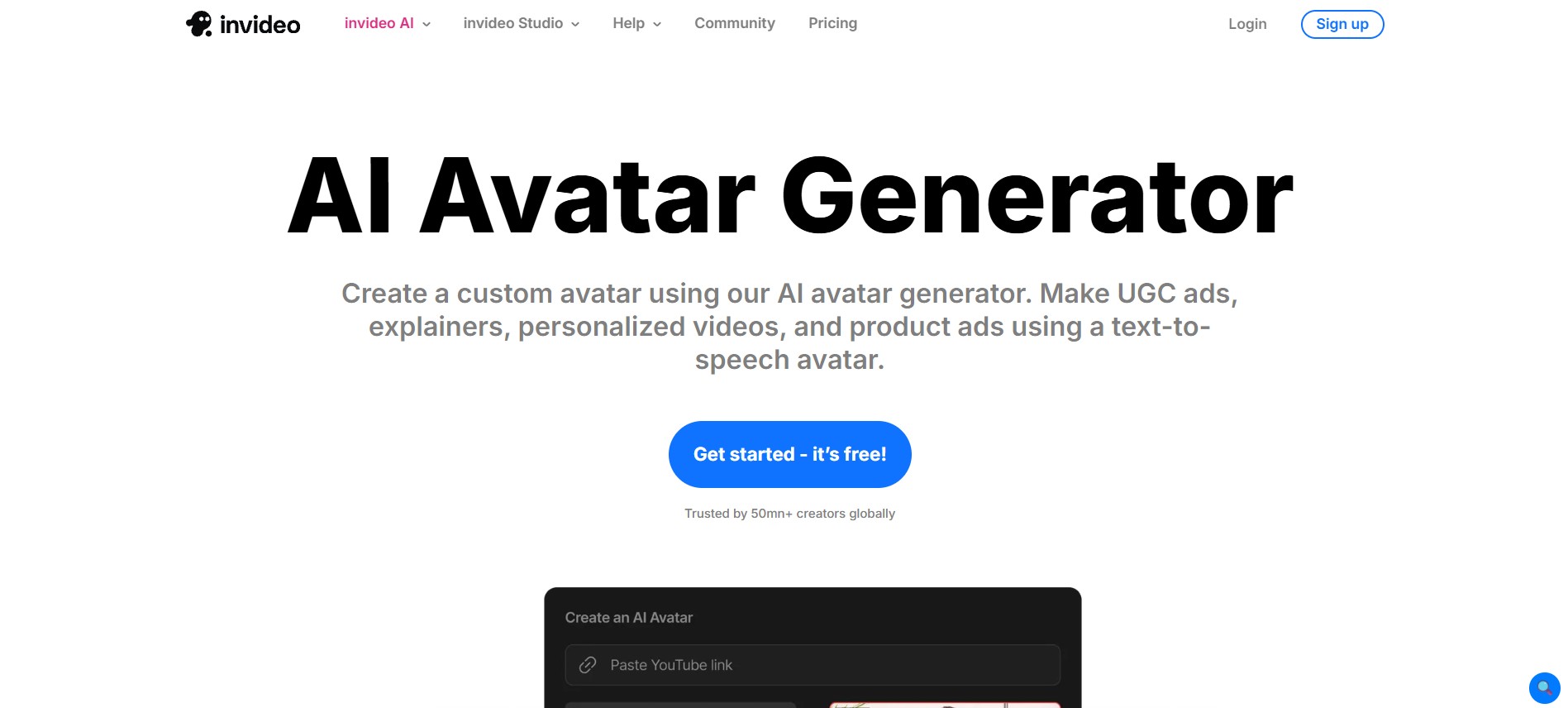
The twist in Invideo is that you can develop your avatar directly from a 60-second upload or a YouTube link rather than commencing from the beginning. It then provides an Express avatar to deliver swift outcomes or a Pro avatar for great quality in addition to support for more than 50 languages.
What I actually use it for: Turning an old talking-head video into a reusable AI version of myself for new scripts I haven’t actually recorded.
The honest downside: The free tier is more of a sampler – it is clearly designed to funnel you toward a subscription once you see what the Pro avatar can do.
Free tier bottom line: A smart pick specifically if you already have video of yourself lying around. Less useful if you’re starting from a blank slate.
6. DeeVid AI – Best Budget Option for Talking Avatars
Best for: Anyone who just wants to try a talking avatar without commitment
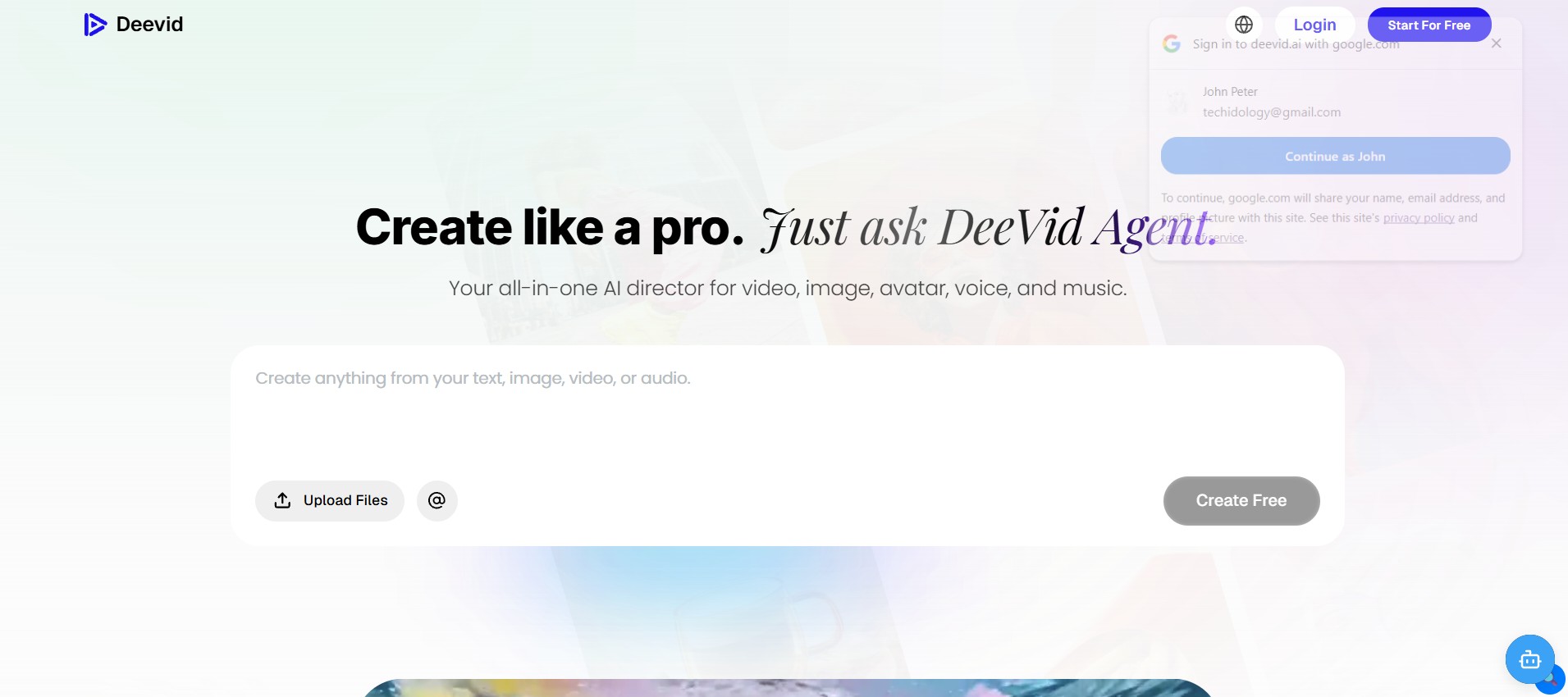
DeeVid ensures simplicity of things by choosing an avatar or uploading a photo, typing a script, and getting a video. It comes with multilingual voiceover in more than 8 languages and allows you to create a custom avatar from a guided recording or photo.
What I actually use it for: Swift, low-stakes test videos when I merely wish to see the way a script sounds loud before committing to a more polished tool.
The honest downside: It doesn’t try to compete with Synthesia or HeyGen on realism — the avatars are noticeably less lifelike, and the free tier is watermarked.
Free tier bottom line: Fine for casual experimentation. Not the one if a polished, watermark-free result matters.
7. Monica – Best for Professional Headshot-Style Avatars
Best for: LinkedIn, resumes, and other “I need a clean professional photo” situations
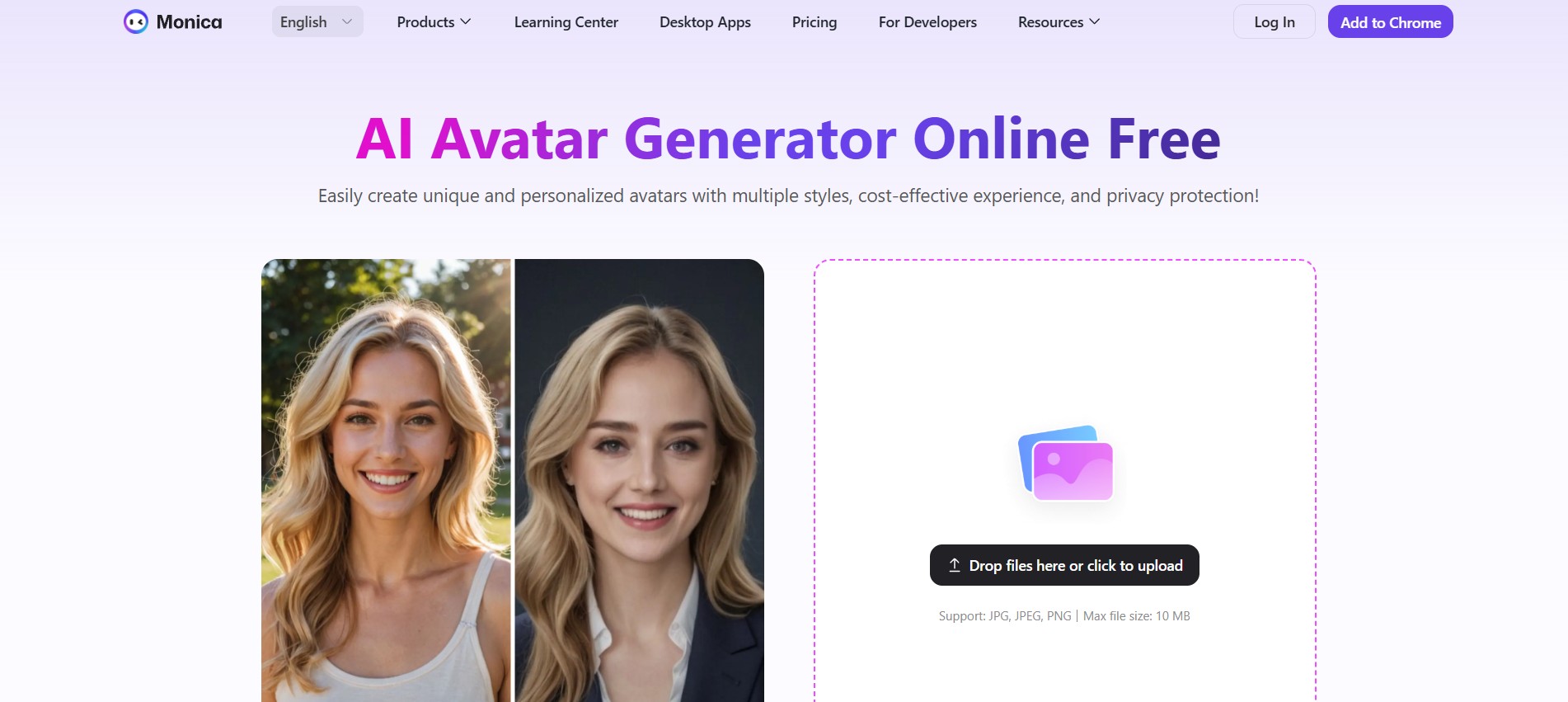
Monica’s avatar tool is photo-in, styled-portrait-out. Upload a clear photo, pick a style, and it generates a polished version in seconds – no video, no scripting, just a better-looking version of you.
What I actually use it for: Swift LinkedIn or company-bio photo refreshes when I do not have adequate time to schedule a real headshot session.
The honest downside: Uploaded photos are auto-deleted within 48 hours, which is good for privacy but means you can’t revisit your originals later. It is also strictly static images – no talking or animated avatars here.
Free tier bottom line: A solid, no-fuss free option if all you need is a sharper professional photo, not a video avatar.
8. PicLumen – Best for Stylized and 3D Avatars
Best for: Gamers, anime fans, and anyone wanting a non-realistic look
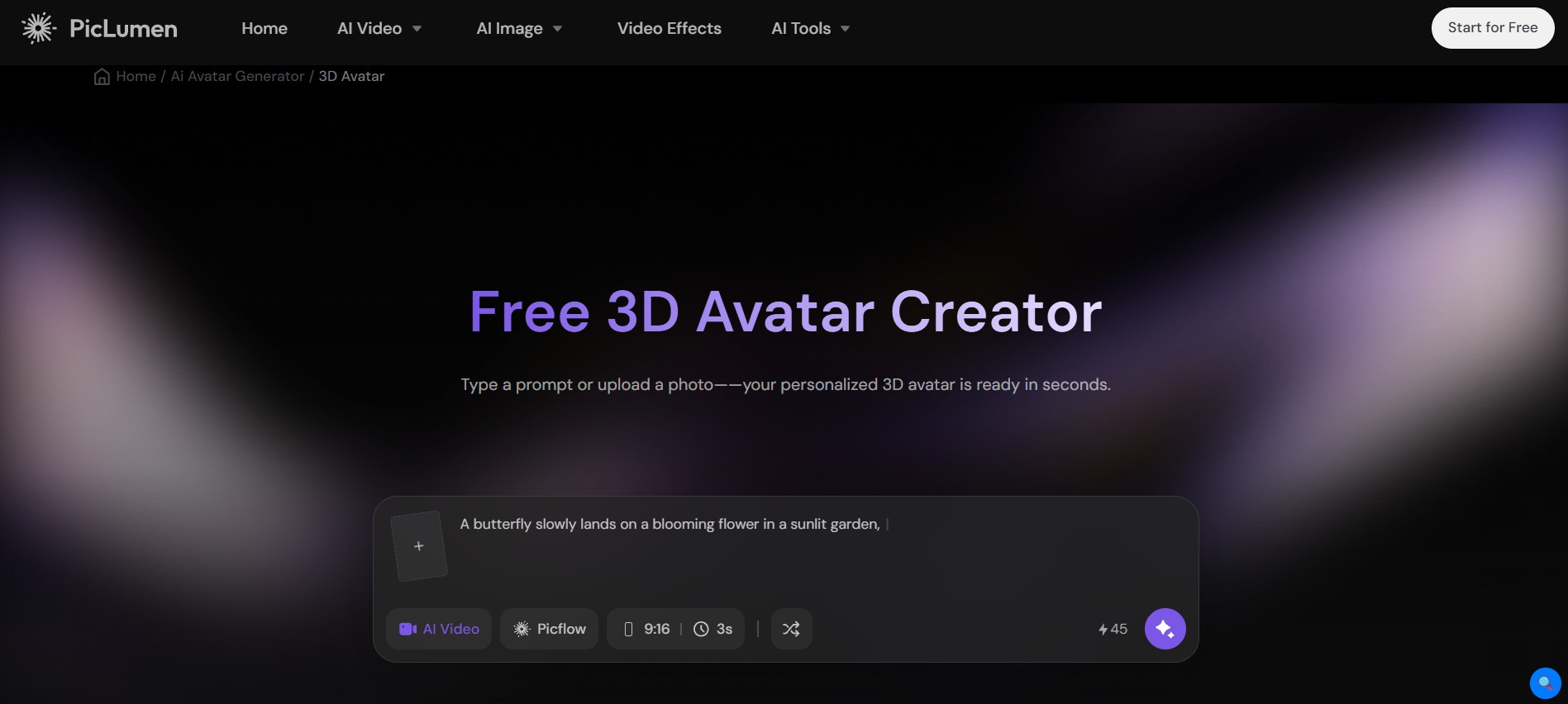
PicLumen leans hard into variety – realistic, anime, cyberpunk, mecha, 3D, even pet avatars. You can go from a reference photo or build one entirely from a text prompt, and it runs on a stack of current image models (Nano Banana, Seedream, Midjourney-style outputs, GPT Image).
What I actually use it for: Building a 3D or stylized avatar for a gaming profile when a realistic photo just isn’t the vibe.
The honest downside: The huge range of styles is great, but it also means results can be inconsistent — the same prompt across different model choices can look wildly different.
Free tier bottom line: The best pick on this list if you want anime, cyberpunk, or 3D-game-character energy instead of a realistic look.
9. Gan.AI – Best for Personalized Avatar Videos at Scale
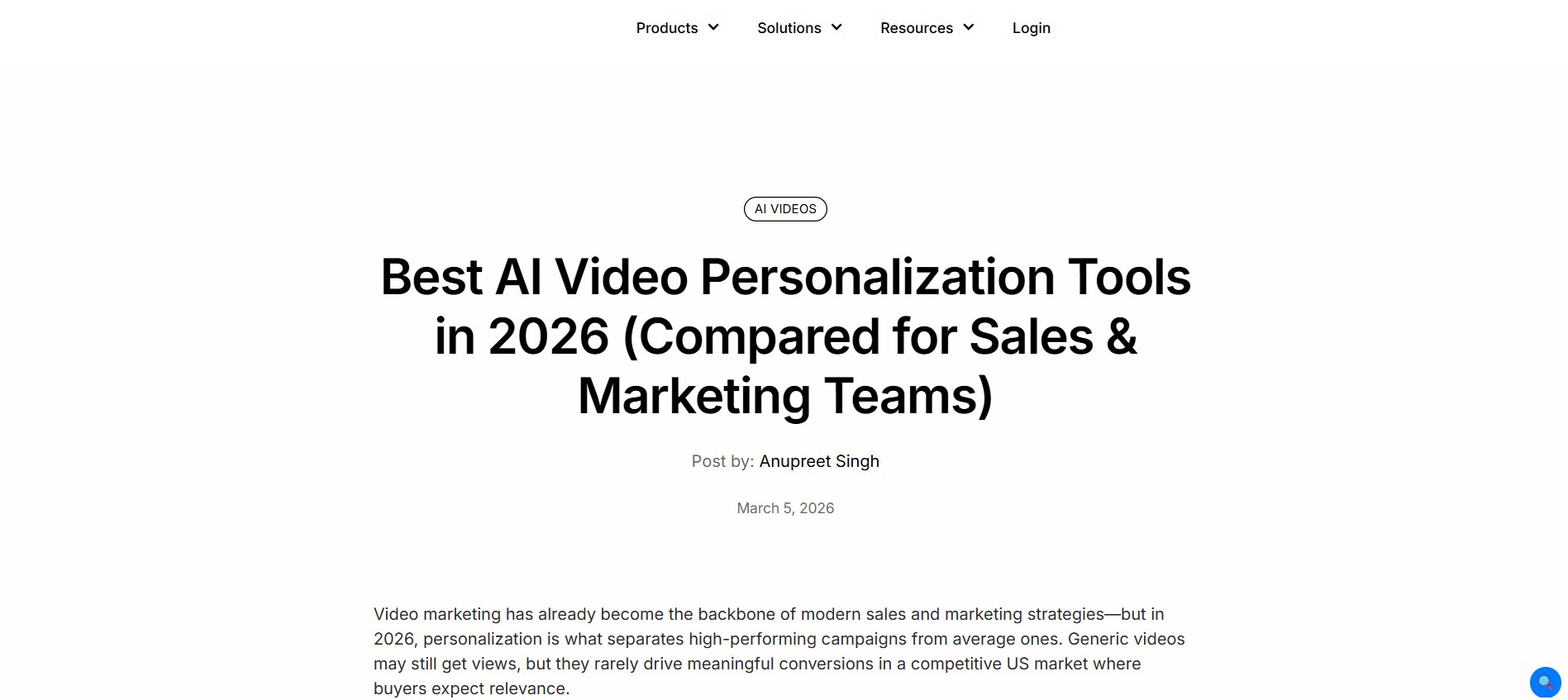
Best for: Marketing teams sending name-personalized video messages
Gan.AI’s niche is personalization — think “thousands of slightly different videos, each addressing a different person by name.” You can also build a custom avatar trained on your own likeness and voice for repeated use.
What I actually use it for: Honestly speaking, this one is developed for marketing campaigns instead of individual use. However, the free trial is adequate to see the way the personalization engine works on a smaller batch.
The honest downside: It is clearly aimed at business use cases (real estate, sales, healthcare follow-ups), so the free tier feels more like a sales demo than a tool for casual personal avatars.
Free tier bottom line: Skip this one unless you’re specifically after bulk, personalized avatar videos for outreach or marketing.
10. Fotor – Best for Simple Cartoon Avatars from a Selfie
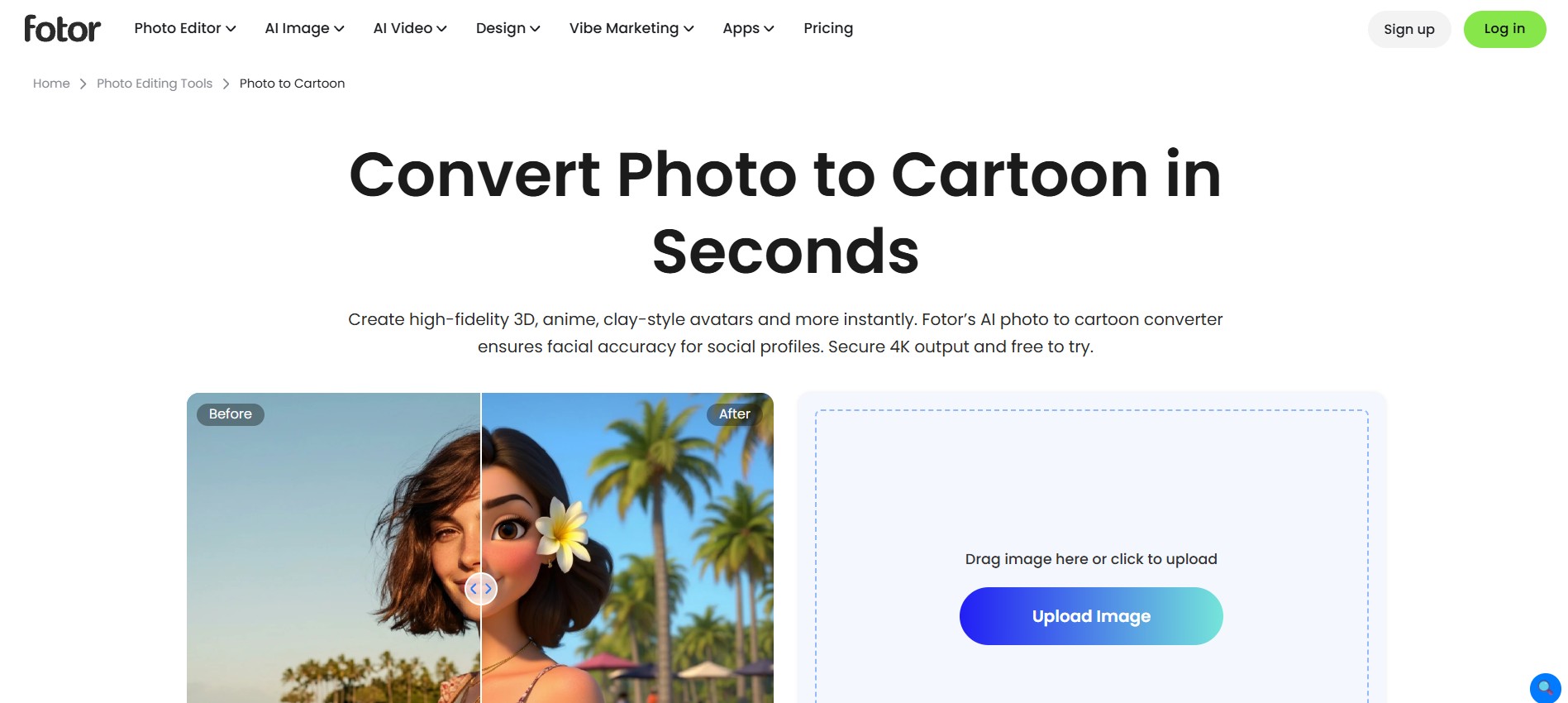
Best for: Fast, no-frills anime or cartoon avatars
Fotor keeps it dead simple – upload a selfie and get three cartoon-style avatar variations back instantly, or describe what you want in text and let it generate from scratch. There’s also a full image editor built in if you want to tweak the result afterward.
What I actually use it for: Turning a quick selfie or even a photo of my dog into a fun cartoon avatar for social profiles, no design skill needed.
The honest downside: It is purely static images, and the style options, while decent, aren’t as deep as a dedicated tool like PicLumen.
Free tier bottom line: A genuinely easy, beginner-friendly option for casual cartoon avatars. Don’t expect realism or video features here.
FAQs
1. Enumerate the best free AI avatar generator overall.
It really is contingent upon what you are making. For static profile pictures, Canva or Fotor are the easiest starting points. For talking video avatars, Synthesia has the most usable free tier without a credit card requirement.
2. Can I make a talking AI avatar of myself for free?
Yes — HeyGen, Synthesia, InVideo AI, and DeeVid AI all let you build a personal avatar from a photo or short video on their free tiers, though most cap how much you can generate before asking you to upgrade.
3. Are these avatars actually free to use commercially?
Mostly not on the free tier. Tools like Synthesia and HeyGen typically reserve commercial usage rights for paid plans, so check the terms before putting a free-tier avatar in an ad or product video.
4. Which tool is best for a gaming or Discord avatar?
PicLumen or Canva. Both lean towards anime, 3D, or stylized looks that are perfect for gaming profiles rather than the realistic, business-oriented video avatar tools.
5. Do I need design skills to use any of these?
No. Every tool on this list is built around upload-a-photo or type-a-prompt simplicity – none require actual editing or design experience to get a usable result.
This list reflects each tool’s free tier as of mid-2026. AI avatar tools update fast, so double-check current free-tier limits before you commit to one for an ongoing project.

Vivek Asrani is a tech writer and AI tools reviewer who has been consistently transforming complex technology into user-friendly stories that readers look forward to. His over a decade of experience in the IT content space allows him to impart useful information on AI tools and digital products he has practically used with a sharp eye for real-world value. His reviews are written to ensure that readers see what a tool can actually do before they think of buying and spending time on the tool. He concentrates on clarity and practical details that make technology effortless to trust and use.