
Top 15 Video Editing AI Tools Free
Video is not an option anymore; it is a requirement for doing business. 91% of businesses utilize video for marketing purposes. Yet expensive software still blocks many creators and small businesses from getting started.
That’s where the best ai app to make videos for free changes everything. This blog highlights 15 strong AI-powered video tools that you could start using immediately; no credit card required.
Table of Contents
Why Free AI Video Tools Are a Game-Changer
However, a couple of years ago, the procedure for getting decent videos entailed getting a video edited by a professional or purchasing expensive editing software.
But now, all this is done using AI tools within minutes. And this development has made the process much more accessible for all.
Why creators are making the switch to AI-powered video tools:
- Zero editing experience required
- Videos ready in minutes, not days
- Templates, stock footage, and captions built right in
What to Look for in a Free AI Video Editor
Key Features That Matter
For Beginners
- Drag-and-drop timeline
- Ready-to-use video templates
- Auto-caption generation
For Content Creators
- AI scene detection and smart trimming
- Text-to-video or blog-to-video conversion
- Voiceover and avatar support
Limitations to Watch Out For
Free plans always come with some restrictions. Watermarks, monthly export caps, and lower resolution are common trade-offs across most platforms. Check the free tier details before building a workflow around any tool.
Quick tip: Use free tools for drafts and client approvals. Only upgrade once you’re generating consistent revenue from your content.
Top 15 AI Video Editing Tools Free: Full List
If you’re hunting for the best ai app Development to make videos for free, every tool below was picked for its zero-cost access and practical, real-world value.
1. CapCut
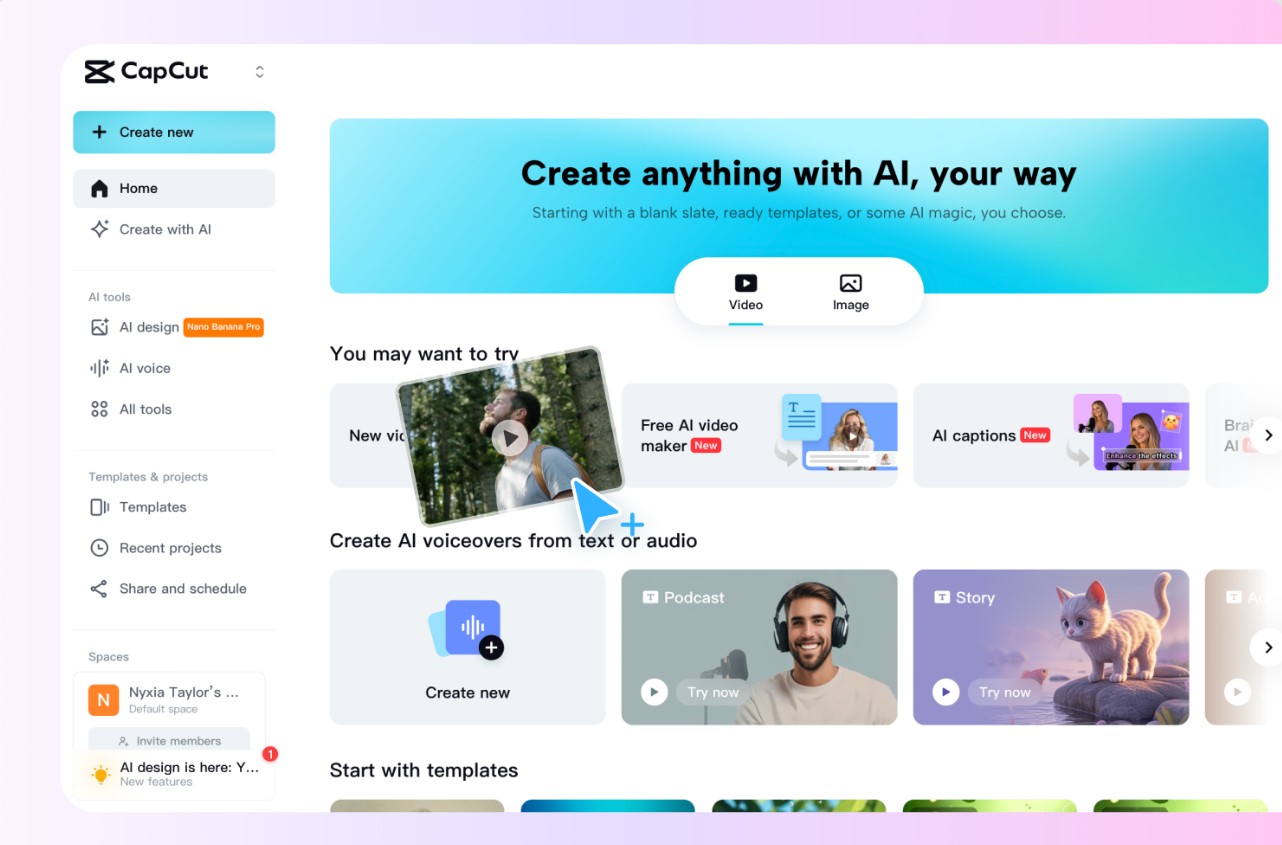
CapCut is one of the most popular AI-powered video tools. AI captions, automatic background removal, and AI script writing are some of the features provided by CapCut free version. It is the ideal choice for TikTok, Instagram Reels, and YouTube Shorts creators.
2. Runway ML
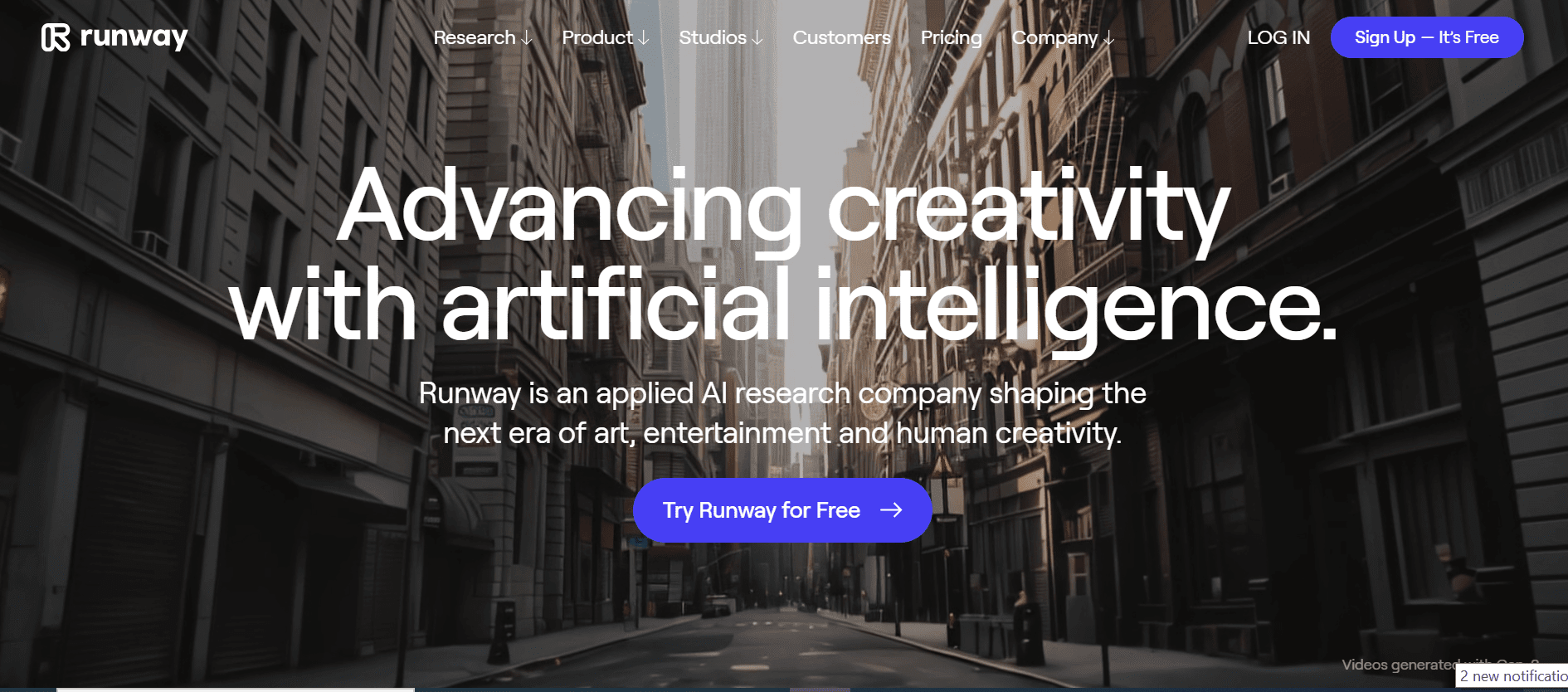
It is a browser-based AI tool for users desiring to have their videos in cinematic quality. This AI tool provides you with background removal, green screen effect, and text-to-video generation for free. Runway ML is one of the top 10 best free ai video generator tools.
3. Pictory AI
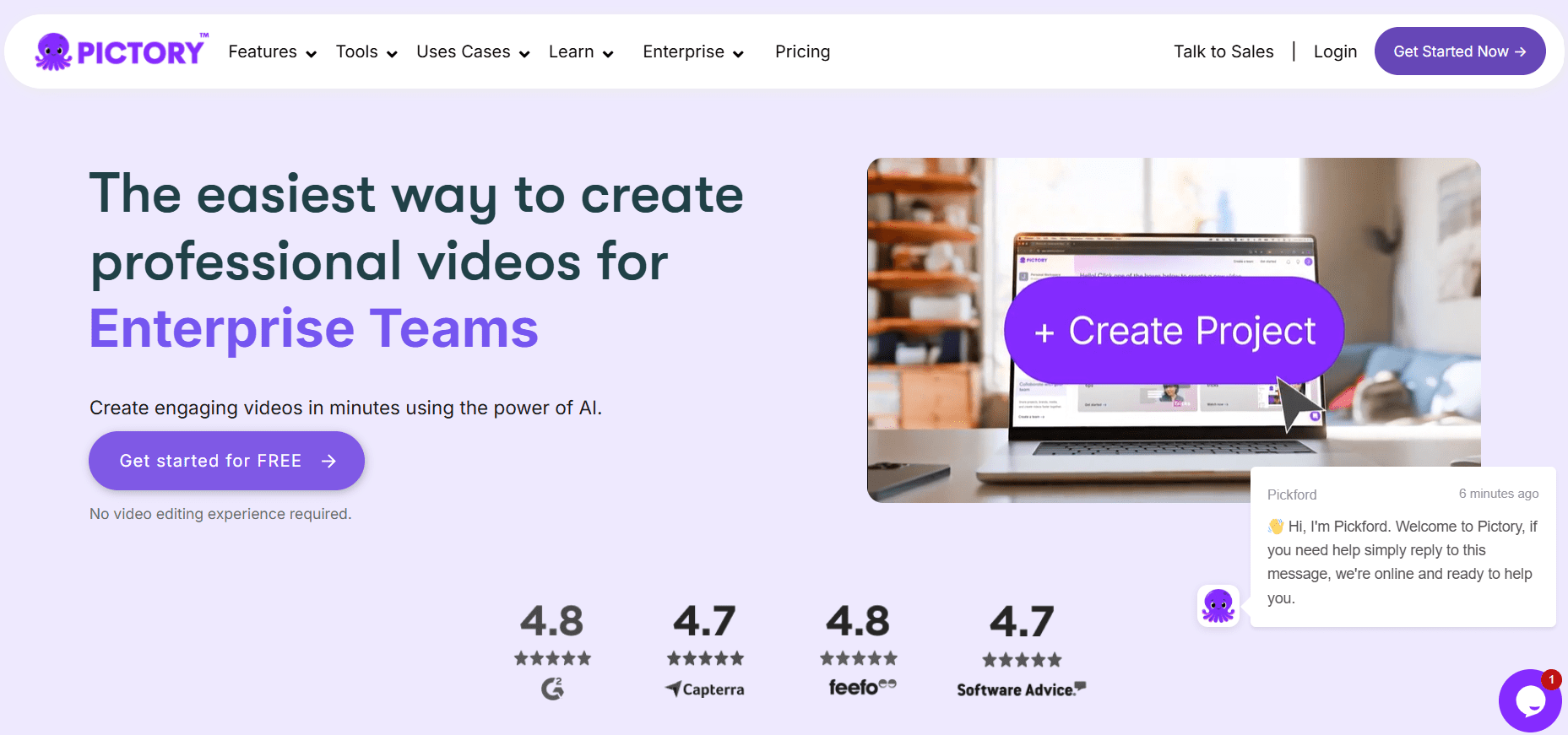
It creates short branded videos out of your blog posts, scripts, Zoom calls, etc. AI Summarization and Highlight Detection are the two features provided for free during the trial period. An excellent choice for marketers looking to create videos from the written content without editing on a timeline.
4. InVideo AI
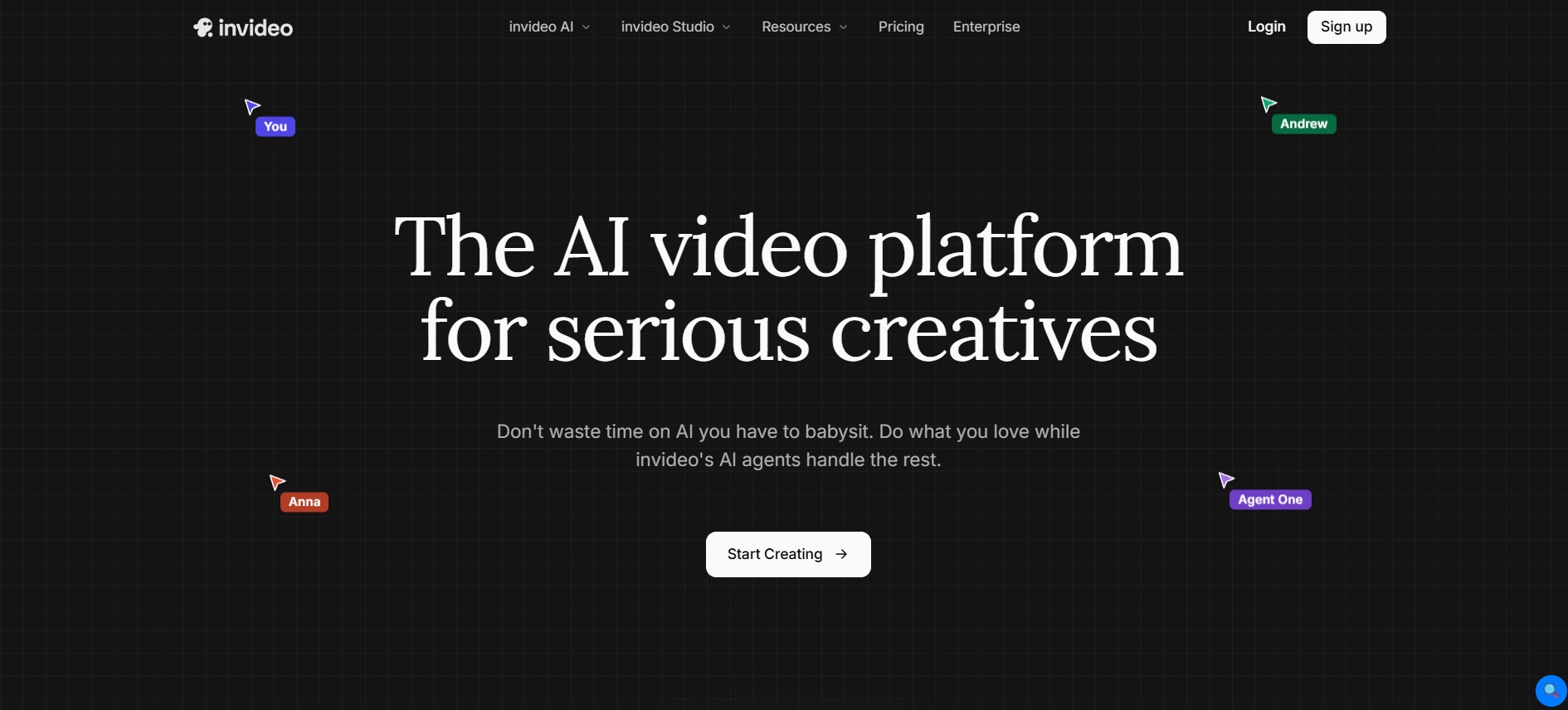
All you need to do is write the prompt, choose the desired style, and InVideo AI will create the entire video using stock images, music, and audio for free. One of the best choices for people new to video creation that don’t require any editing knowledge.
5. Canva Video Editor
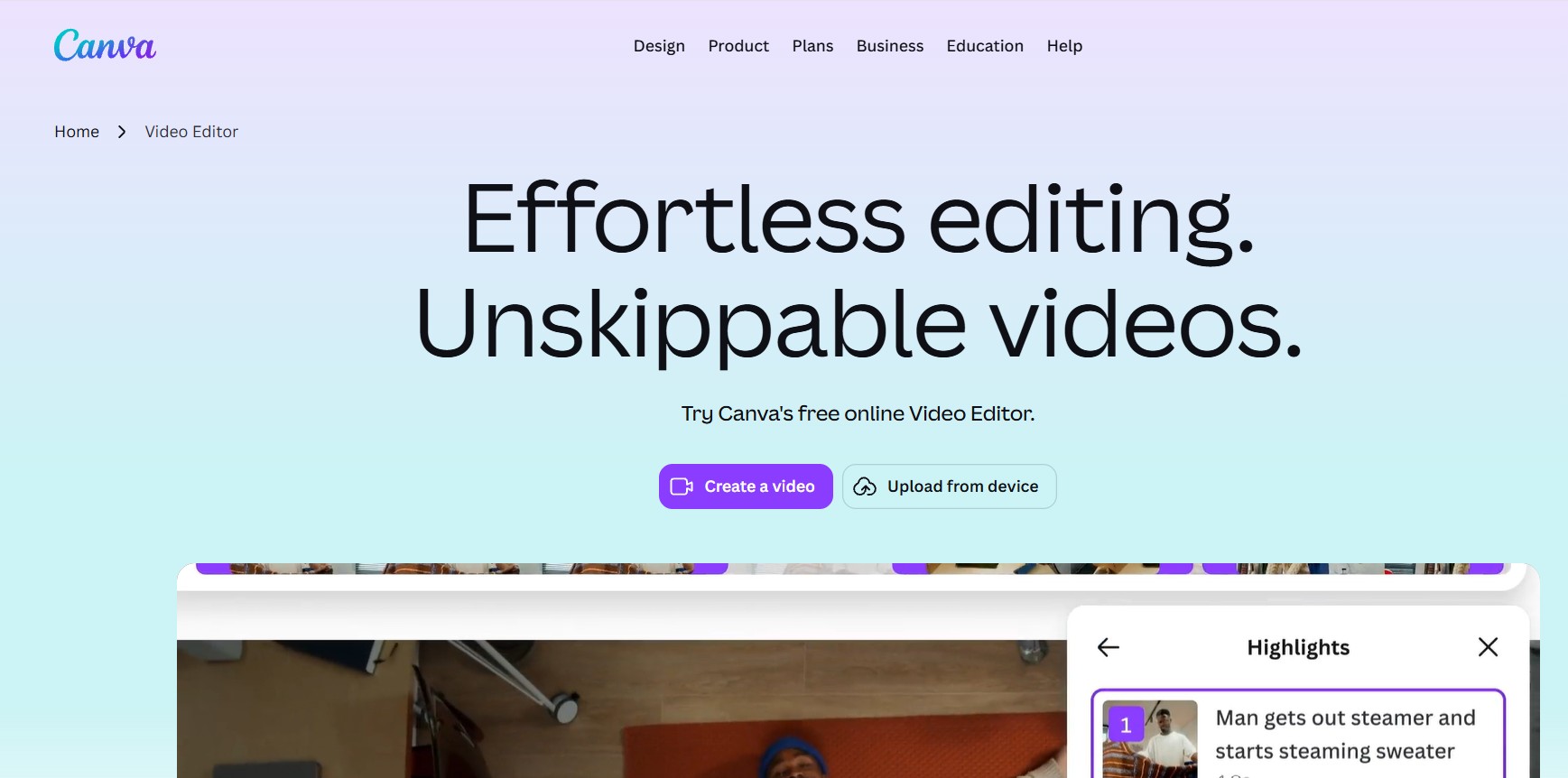
Canva offers its trademark simplicity in the area of video editing too. In its free version, users can access plenty of templates, fluid transitions, and a simple AI-based option to turn your text into a video.
6. Clipchamp
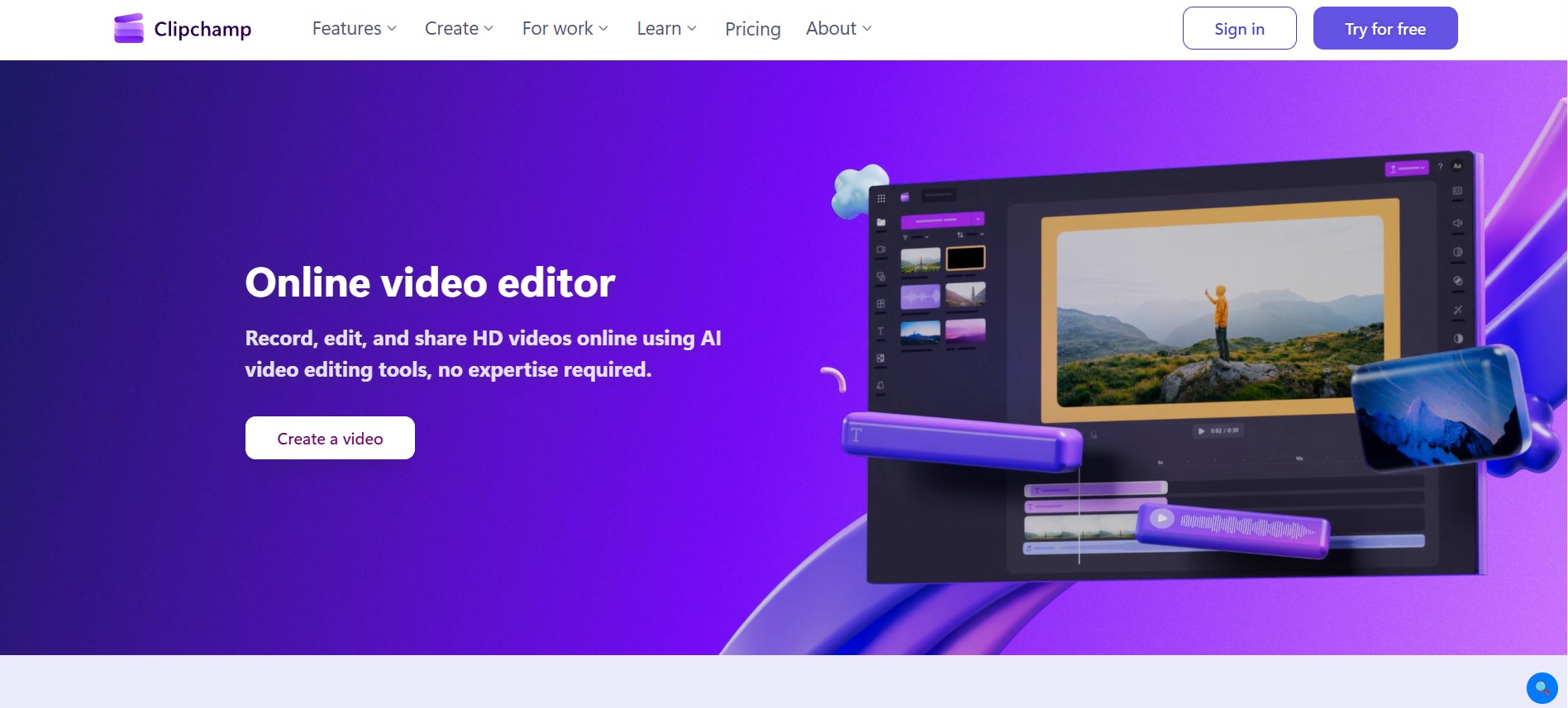
Clipchamp is a browser-based video editing tool by Microsoft that has a built-in AI script generator. Clipchamp is compatible with OneDrive and works well with Windows operating systems. Some of the free services offered include 1080p export, personalized templates, and limited AI help.
7. Steve.ai
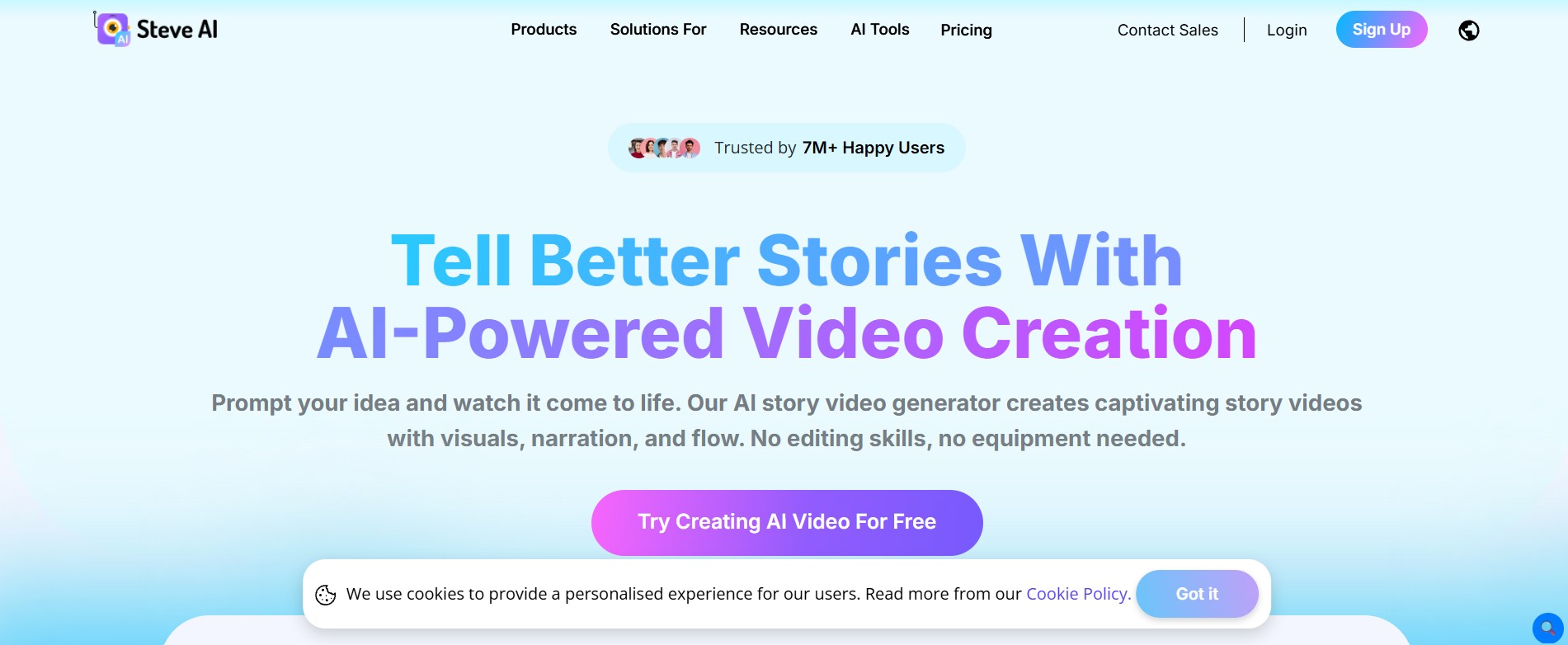
Steve.ai helps you create animations or live videos out of texts, blog posts, and audio. The free version offers a specific number of monthly video credits, sufficient for minor projects. It includes both an AI character video feature and one for real video production.
8. Synthesia (Free Version)
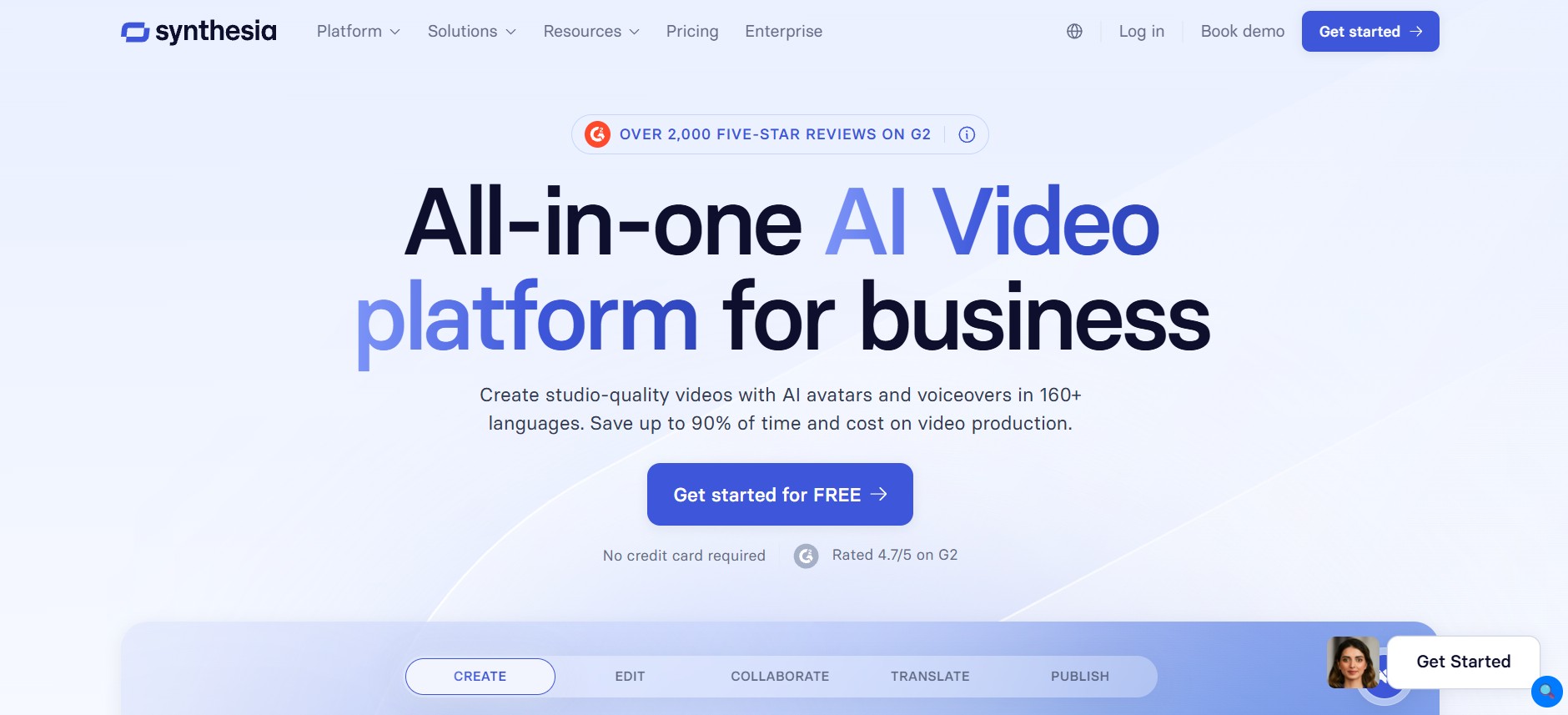
Synthesia allows you to create pro-looking AI avatar videos only based on your script ; there is no need for a camera or recording studio. In the free mode, you have limited minutes for AI avatars from among over 140 presenters. Ideal for explainers, onboarding, and internal messaging.
9. Lumen5
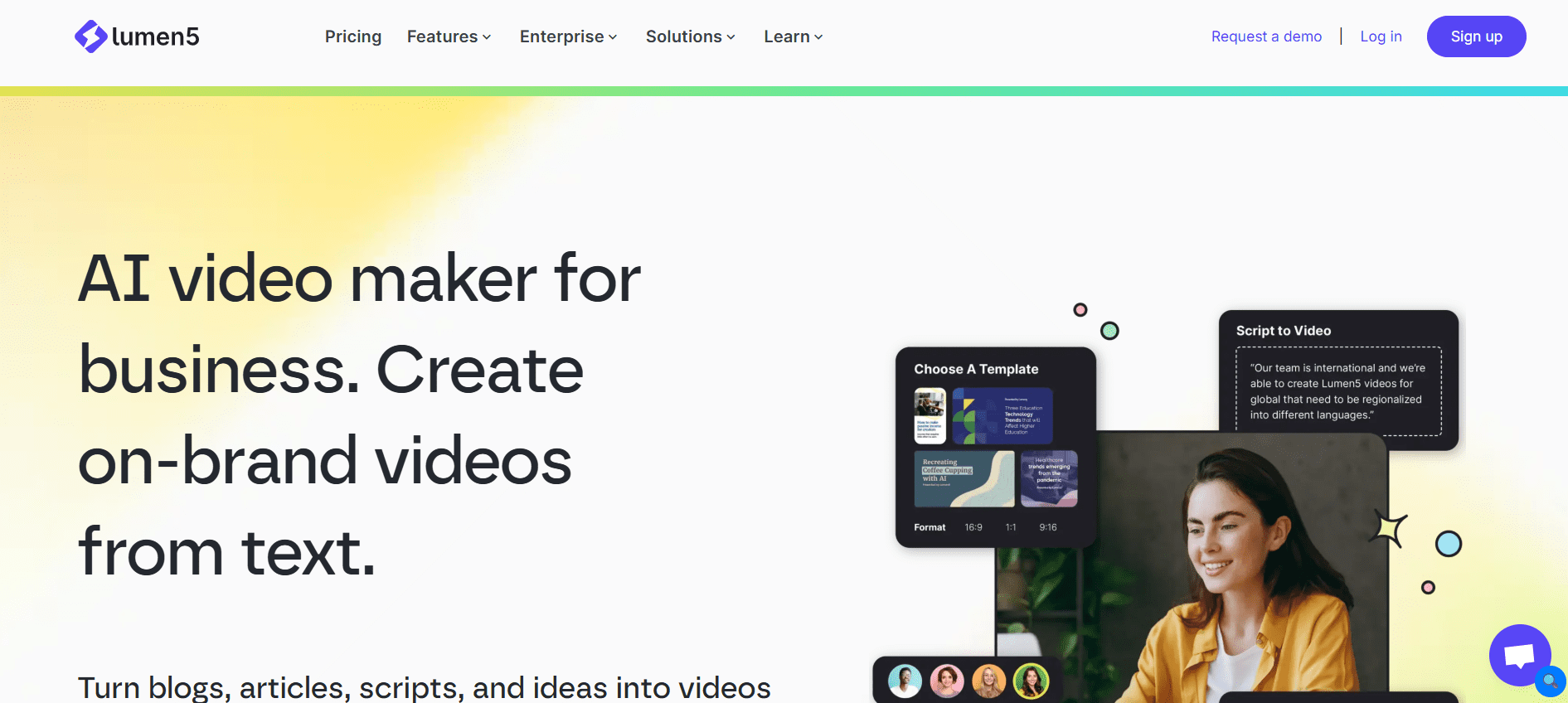
Lumen5 generates videos that will stop your audience by turning any article or blog post into a social video. Just paste the link, and Lumen5 will select the necessary quotes, match them with images, and compile a video from them. These features make it the best AI app to make videos for free.
10. FlexClip
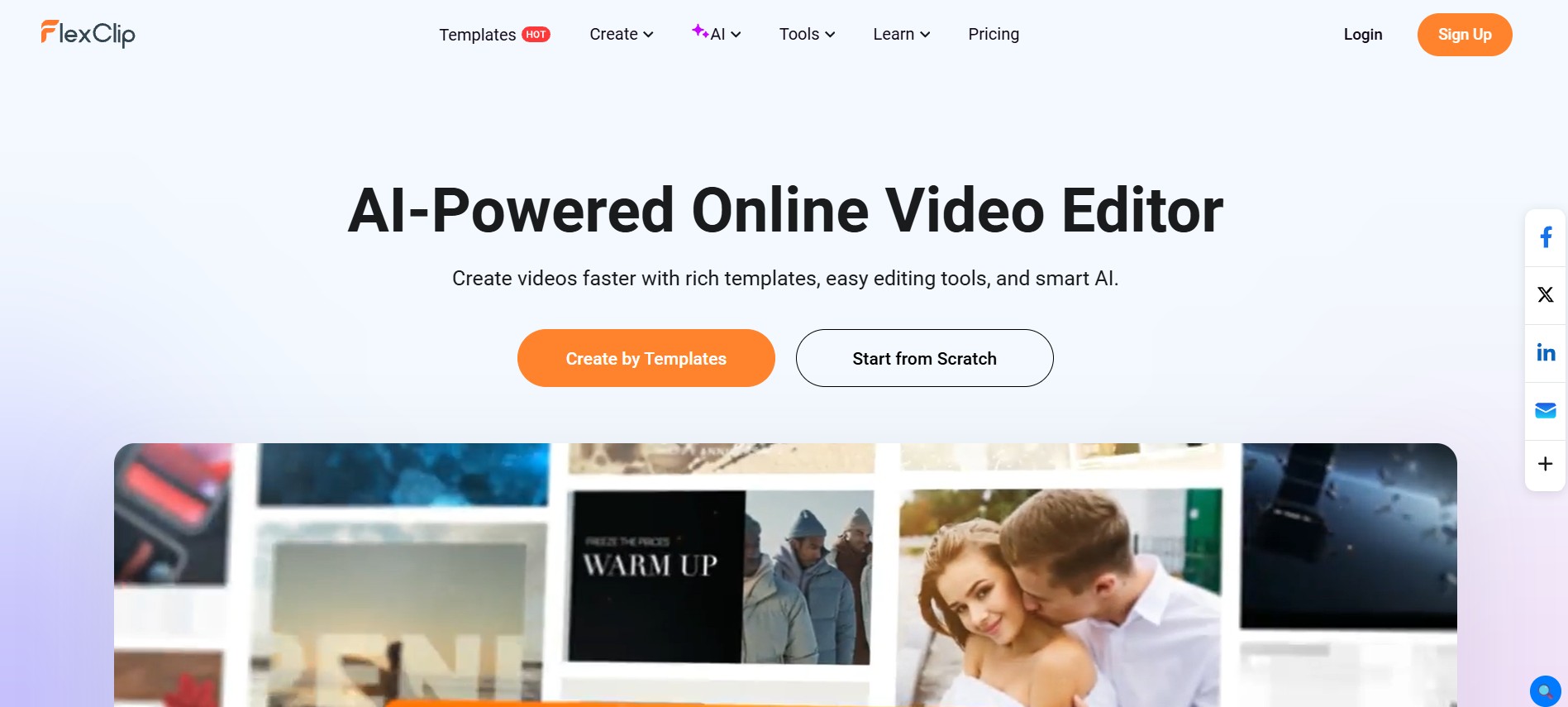
FlexClip is a straightforward editor with AI tools for text-to-video, background removal, and auto-subtitles. The free plan exports in standard definition with a watermark. A practical choice for small businesses creating quick product or promo clips.
11. Veed.io
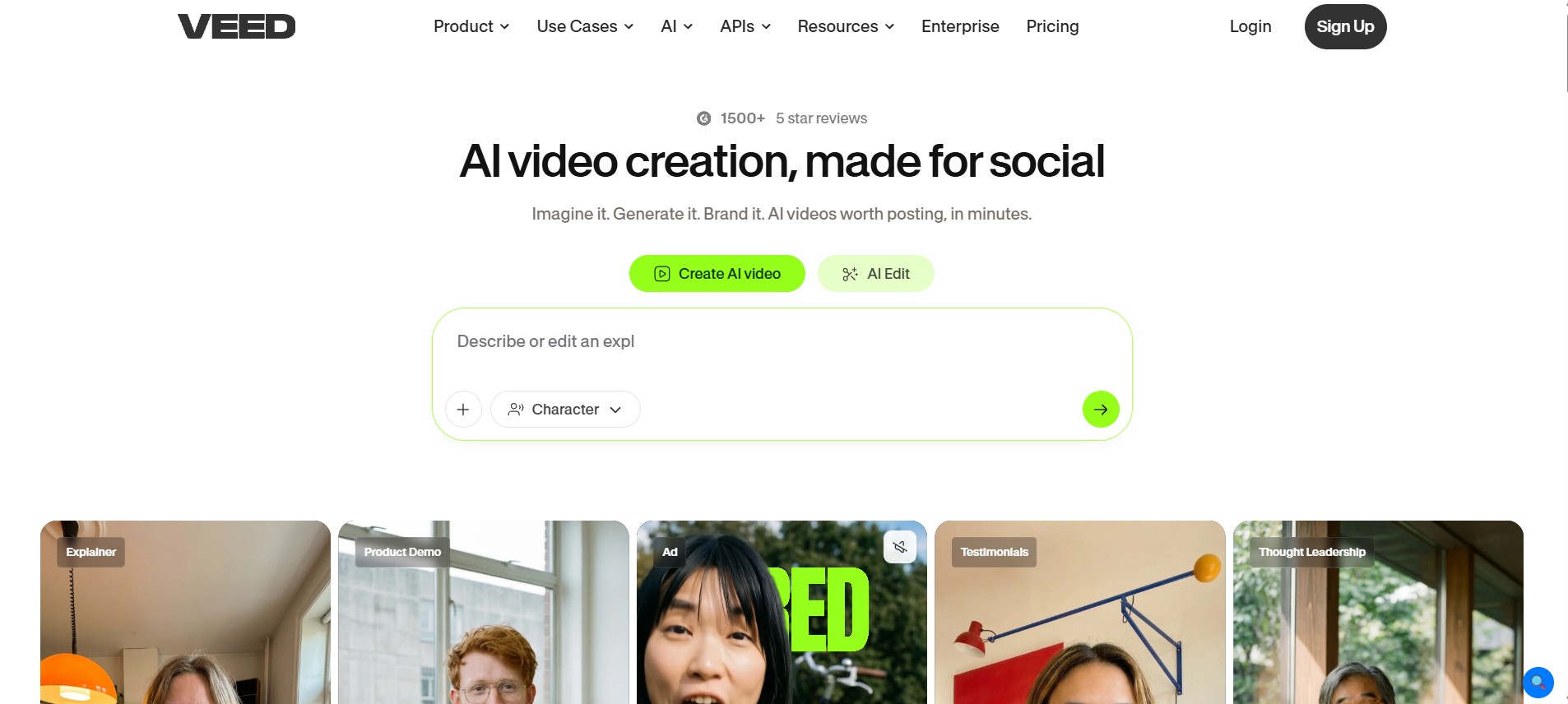
Veed.io is built around one of the cleanest interfaces in the free video editing space. This AI tool for creating automatic subtitles provides hours of time savings for podcasters, educators, and interviewers alike. This free service is limited to access to core editing features, subtitles, and basic AI tools.
12. HeyGen (Free Tier)
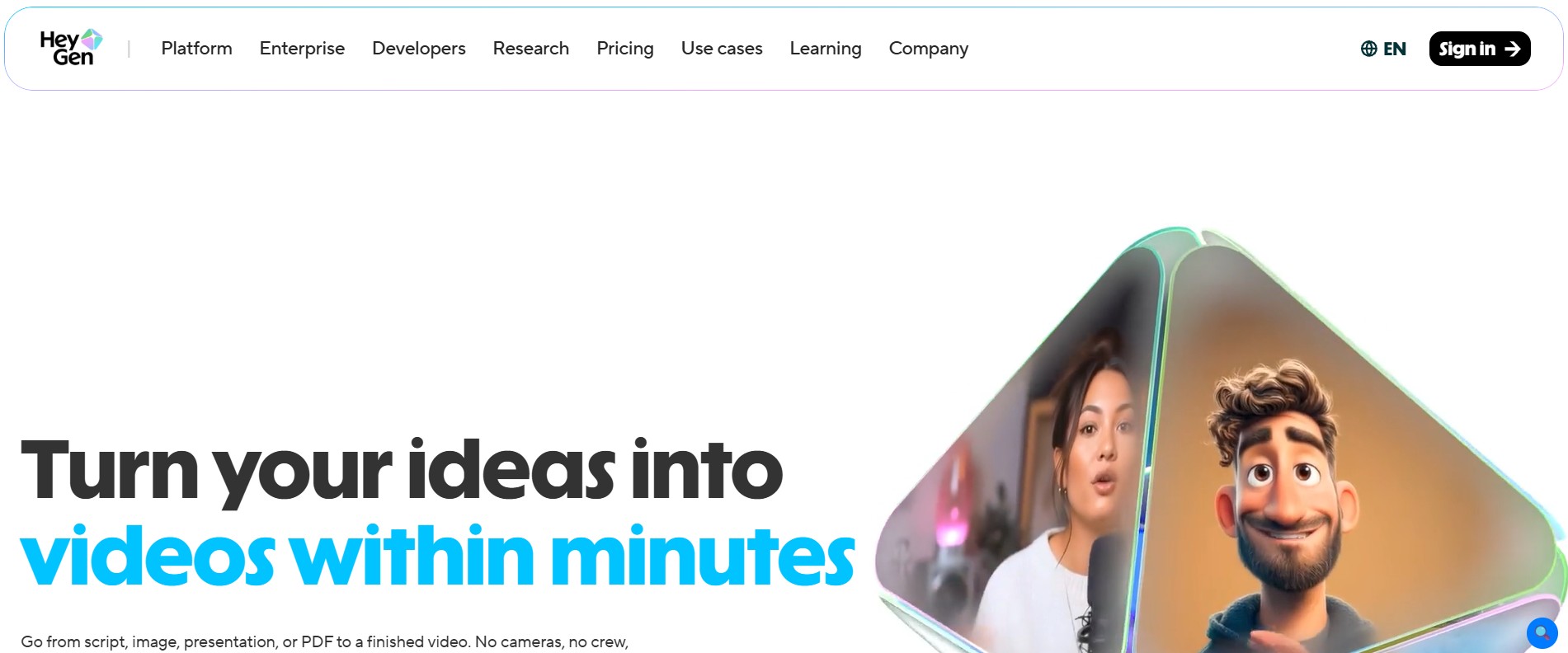
HeyGen specializes in making artificial intelligence avatars and producing talking-head videos. A free low-tier plan is available, allowing you to explore voice cloning and customize your avatars Among AI-powered video tools, HeyGen produces some of the most polished spokesperson-style content available for free.
13. Descript
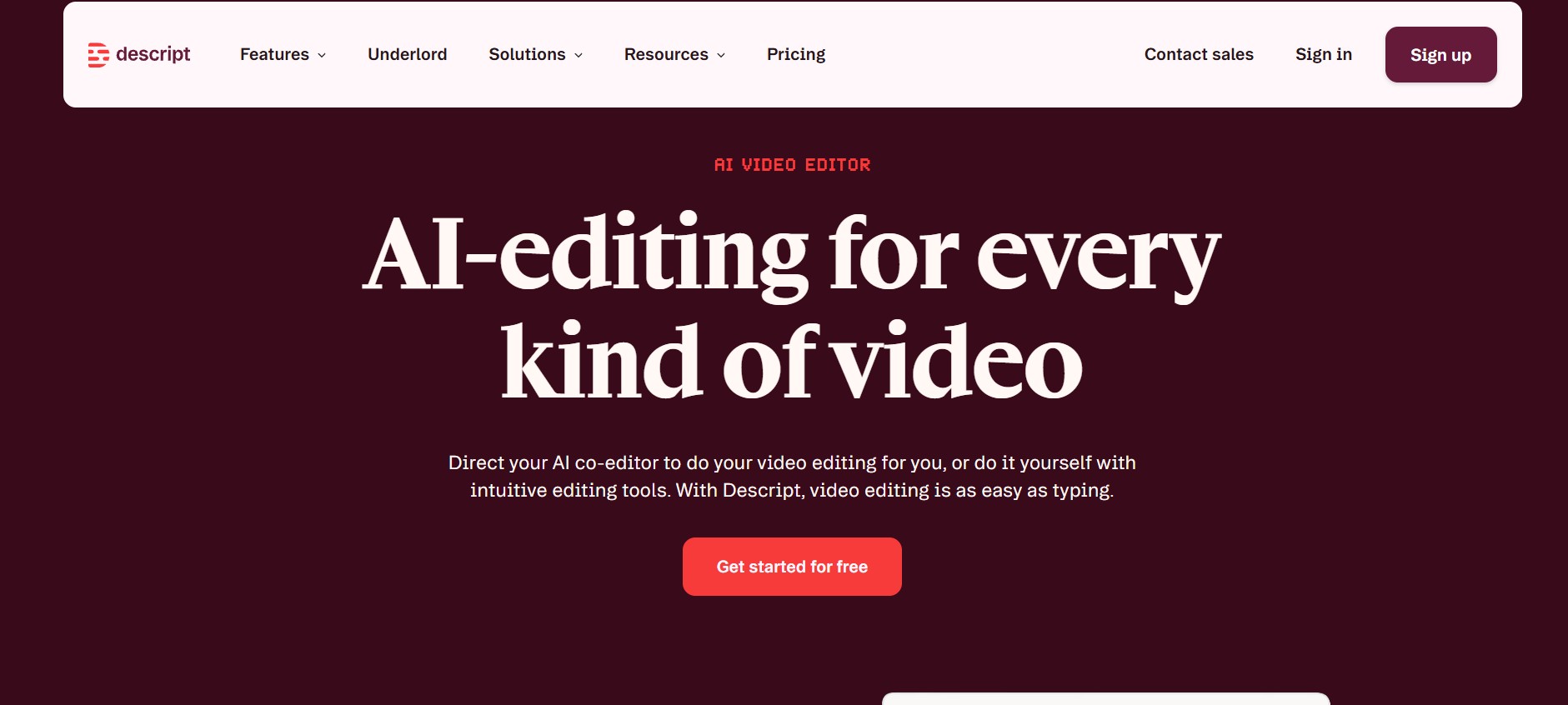
Descript treats video editing like a Google Doc; edit the transcript, and the video updates itself. Transcription, basic screen recording, and AI filler-word elimination features are part of the free package. It is definitely a huge time-saver for podcasters and those who edit interview-based content.
14. Pika Labs
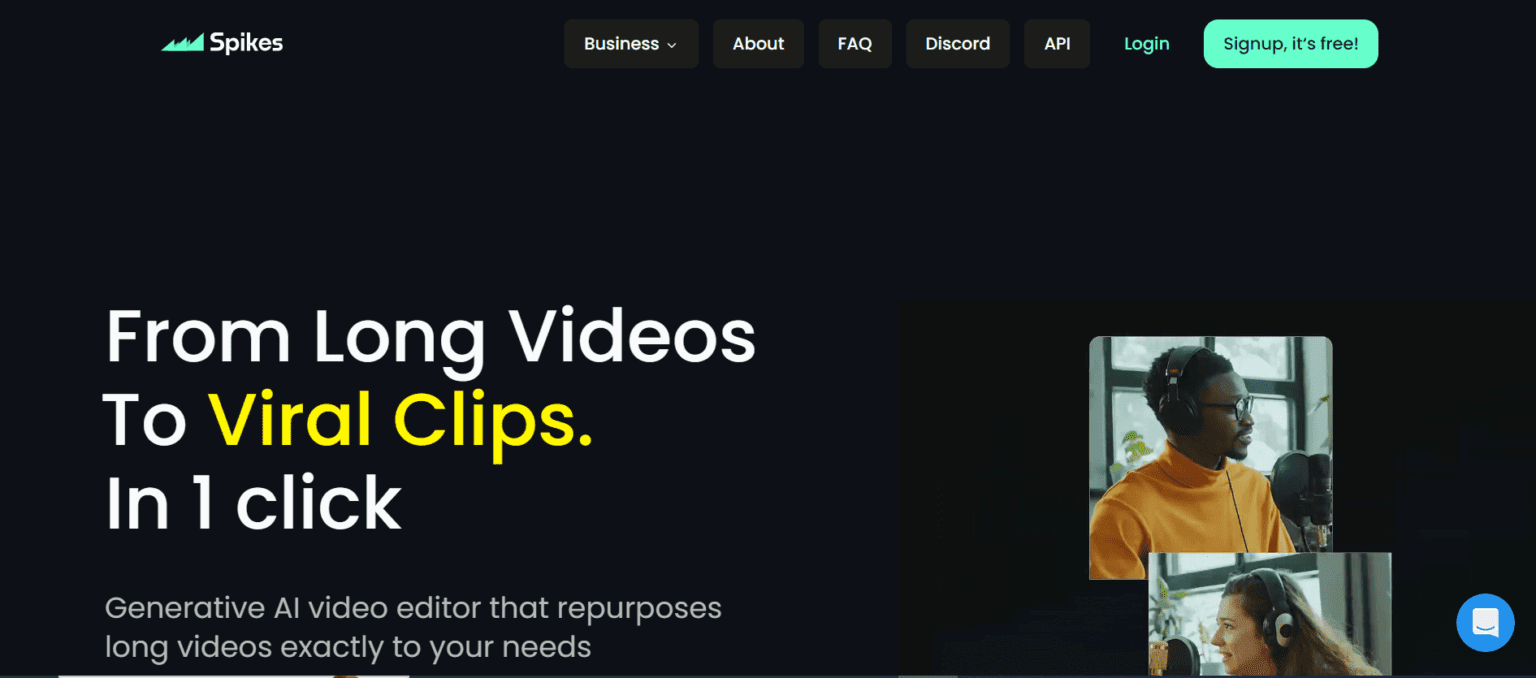
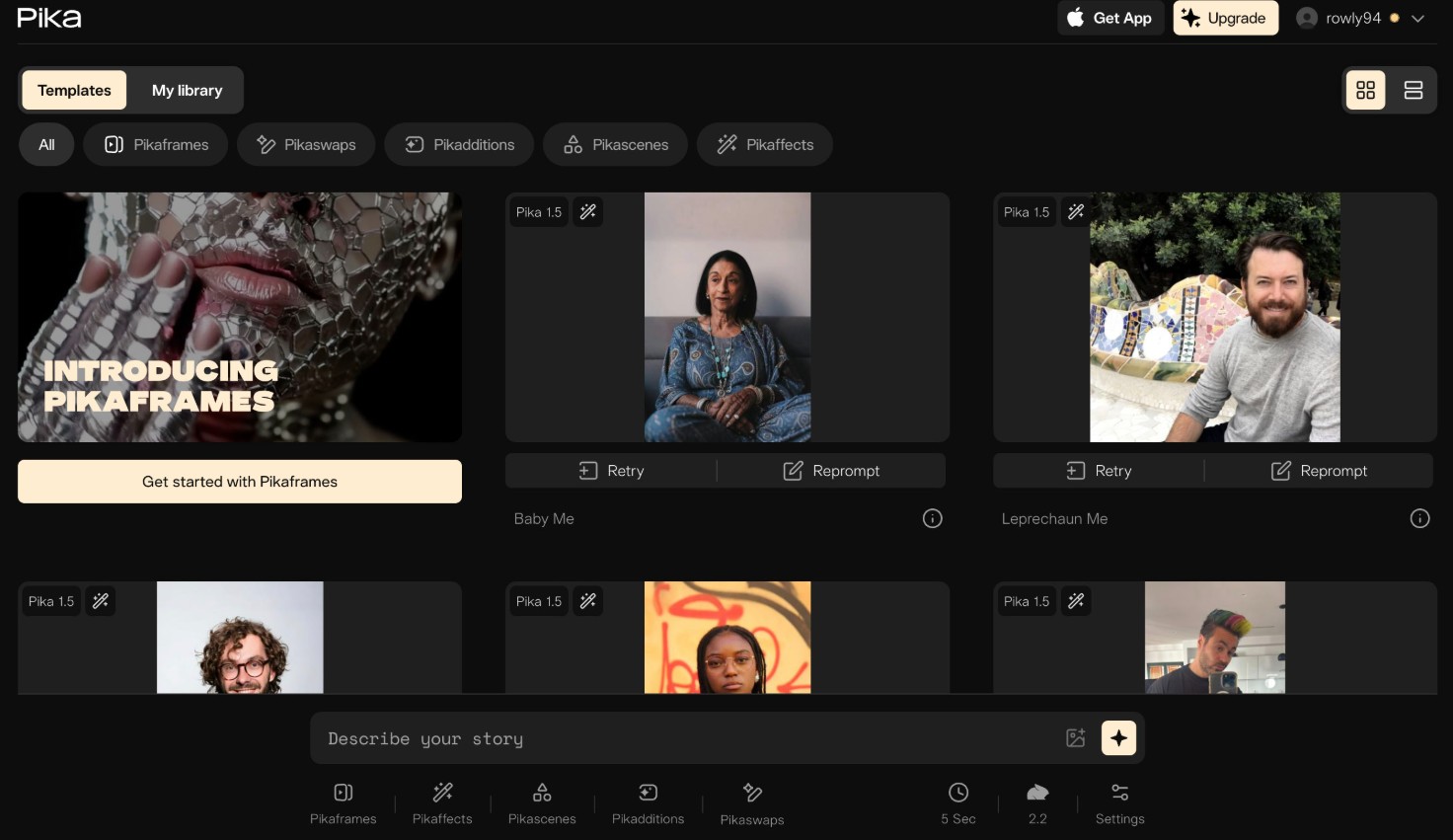
Pika Labs generates short cinematic clips directly from text prompts. The free access model through its web app makes it easy to start experimenting without any sign-up friction. Great for B-roll, visual concept work, or short creative films.
15. Adobe Express (Free)
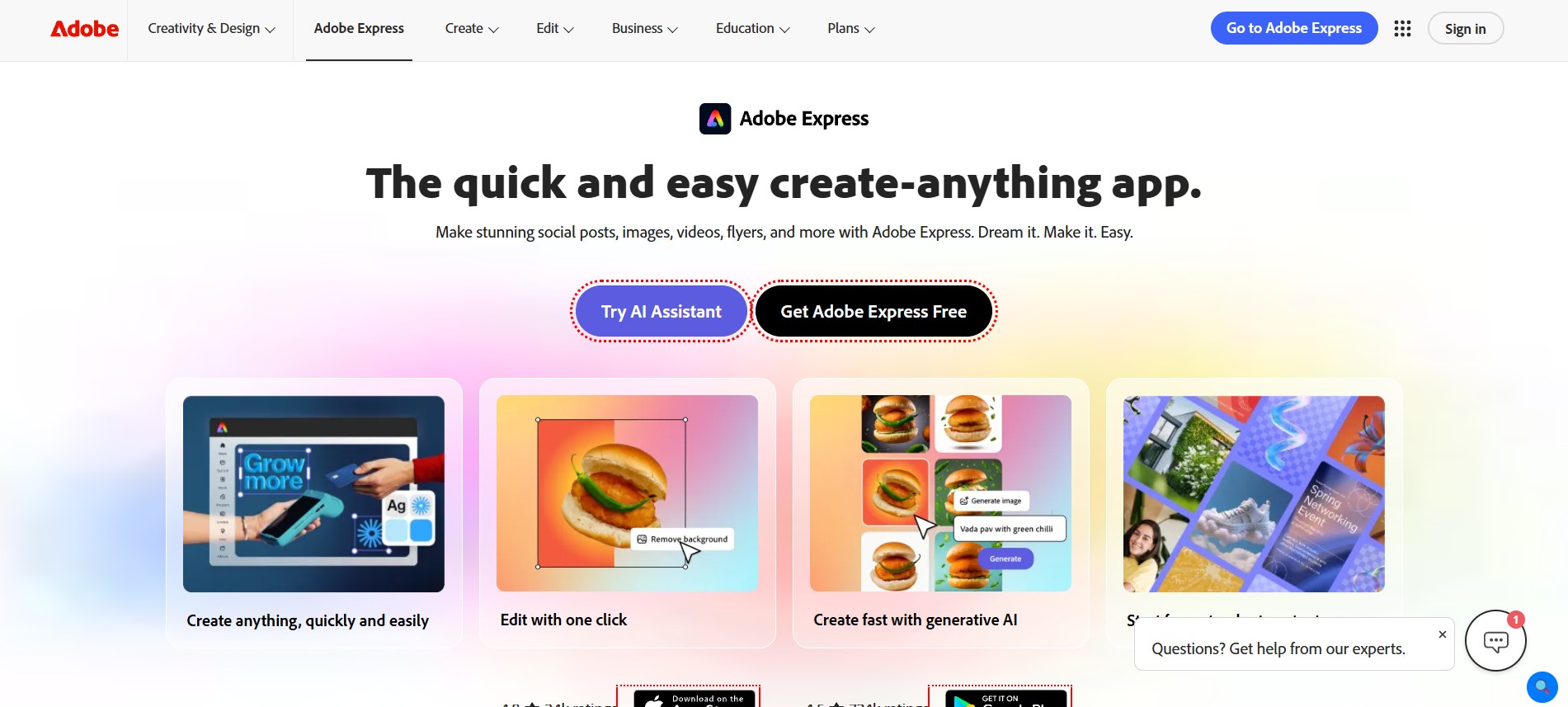
Adobe Express brings the weight of Adobe’s design reputation to a free video tool. Animated text overlays, brand kits, and one-click social exports are all included. It’s one of the more polished AI-powered video tools for creators who prioritize clean, branded visuals.
Pro Tips for Getting the Most Out of Free AI Video Tools
Knowing which tools exist is only half the battle; knowing how to use them smartly is what separates average content from consistent output. Finding the best ai app to make videos for free means working with the tool strategically, not just occasionally.
- Schedule video batches: Shoot several videos together to maximize usage of monthly export limits
- Combine tools: Use CapCut for editing, Lumen5 for blog repurposing, and Veed.io for captions; combined, they’re much more effective
- Create AI scripts first: Use either InVideo or Clipchamp’s scripting features before editing on the timeline
- Sidestep watermarks: Several platforms remove watermarks when you publish directly through their built-in sharing feature
- One video, five formats: Resize, trim, and re-caption a single video for every platform you’re active on
These habits turn the best ai app to make videos for free into a proper content system; no upgraded plan required.
Quick Comparison: Which Tool Is Right for You?
Different creators have different needs. Here’s a straight-to-the-point breakdown to help you pick fast.
- CapCut: Short-form content, Reels, TikToks
- Lumen5: Blog and article repurposing
- Synthesia / HeyGen: Corporate explainers and spokesperson videos
- Descript: Podcasts and interview-style edits
- Runway ML: Cinematic and creative projects
- Canva: Branded social posts and presentations
- Pictory: Webinar clips and long-form highlights
- InVideo AI: Complete beginners starting from a text idea
Whether you’re comparing the top 10 best free ai video generator options or just need one reliable tool to start, this list covers every use case.
About Adonai Solutions
Adonai Solutions is a results-oriented digital marketing firm that employs innovative methods to drive business growth through technological, strategic, and executional means. They have developed a variety of tools that continue working even after their implementation. Their professionals have already created measurable results for different startups, small to medium enterprises, and well-established companies.
Regarding videos and content creation, Adonai Solutions offers assistance to their clients to find the most suitable AI-powered video tools. No matter whether you are a coach, an e-commerce business owner, or simply someone who provides services, they can help make your content convert into something more tangible.
What Adonai Solutions offers:
- AI-assisted video strategy and content creation
- SEO, paid media, and social media marketing
- Web design, workflow automation, and digital growth consulting
Conclusion
With free AI video software, anyone with an idea can create content like a professional. The 15 AI software in this list offer solutions for generating video content, avatars, and much more, all with no subscription needed.
Select the tool you need based on your content requirements and get started. Then, expand to more tools as needed.The best ai app to make videos for free is ultimately the one you open and actually use. Pick one today and hit publish.

Vivek Asrani is a tech writer and AI tools reviewer who has been consistently transforming complex technology into user-friendly stories that readers look forward to. His over a decade of experience in the IT content space allows him to impart useful information on AI tools and digital products he has practically used with a sharp eye for real-world value. His reviews are written to ensure that readers see what a tool can actually do before they think of buying and spending time on the tool. He concentrates on clarity and practical details that make technology effortless to trust and use.