What Is Meshy AI?
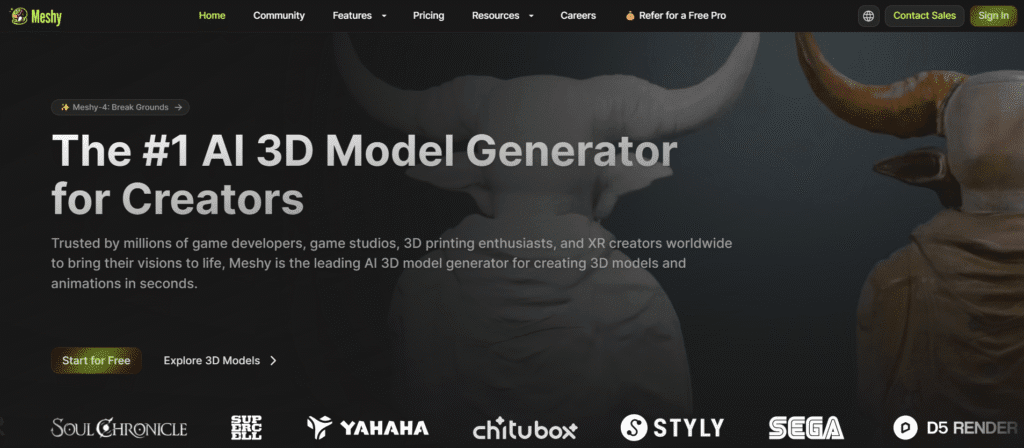
Meshy is an innovative AI tool that changes how people make 3D content. It converts text and images into detailed 3D models and textures quickly. It helps content creators, game makers, and digital artists work quickly. Meshy makes 3D modeling and texturing easier and quicker for anyone in the creative space.
Key Features of Meshy AI
- Text to 3D Generation: Develop accurate 3D models by simply telling in plain English what you want.
- Image-to-3D Conversion: Auto conversion of 2D images/drawings to 3D.
- AI Texturing: Generates high-quality textures in a few seconds, all of which would have taken hours in other methods.
- Fast Workflow Incorporation: Incorporate fast with a standard 3D design system and workflow.
- Variety in Art Style: Has blocky voxel to photorealistic lifelike, thus you can make anything you want.
- User-friendly: It can be easily used even by the most novice users of 3D modelling.
- Multilingual Prompts: Meshy can produce in my native language.
- Ready API: Developers can use Meshy along with their own applications to add functionality.
- Flexible Export: Export to FBX, GLB, or USDZ formats to open with other programs.
How to Use
Reconstruction to 3D option between text to 3D or image to 3D. In the case of text generation, describe your preferred 3D model in detail. For image conversion, upload a clear photo or drawing. Adjust settings for detail level and intended use, then generate your 3D model for download.
Who Can Use
- Game developers are creating assets and characters
- Product designers prototyping new concepts
- Educators developing 3D educational materials
- Architects and interior designers exploring 3D creative possibilities
- Businesses needing 3D models for marketing or visualization
Pros & Cons
Pros:
- Cuts down hours of work on 3D modeling and texturing.
- Simple design makes it easy for anyone to create 3D content.
- Creates sharp, customizable textures and lifelike 3D models.
- Supports many art styles and file formats for wide use.
- Offers API access so you can add Meshy to your own apps.
Cons:
- You should learn how to write good prompts and use the tool well.
- Results can vary depending on how the AI understands your input.
- Even though it’s advanced, Meshy still has limits based on today’s AI technology.
Pricing
- Free Trial: Basic 3D generation with limited models
- Professional Plans: Unlimited generation and commercial licensing (check website for current pricing)
FAQs
Q1: What is meshy AI used for?
Meshy uses AI to quickly turn text and images into detailed 3D models and textures. It helps creators, artists, and developers work more efficiently.
Q2: Can Meshy be used for professional work?
Meshy AI generates fast and impressive 3D models and textures. But cleanup and quality issues can slow down pros who need ready-to-use results.
Q3: Can I use these models in commercial games?
Yes, professional plans typically include commercial licensing for game development and business use.
Q4: What file formats are supported for export?
Meshy AI supports multiple standard 3D formats compatible with popular modeling and game development software.
Q5: How detailed can the generated models be?
The platform can create highly detailed models, although complex designs may require traditional 3D modeling techniques.