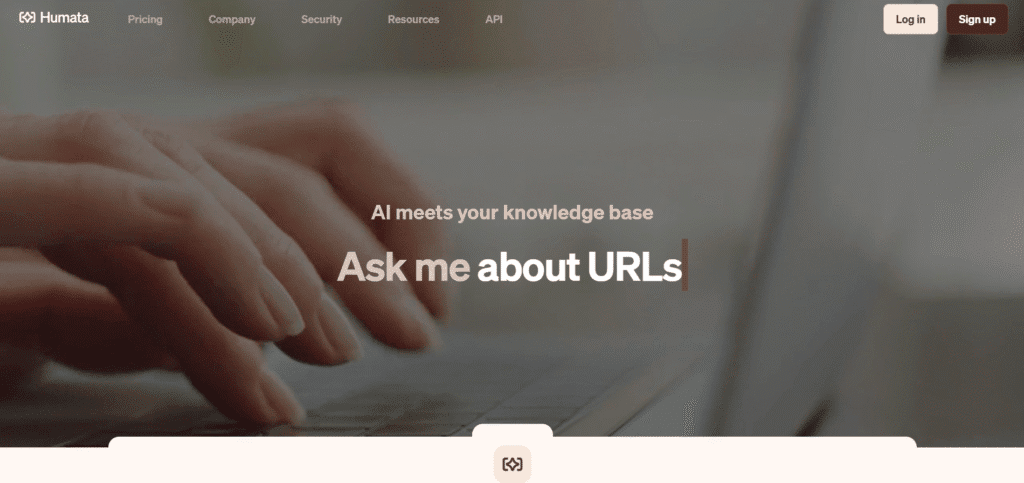
What Is Humata AI?
Humata AI is an innovative tool that helps you understand documents. It works like a personal assistant for your files. You do not need to read long papers or reports. Humata can quickly give you summaries and answers. It finds essential points and shows where they came from. You upload your document and ask questions. Humata makes working with significant documents fast and easy.
Key Features of Humata AI
- Intelligent Document Summarization: Humata AI can quickly shorten long papers and reports. You get the main points without reading every page.
- Multi-Document Comparison: You can upload many files and look at them side by side. This helps you compare versions easily.
- Citation Backed Responses: Every answer shows where it came from. You can click to see the exact part of your document.
- Unlimited File Uploads: You can upload as many files as you want. There is no limit on file size.
- OCR Capabilities: Paid plans let you scan paper documents and images. Humata turns them into readable text.
Who Can Use
- Students analyzing research papers and textbooks for assignments
- Researchers conducting literature reviews across multiple studies
- Legal professionals going through contracts and searching for case precedents
- Business analysts pulling out insights from reports and presentations
- Healthcare professionals gaining knowledge of the latest medical literature
- Educators taking academic sources for teaching materials, and corporate teams requiring secure document collaboration
Pros & Cons
Pros:
- Dramatically reduces time spent reading lengthy documents
- Accurate answers with transparent citations for verification
- Handles multiple documents simultaneously for comparison
- Strong security and privacy protections for sensitive files
- Unlimited questions and file uploads on paid plans
Cons:
- Accuracy can vary with highly technical jargon or specialized fields
- Pay-per-page costs can add up if you exceed monthly limits
- OCR functionality is only available on premium plans
- Some users report occasional document reading errors
Pricing
- Free Plan: Costs nothing each month. You can upload up to 60 pages and get 10 answers. It includes basic features for one user.
- Student Plan: Costs $1.99 per month. You need a verified .edu email. You can upload 200 pages each month. Extra pages cost $0.02 each. Comes with basic chat support.
- Expert Plan: Costing just $9.99 every month, it allows you to upload 500 pages in total every month. The price for every extra page is $0.02. Covers three users at maximum. Grants access to premium chat support and utilizes the GPT 4 model.
- Team Plan: Monthly cost is $49 for each user. Allows a total of 5,000 pages to be uploaded per month. Extra pages are charged at $0.01 each. Designed for 10 users at max. Comes with OCR and advanced team features.
For larger groups who require more than 10 users. The custom plan provides security, complete support, and unlimited page uploads. Pricing is based on your requirements.
FAQs
Q1: How is Humata AI different from regular AI chatbots?
Humata AI is made to work with documents. It gives clear answers and shows where the information came from.
Q2: Can I upload scanned documents?
Of course, but just in case you have the Team or Enterprise plan. Humata can access all documents that have been scanned and even the first handwritten note page and convert it into a text file.
Q3: How many documents can I analyze at once?
You can upload as many files as you want without restrictions. But the page count that you will be allowed to use will depend on the subscription plan you are on.
Q4: How does Humata AI help with document management?
Humata AI performs rapid file reading and comprehension over large document sets. So, you will get more time and less effort.
Q5: Who can benefit from using Humata AI?
The software is quite handy and beneficial for students, educators, lawyers, and businesspeople as they all can depend on it while the document search for the key information.